GPT-Image-2 vs Nano Banana 2 for Game Art
OpenAI's GPT-Image-2 just dropped. Here's how it stacks up against Nano Banana 2 on characters, icons, UI, and detailed art.
OpenAI shipped GPT-Image-2 on April 21. It's their first proper image model upgrade in a while, it's faster, and it's finally good at rendering text.
So, does it beat Nano Banana 2 for game art?
Honestly, no clear winner. Both spit out usable output from the same prompts, with different personalities. Here's what that looked like.
What's new in GPT-Image-2
Quick rundown:
- Supports up to 4K output (with a pixel-count cap, so it's more like 3600x2100 in practice)
- Noticeably faster than the previous gpt-image models, though the exact speed depends on your settings
- Uses a reasoning model to "think" before drawing
- Multi-turn edits that keep the rest of the image intact
- Near-perfect text rendering across Latin, CJK, Hindi, Bengali
The reasoning part is the big shift. You can ask for specific layouts, count objects, or place items in exact positions and it mostly listens. That also makes it the first image model I'd actually trust with UI mockups.
Same prompts, both models
Every pair below is one prompt, one shot, no cherry picking. Read these as a taste, not a verdict. Style variance run to run can be bigger than the gap between the models.
Character sprite
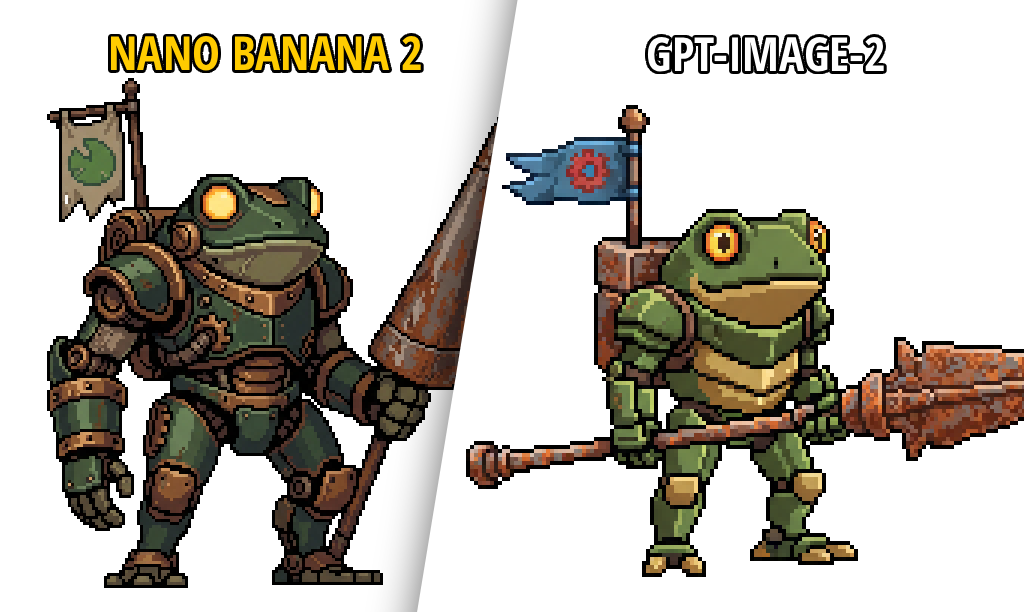
Nano Banana 2 on the left, GPT-Image-2 on the right. Both hit the brief. Different vibes, both usable.
Item icons
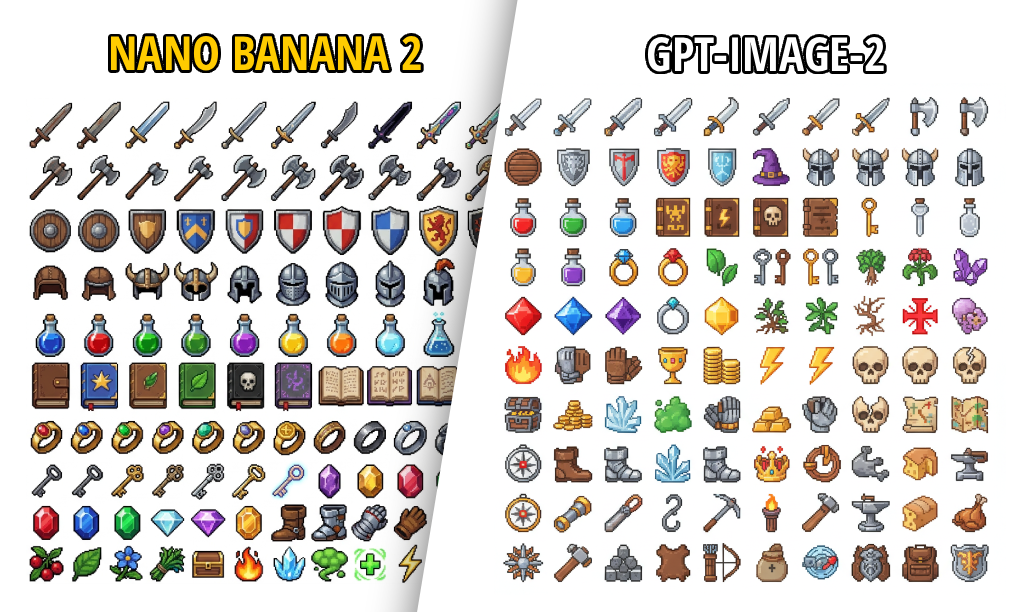
100 icons in one shot, neither model fell apart. Styles diverge. Pick the one that matches the rest of your game.
UI panels
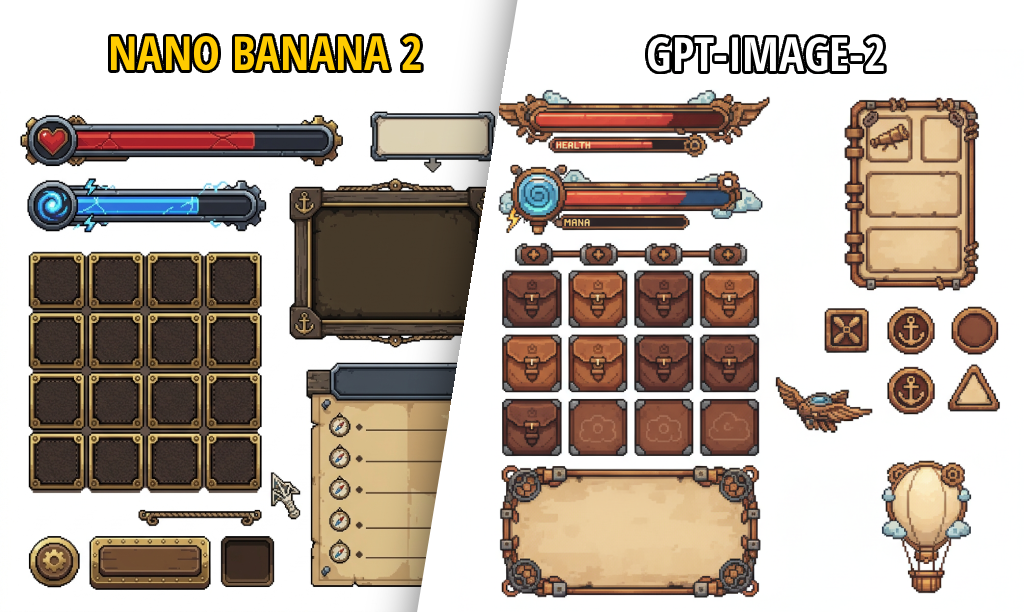
This is where the reasoning model earns its keep. GPT-Image-2's UI is varied and structured, with buttons, scrolls, tabs, and shield icons laid out like someone designed it. Consistent win for HUDs and menus.
Character with a scene
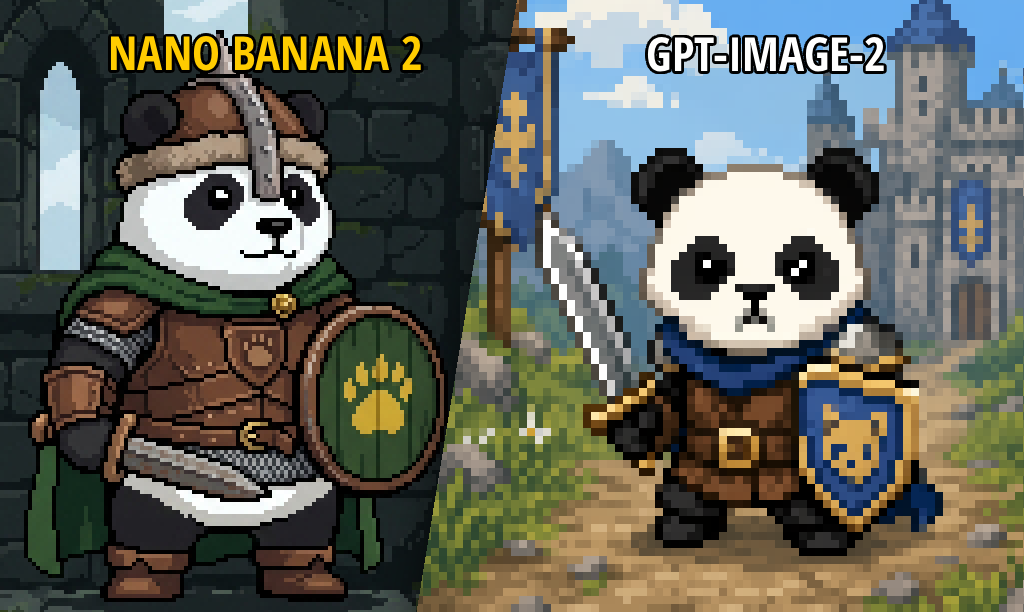
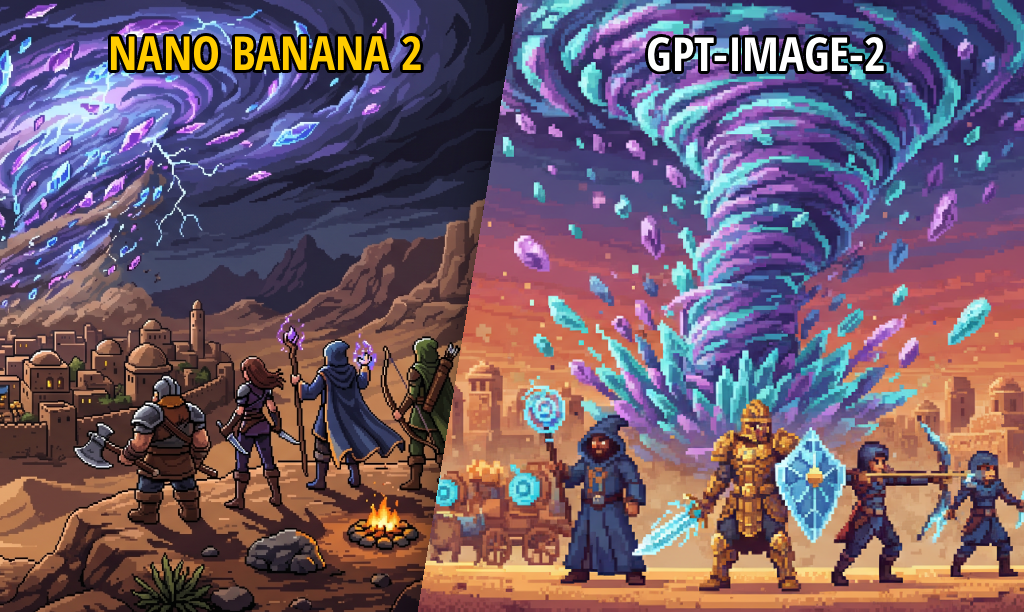
Both asked for a character with a background. Nano framed tight on the character, GPT went wider into a full scene. Depends on the shot you want.
Pixel art splash
Bigger scene, a few characters and a dramatic centerpiece. Output quality very close. Colors and mood differ, take your pick.
Detailed illustration
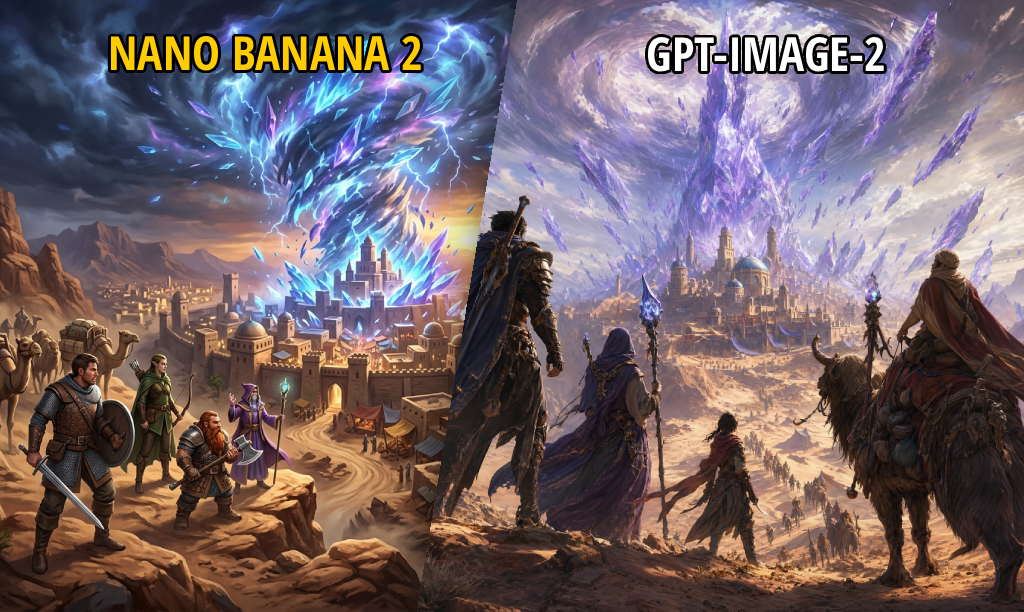
SpriteCook does HD art too. Nano leans cartoonier, GPT leans more concept-art realistic. Both look great at full size.
Rough picks
Nothing dogmatic, just what I'd try first:
| Task | Pick |
|---|---|
| Tiny sprites (16–32px) | Nano Banana Pro + checkerboard trick |
| Character sprites | Either, go with the style you like |
| UI, HUDs, menus, signage | GPT-Image-2 |
| Text inside images | GPT-Image-2 |
| Splash art and concept pieces | Either, coin flip |
| Animating a character | Nano Banana via /characters |
Try them both
All three (Nano Banana 2, Nano Banana Pro, GPT-Image-2) are live in the /create sidebar. Same prompt, switch the model, see which one fits.
If you run your own comparisons, post them in the SpriteCook Discord. Curious what people get out of GPT-Image-2 now that it's in the wild.