August 31st, 2026
Featured Post

Pixel Engine v1.5, a New Model for Sprite Animation
A new animation model with cleaner frames and better prompt adherence, any frame count from 3 to 16, and pixel canvases up to 320px.
A new animation model with cleaner frames and better prompt adherence, any frame count from 3 to 16, and pixel canvases up to 320px.
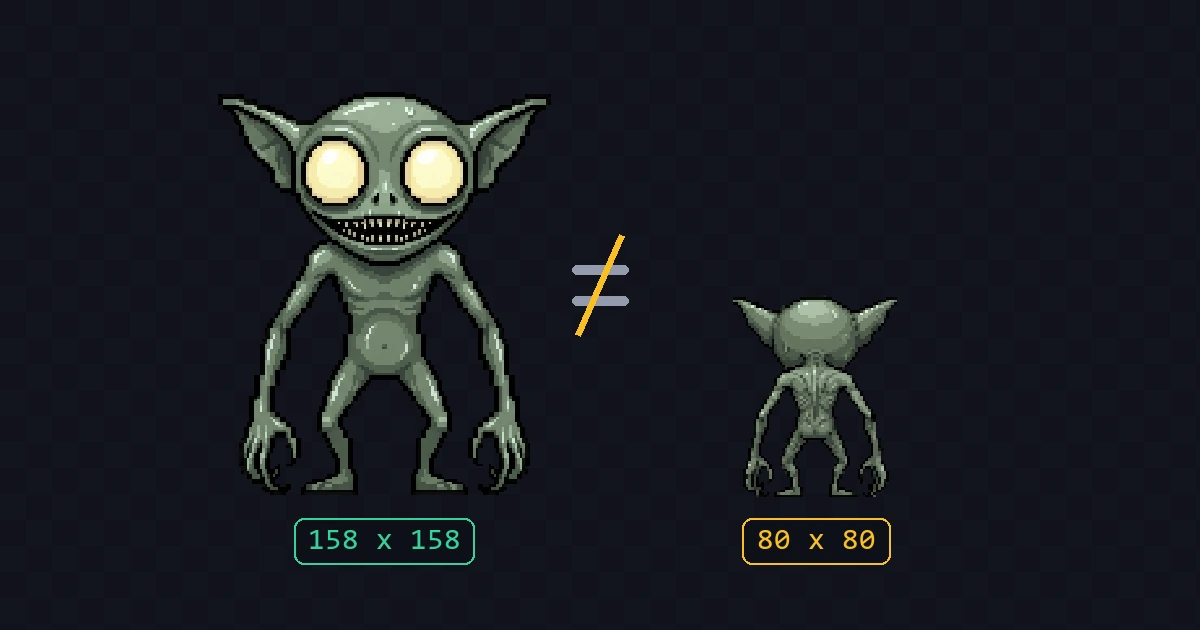
Image models fake pixel art at a simulated grid, and sometimes they pick the wrong grid size. Here's what that breaks in animation, and what to do about it.
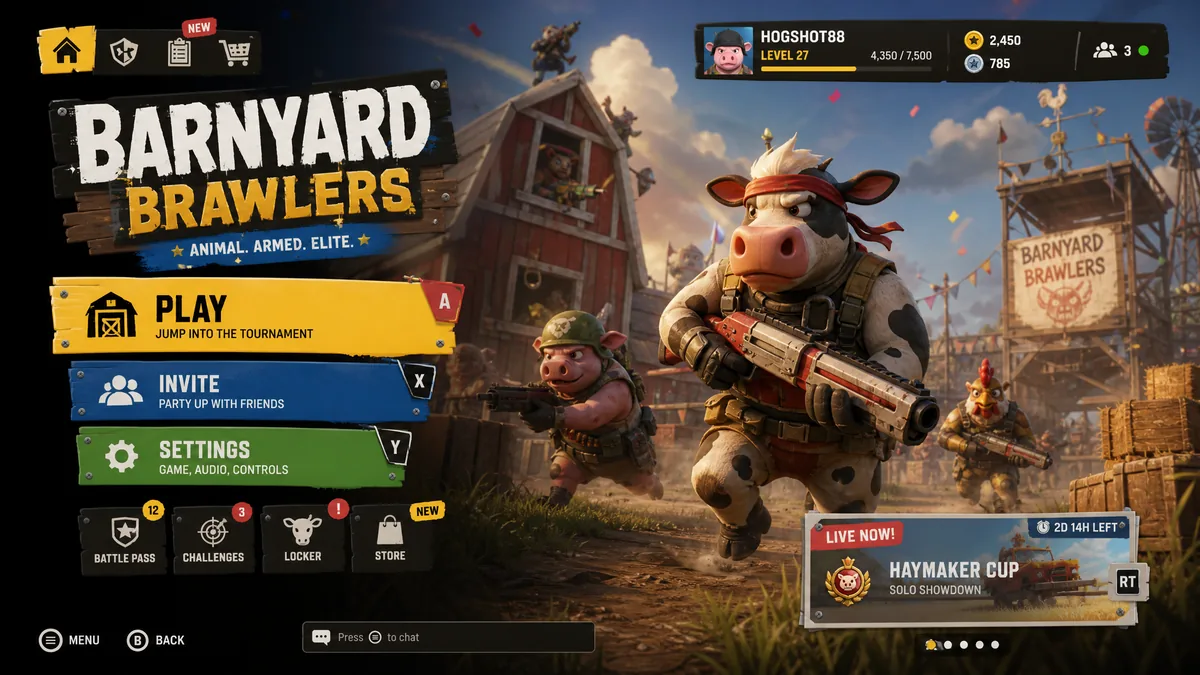
Generate the whole screen as concept art first, then pull the buttons, panels and bars out of it as real game UI components. Plus how to hand the result to a coding agent.
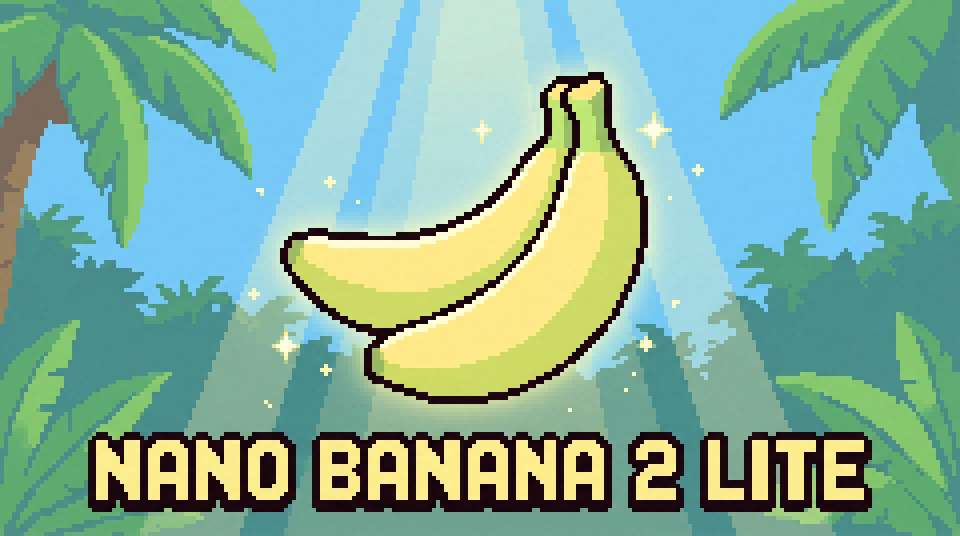
Google shipped Nano Banana 2 Lite, a faster and cheaper version of Nano Banana 2. Here's what changed and how it holds up for game sprites and pixel art.
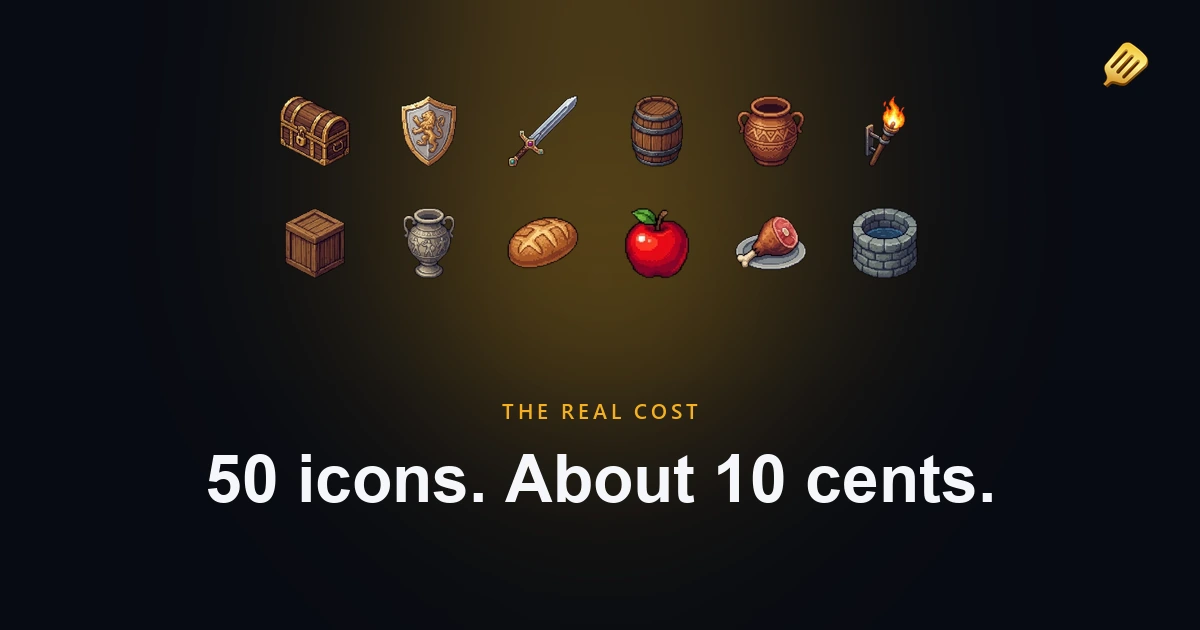
What you actually trade in money, time, and quality between generating assets with AI, commissioning an artist, and buying asset packs, with real numbers from my own projects.
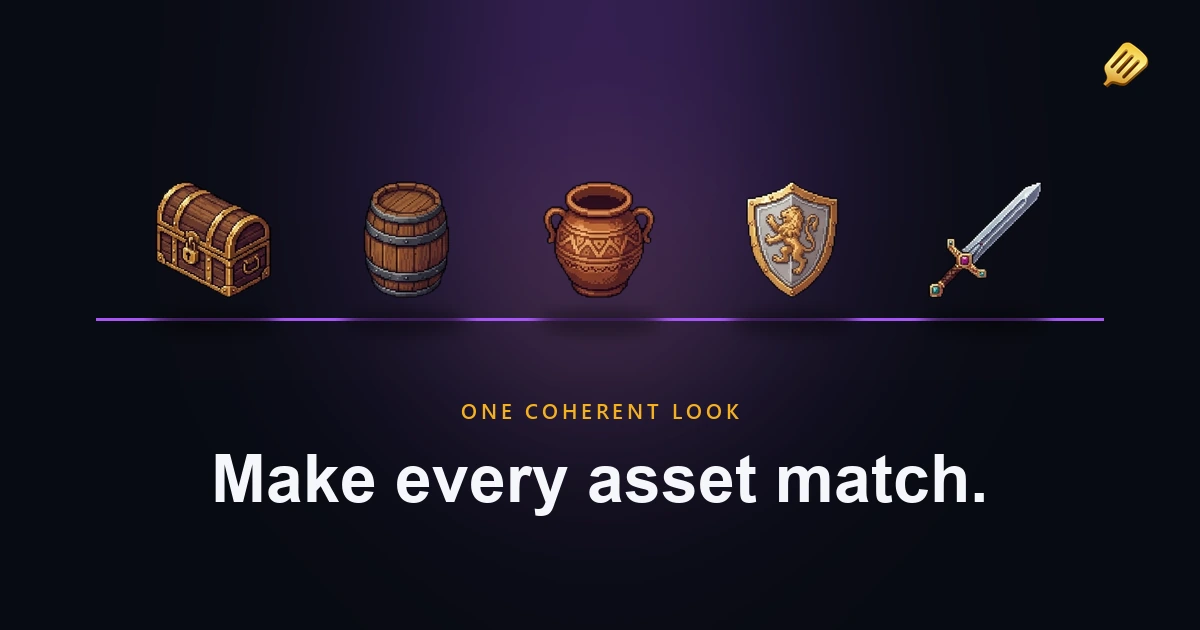
The hardest part of AI game art is making everything match. Here is the system I use, theme, style, references, and presets, so your sprites, animations, and tilesets look like one game.
The honest answer to the worries that stop people. Will players hate it, do you own it, can you sell it, and does Steam allow it. General information, not legal advice.
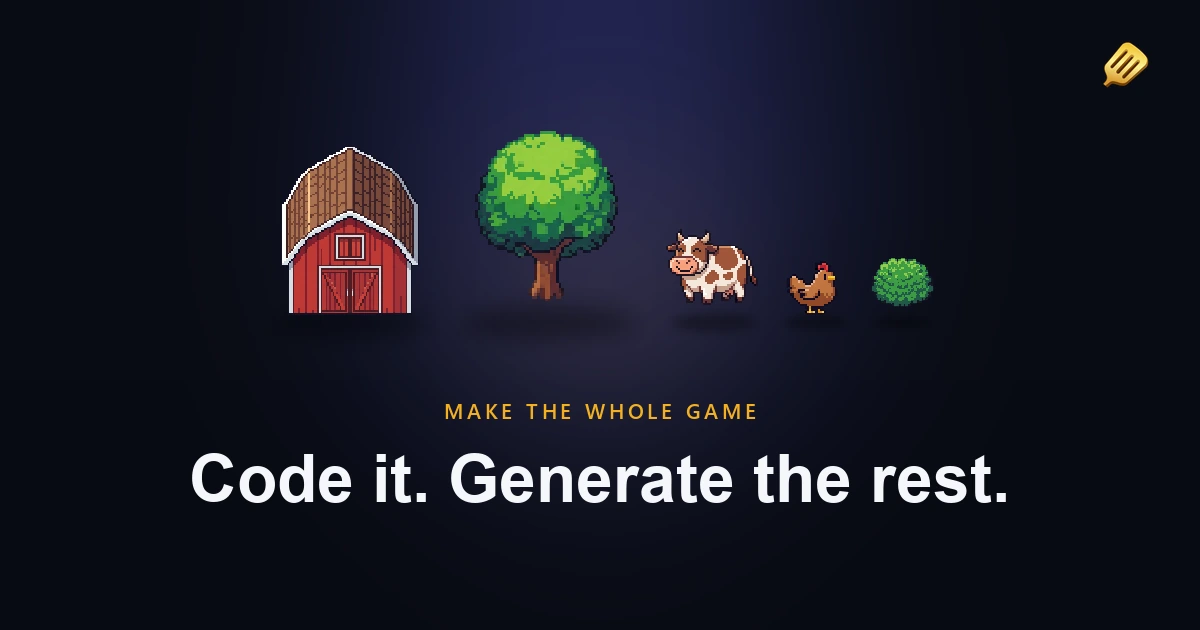
You can code the game, but the art is the bottleneck. Here is how I stopped letting it block my projects, using AI to generate consistent game art, written by someone who can't draw either.
Add the SpriteCook MCP server and skills to OpenCode with one command, then generate sprites, animations, and tilesets straight from the agent. Setup takes a couple of minutes.
Install the SpriteCook plugin in Cursor with one command, then generate sprites, animations, and tilesets straight from the agent. Setup takes a couple of minutes.
Add the SpriteCook plugin to Codex from the plugin marketplace, then generate sprites, animations, and tilesets straight from a chat. Setup takes a couple of minutes.
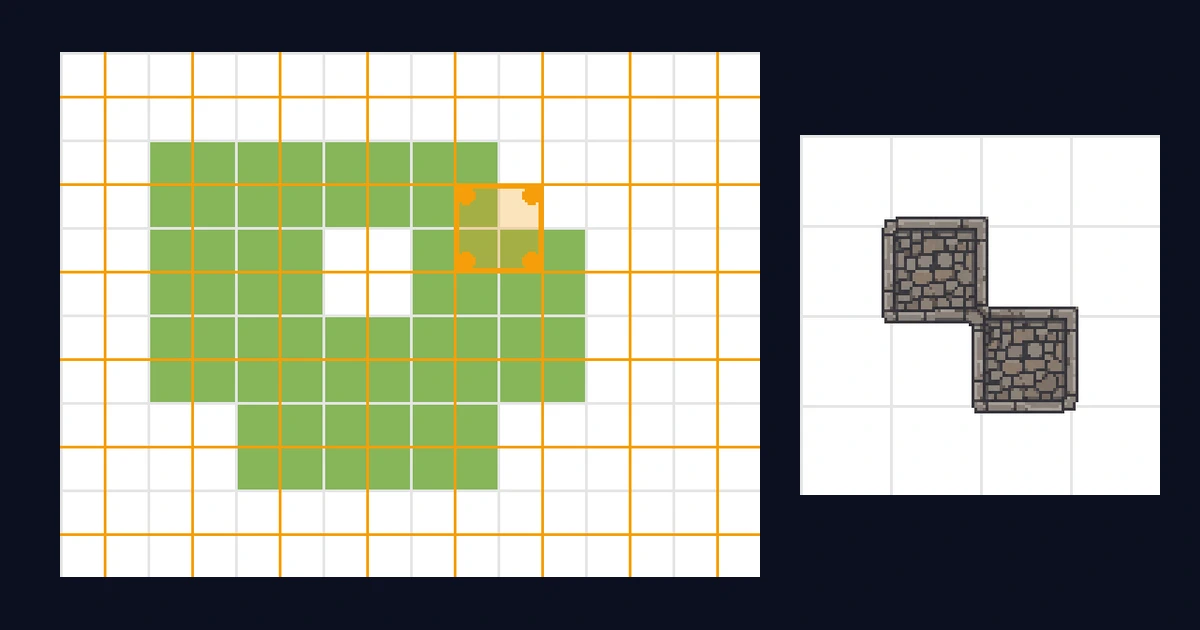
Why autotiling on one grid needs 47 tiles, and how drawing tiles between the cells instead gets perfect corners with 15. With diagrams and the mask table.
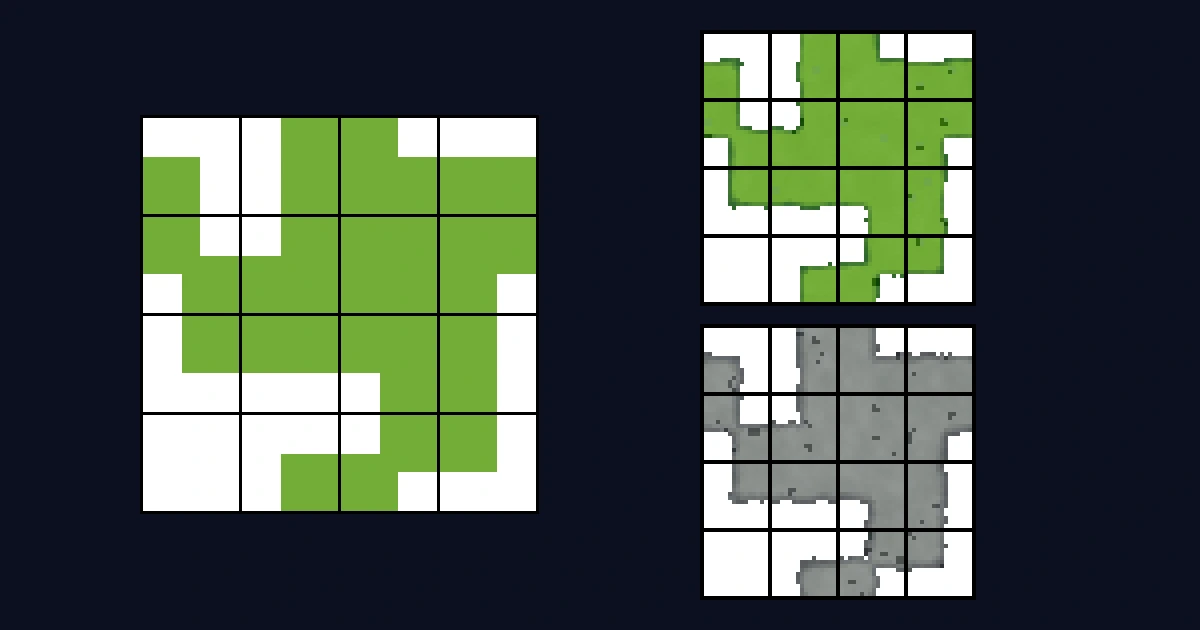
Why autotile sheets have exactly 15 tiles, what each piece does, and how Godot, Unity, and Tiled pick the right one while you paint. With free templates.
Install the SpriteCook plugin in the Claude desktop app and generate sprites, animations, and tilesets straight from a chat. Setup takes two minutes.
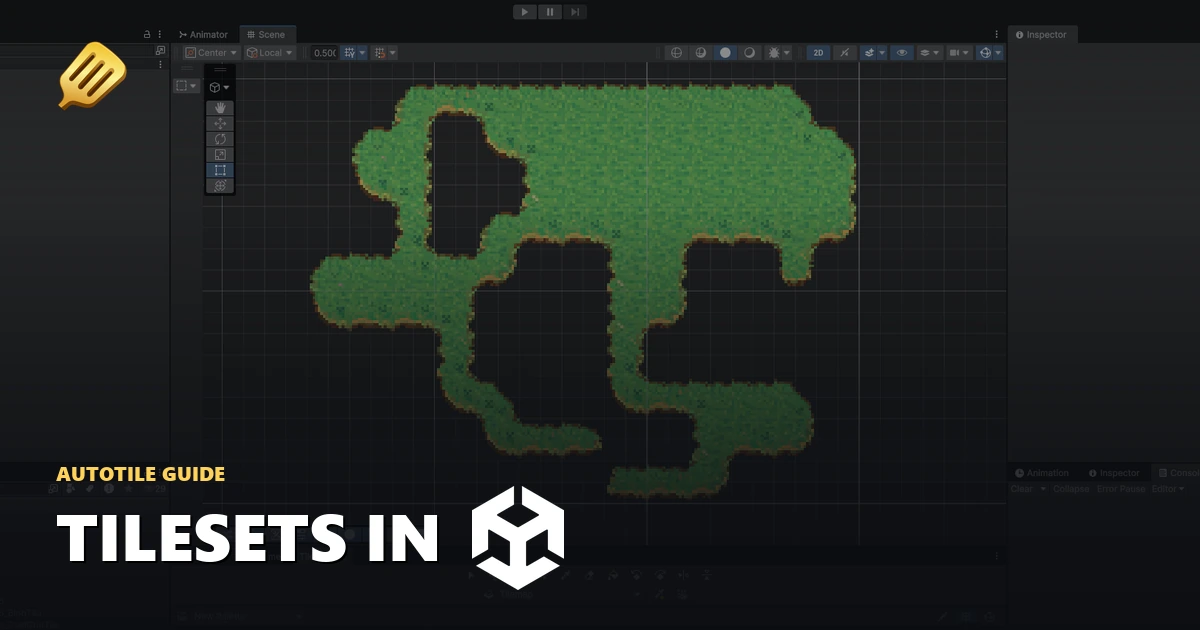
Generate a tileset with AI, import the Unity package, and paint a tilemap from the Tile Palette that auto-fills the edge and corner tiles for you. Step by step with screenshots.
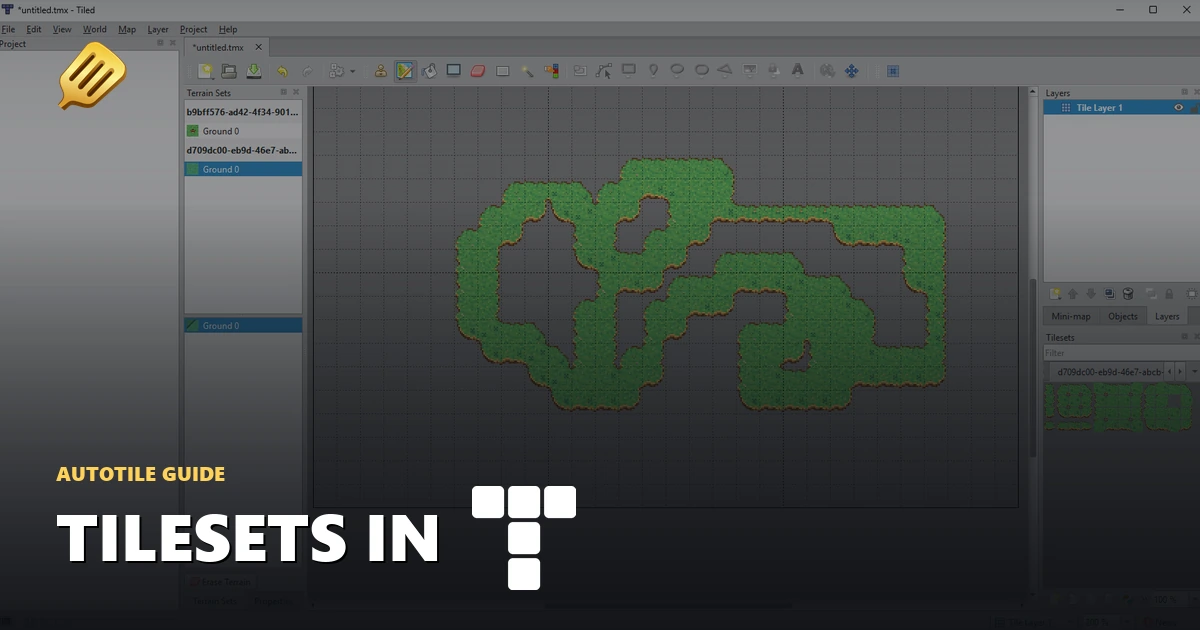
Generate a tileset with AI, add the .tsx to your Tiled map, and paint with the Terrain Brush so the edges and corners pick themselves. Step by step with screenshots.
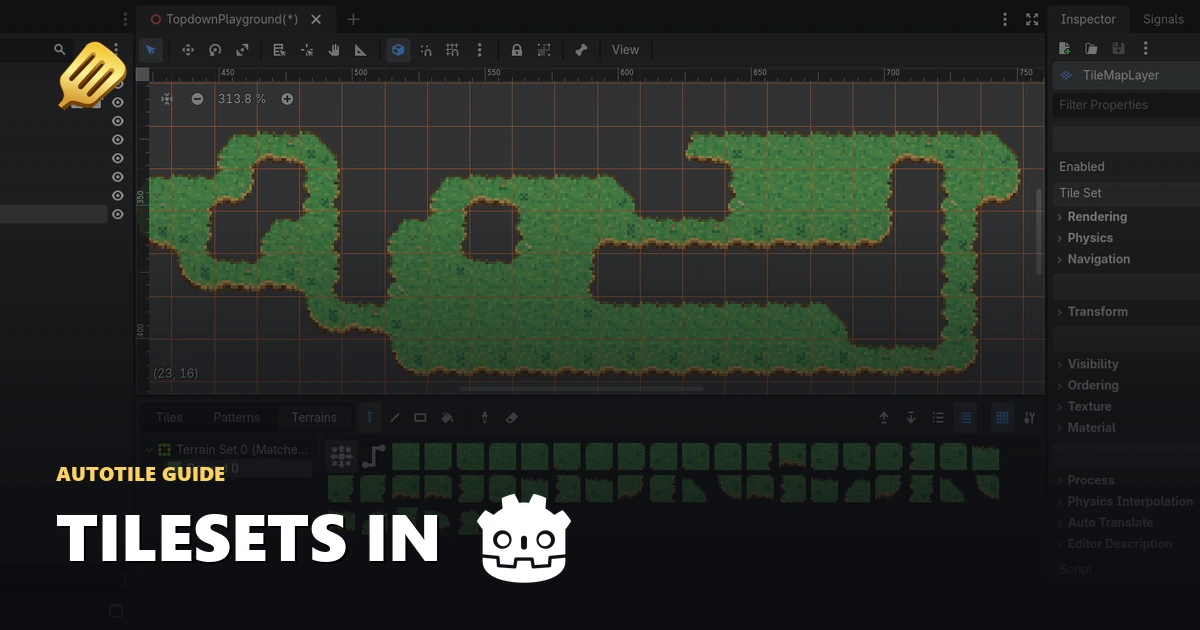
Generate a tileset with AI, load the Godot .tres onto a TileMapLayer, and paint autotile terrain that picks its own edges and corners. Step by step with screenshots.
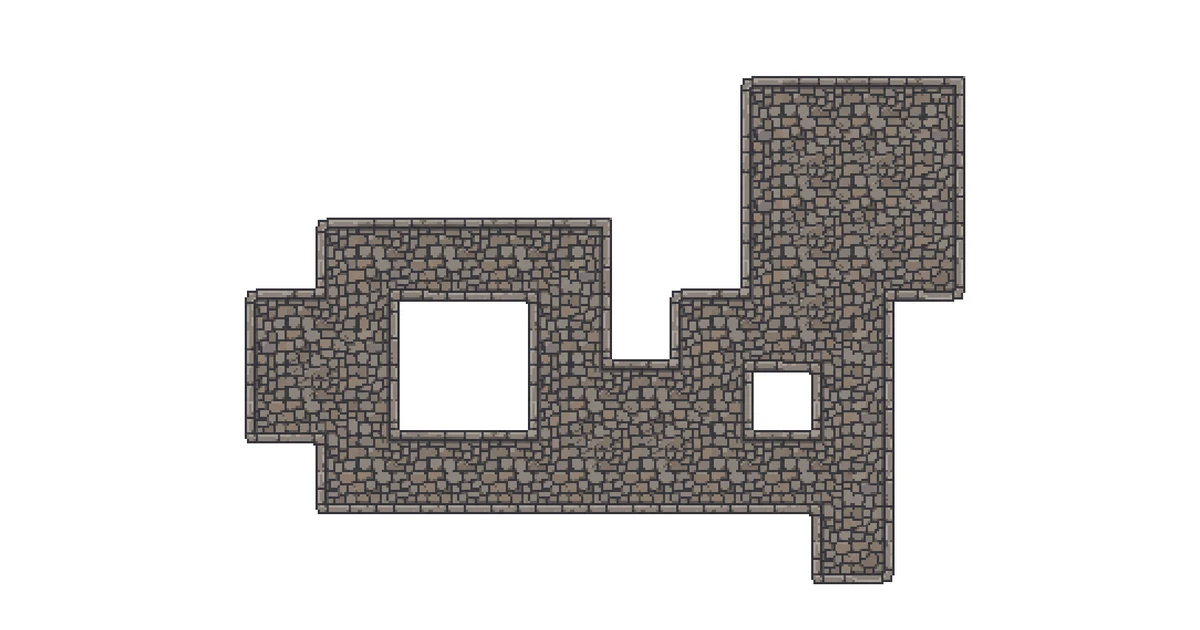
SpriteCook's tileset mode generates a full 15-piece autotile set from one prompt, laid out so every edge and corner connects when you paint a top-down map.

Add your own animations, pose the first frame, edit every prompt, and pay less when you batch. Here's the new control you get in the Character Creator.
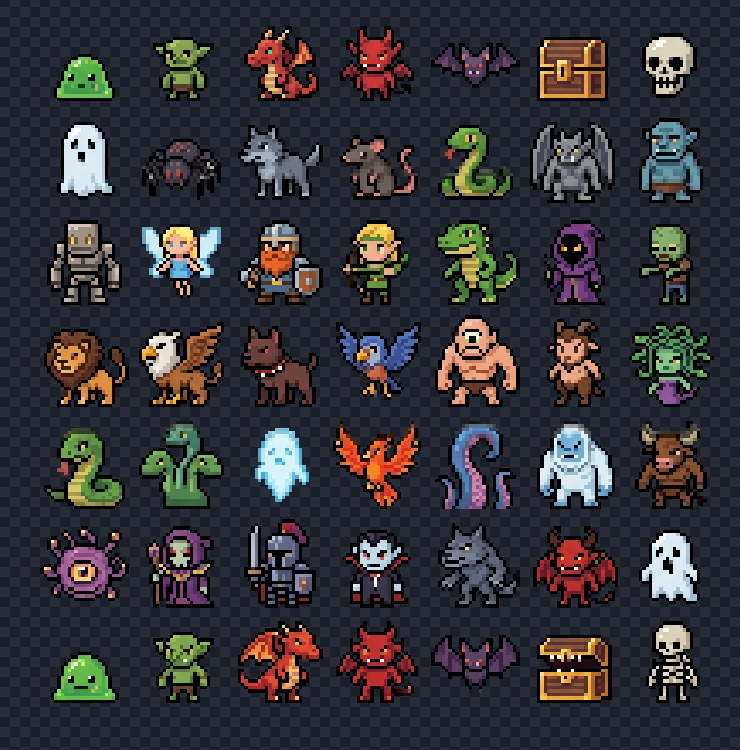
Generate a packed sheet of sprites or frames in one go, then slice it into clean individual assets. Auto detect, fixed grid, custom selection, plus a smart alpha mode for overlapping frames.
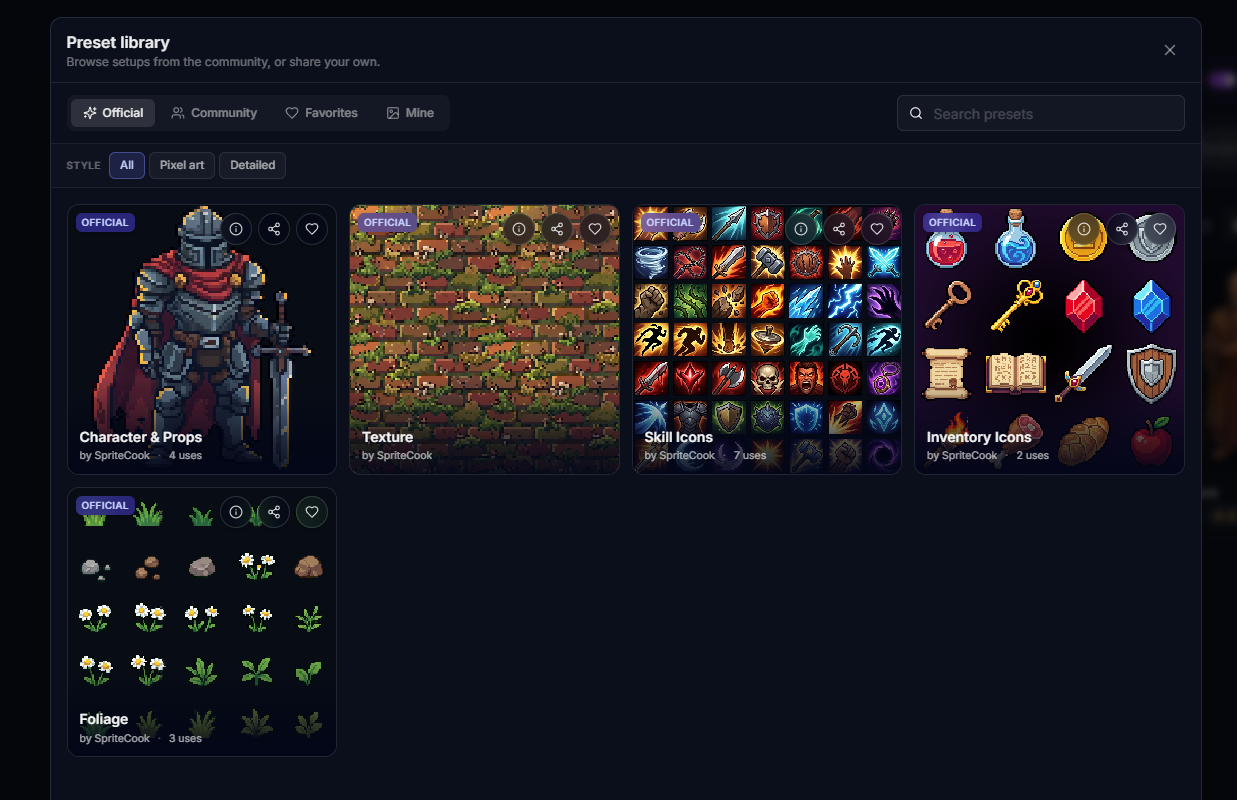
Stop rebuilding the same model, aspect ratio, palette, and style guides every time. Save your setup once, apply it with one click.
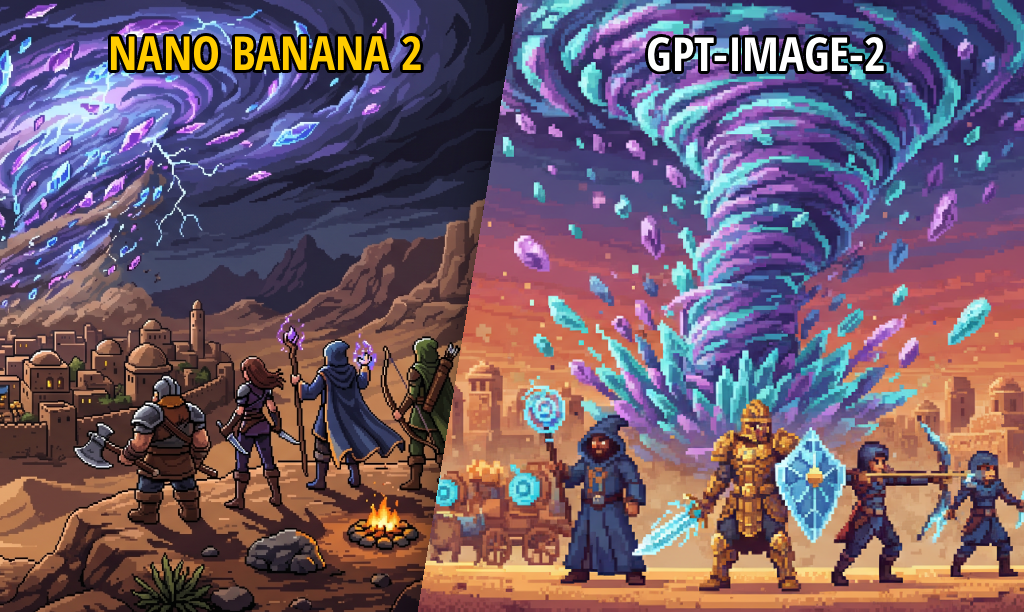
OpenAI's GPT-Image-2 just dropped. Here's how it stacks up against Nano Banana 2 on characters, icons, UI, and detailed art.
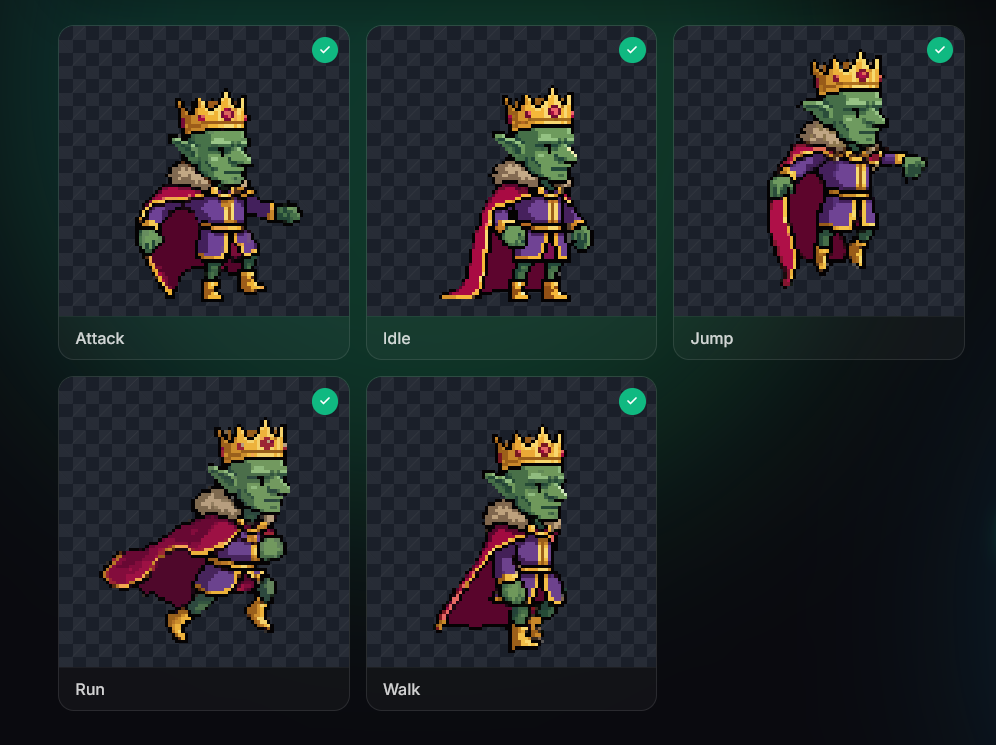
How to take a character from a one-line prompt to a full animation set, step by step.
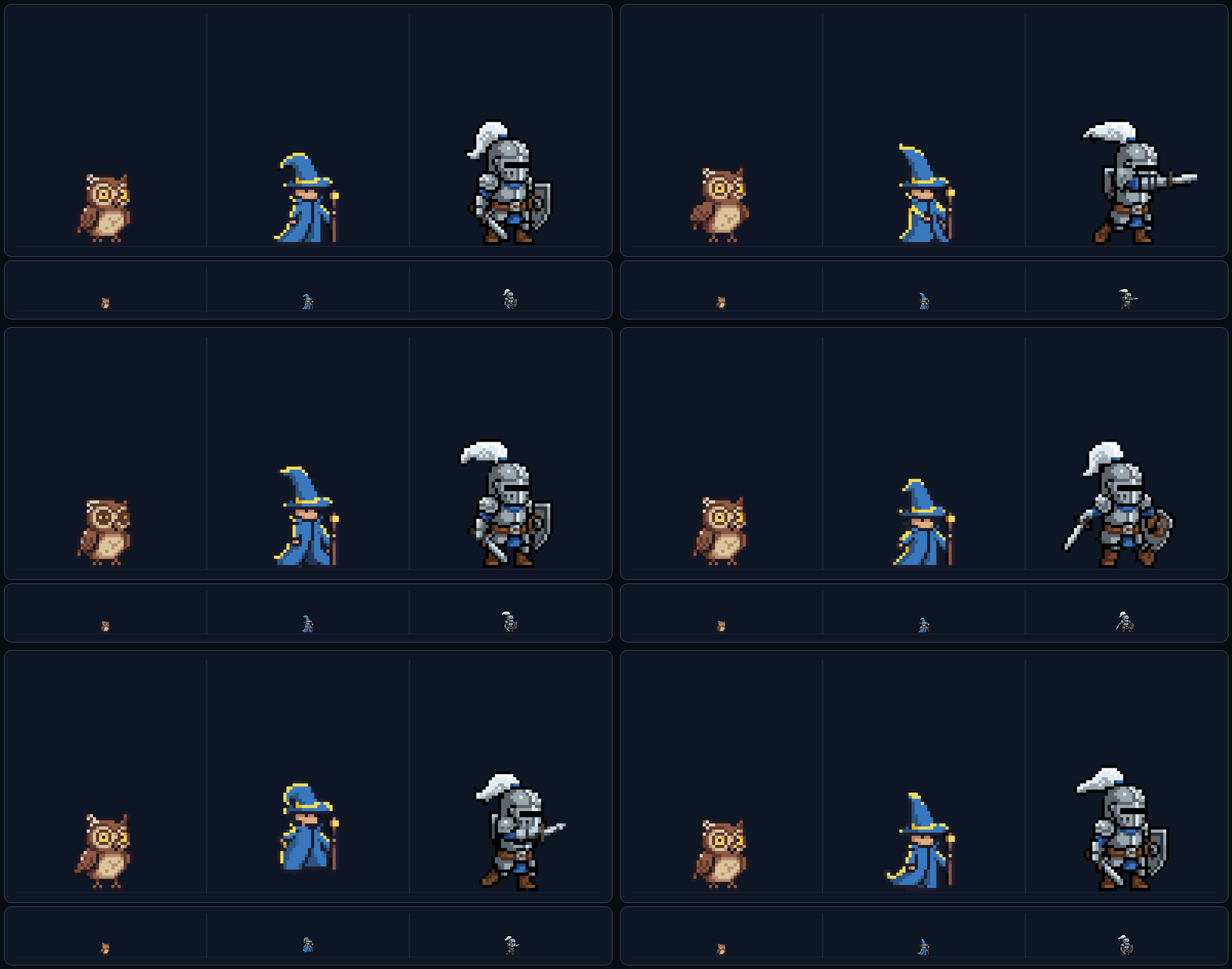
The checkerboard trick for getting clean 16x16 and 32x32 pixel art characters, and how to animate them after.
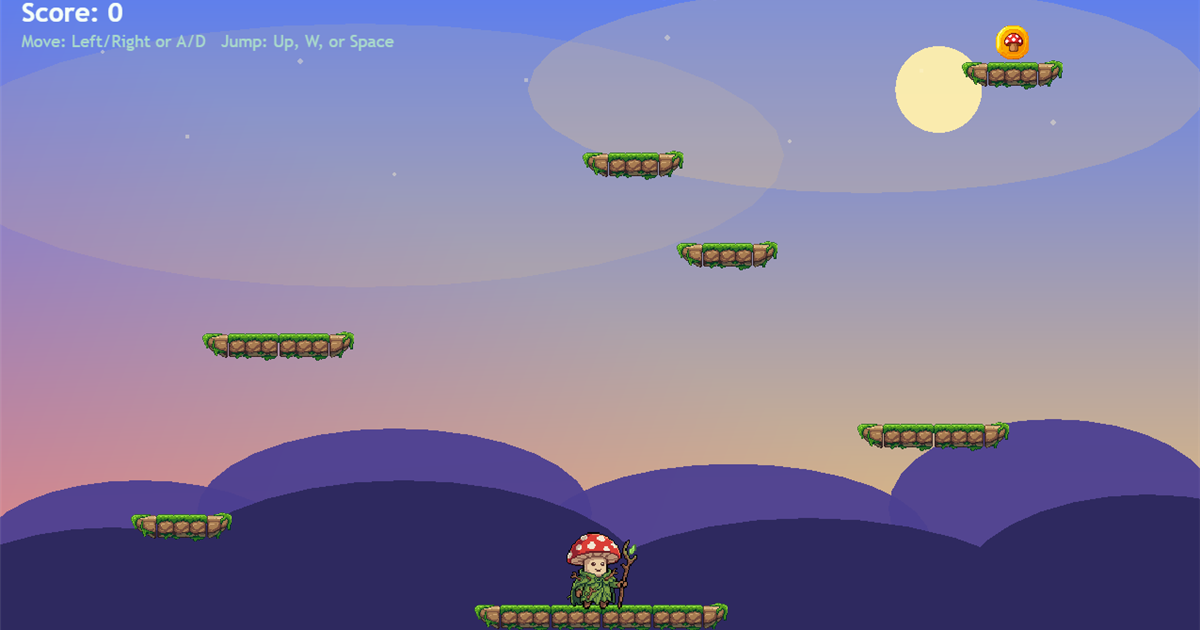
A beginner-friendly guide to building a browser game using Phaser.js and an AI coding agent. No prior game dev experience needed.
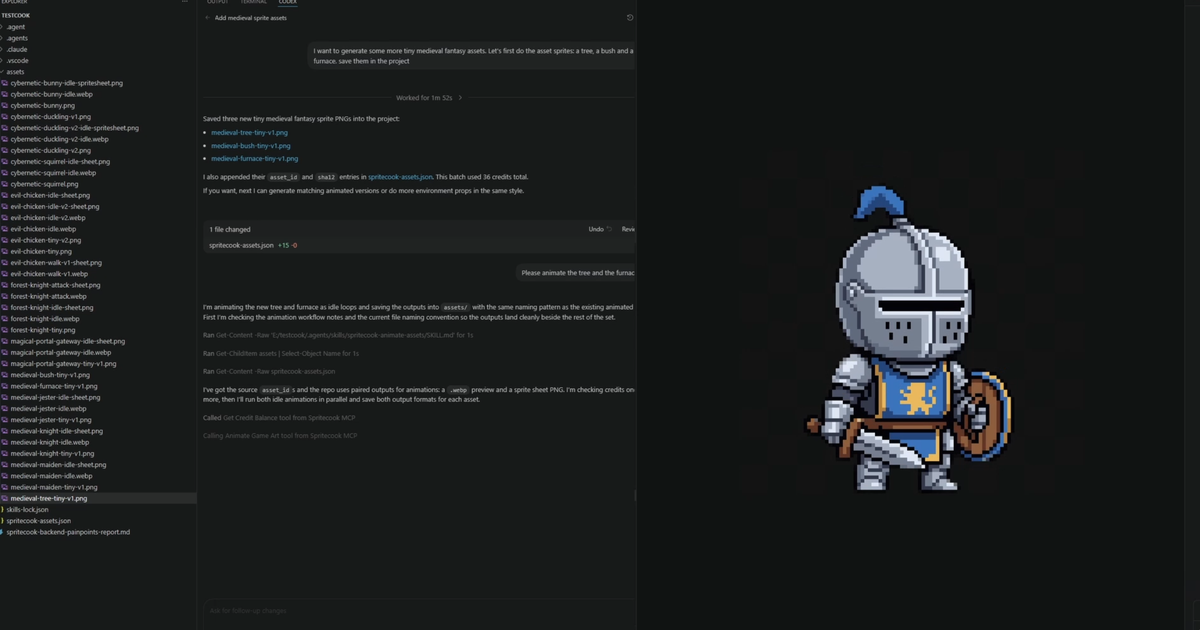
How to connect your AI coding agent to SpriteCook so it can generate pixel art and animations directly inside your project.
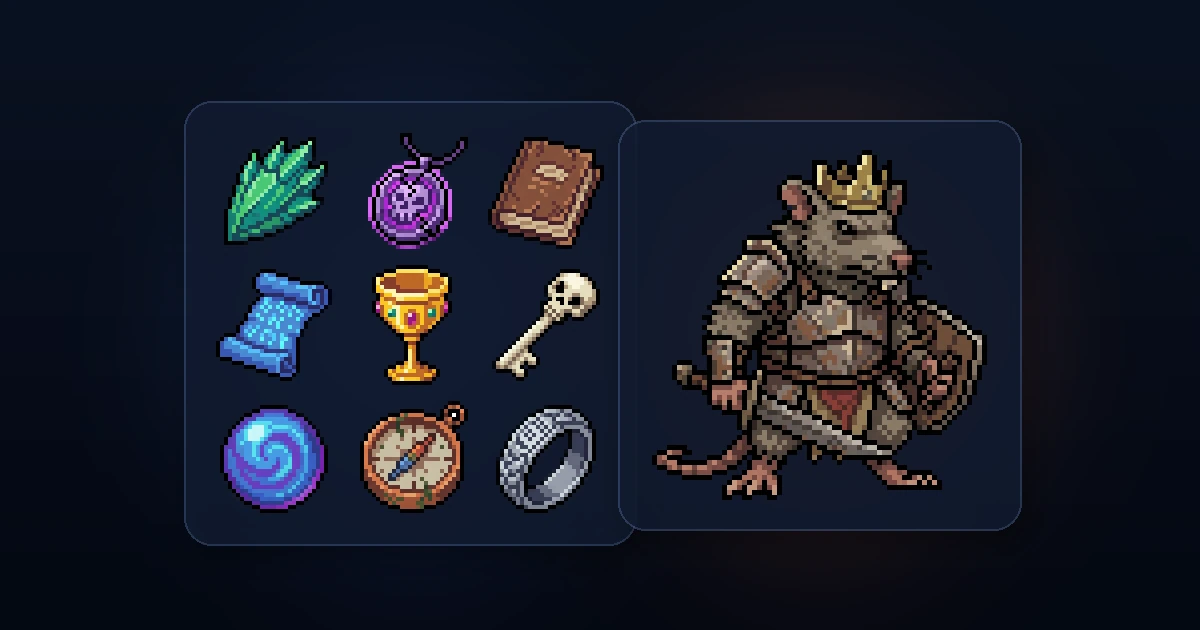
A quick walkthrough of generating pixel art characters, props, and icons from a text prompt, with the key settings that actually matter.
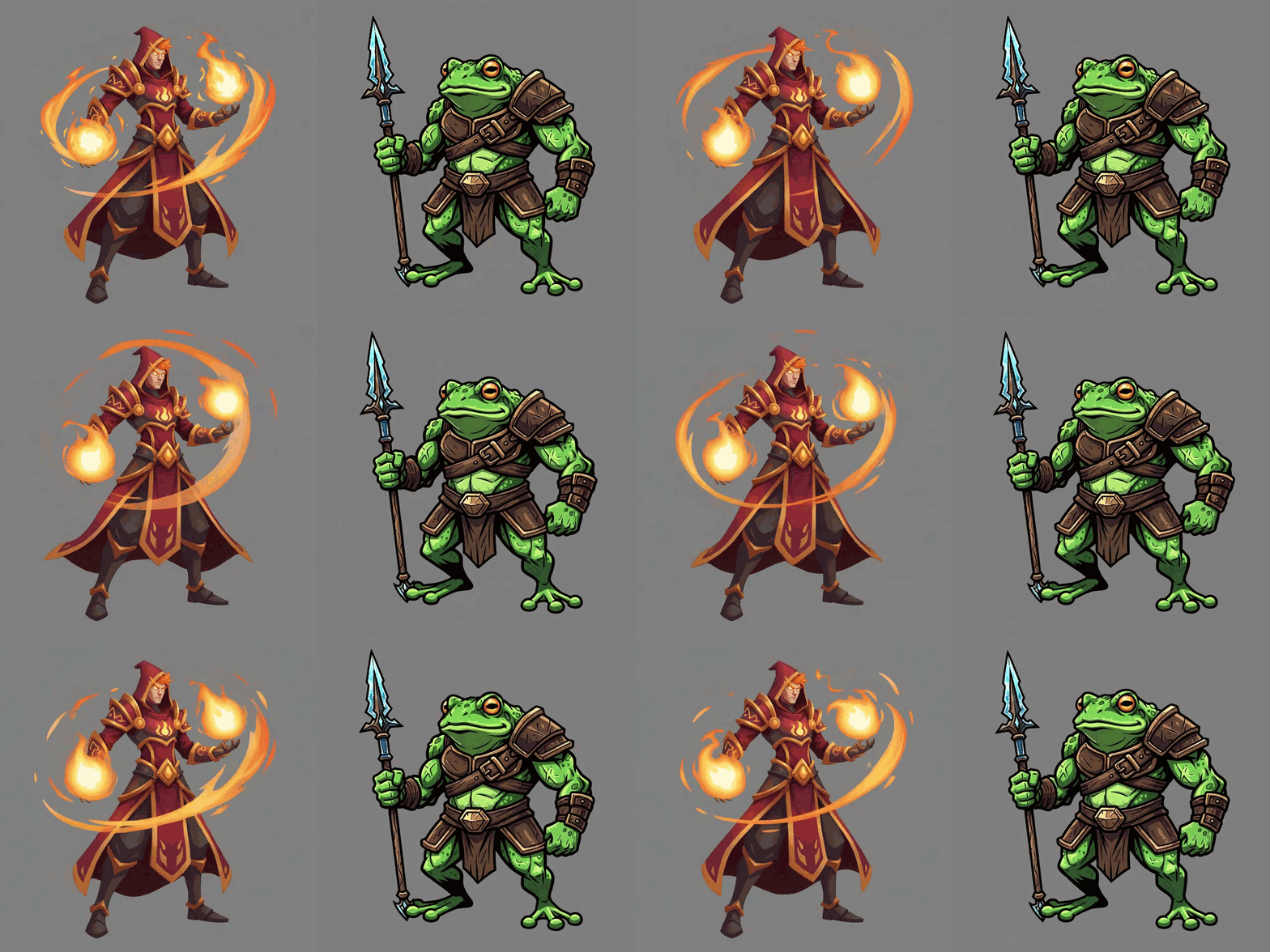
How to animate HD illustrations, painted characters, and detailed game art using the /animate page's detailed mode.

Upload a photo of your dog, cat, or whatever you have. Get back an animated pixel art character you can play with immediately.
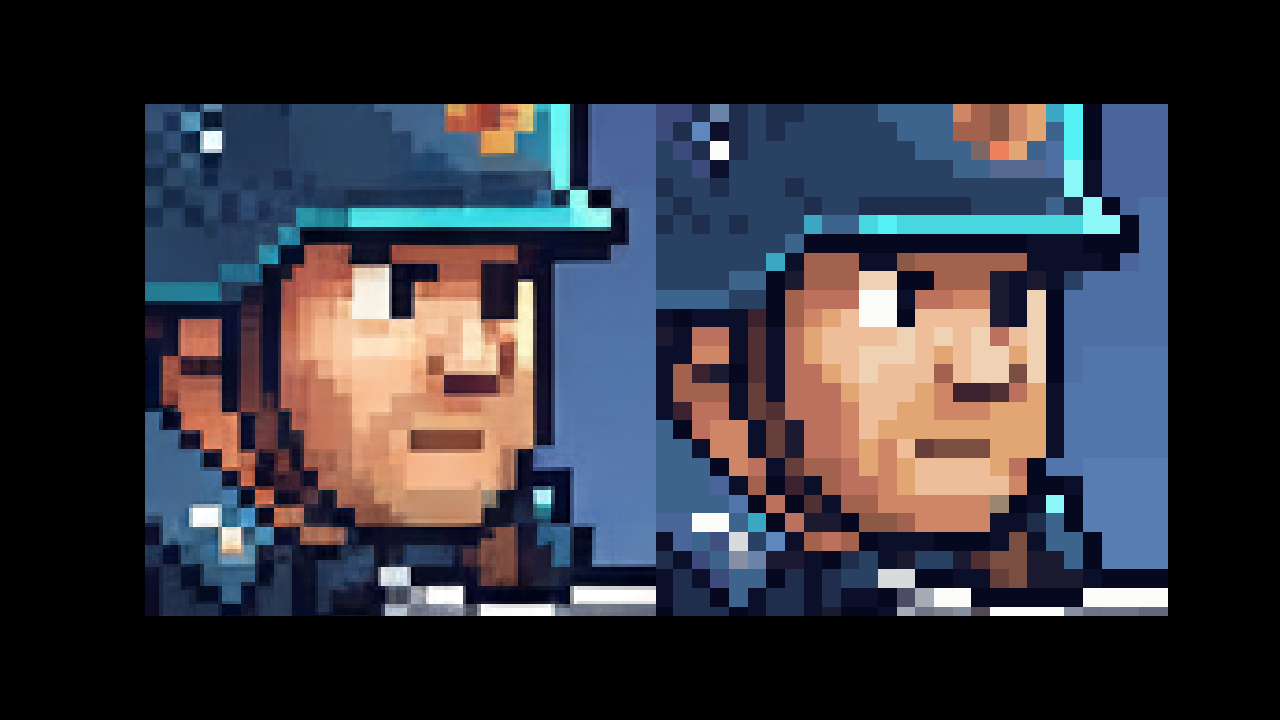
How to prompt Google's Nano Banana 2 model for pixel art and fix the output so it's usable in a game engine.

Turn any sprite into a custom motion. Works for characters, props, and environment pieces.
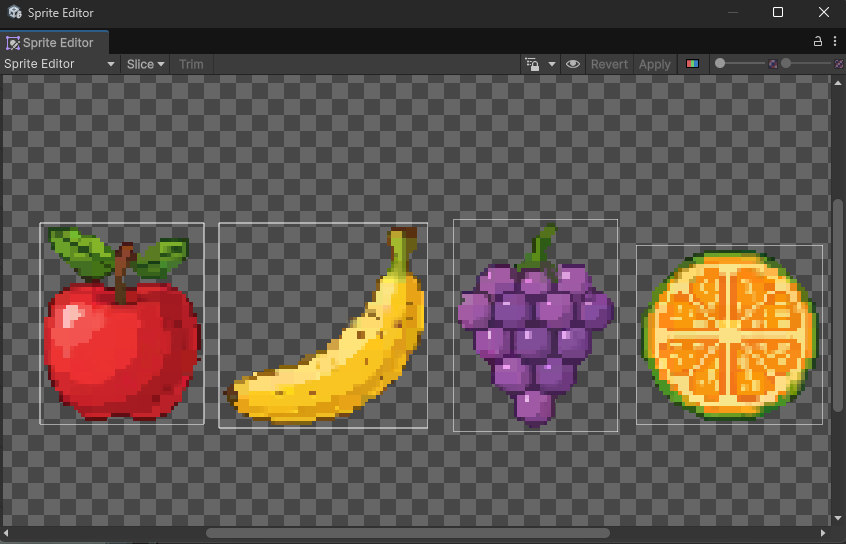
Configure Unity to render pixel art sharply with correct sprite import, camera, and project settings.