Make any game art
you need
Describe it and AI draws the rest.


Every kind of art, one style
Textures, props, and sprite sheets, ready to drop into your engine.
A fully animated character from one prompt
Any animation you can describe, always the same character, each on its own sprite sheet. Idle, walk, attack, and run are one-click presets. Anything else is just a prompt.
Make your own characterMatching assets that fit your game's style
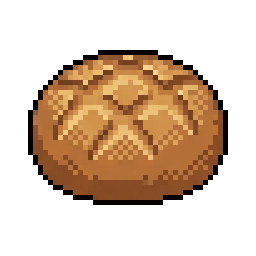
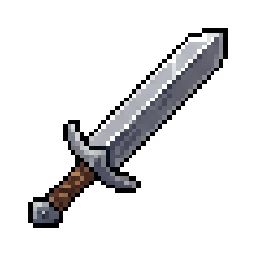
A full set of assets that look like one artist made them all, in any style you want.
Make a pack in your style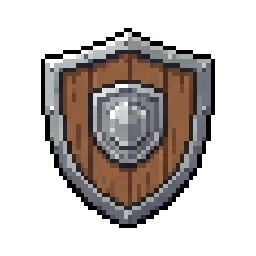
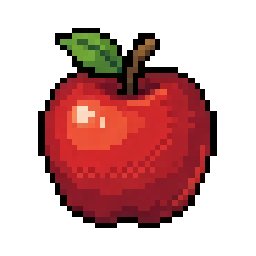
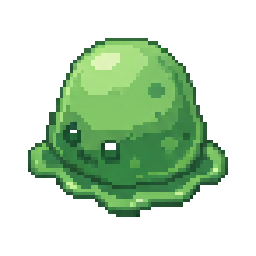
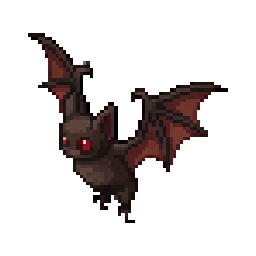
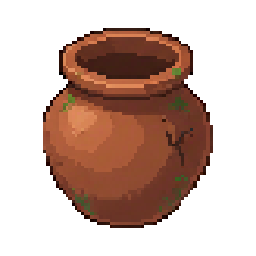
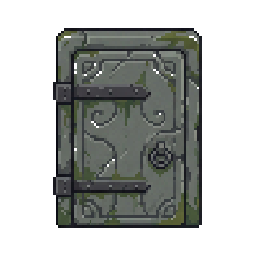
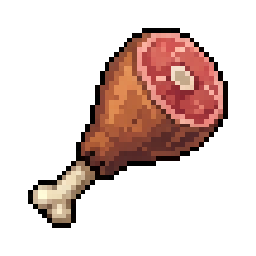
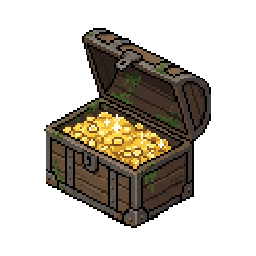
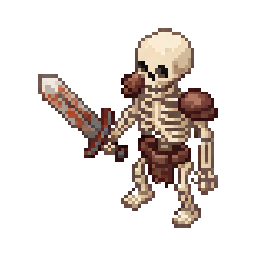
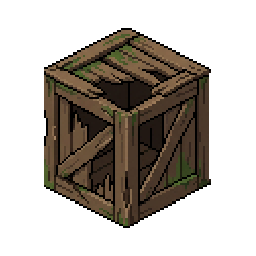
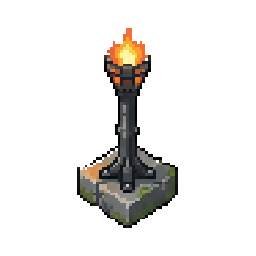
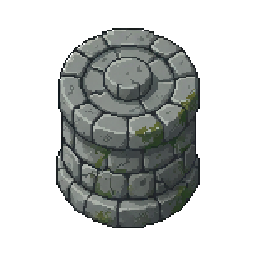
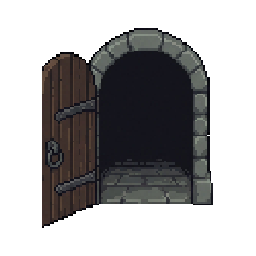
Animate any sprite
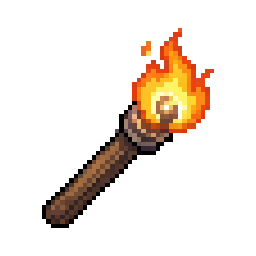
Take any image and describe the animation you want. Works on props, characters, and whole scenes.
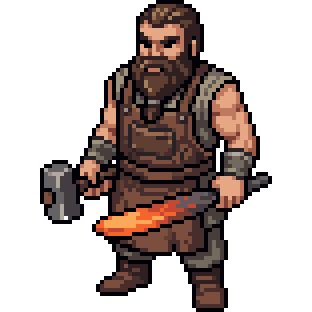

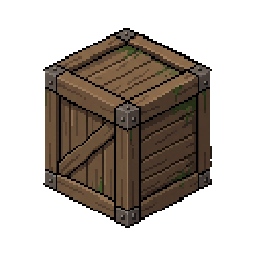
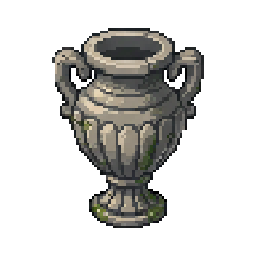
Textures, sprite sheets, props
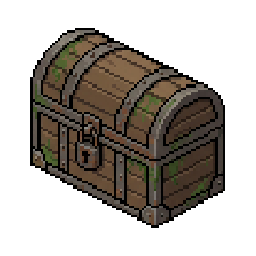
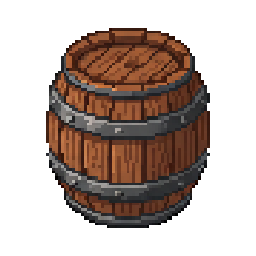
Everything else your game needs: tileable textures, full sprite sheets, one-off props. Real pixel art on a clean grid, ready to use as-is.
Or anything else, really
All from the same generator, in your game's style.
Works with your AI agent
One command connects SpriteCook to your editor. Your agent generates sprites while you code.
See it in action
Create a character, preview actions, export sprites.
Who uses SpriteCook
Solo devs, jam teams, and anyone prototyping a game.
Solo Indie Devs
Characters, items, enemies. No artist needed.
Game Jam Teams
Full art style in hours. Ship before the deadline.
Prototype Builders
Real visuals for testing mechanics and pitching.
Join the community
23k+ game developers sharing prompts, tips, and shipping games with SpriteCook.
What developers are saying
“Wow, these are absolutely stunning.”
“I've spent hundreds drifting from tool to tool - nothing worked, nothing could one-shot a good walking animation. But this crushes it. Been turning concept art into animated characters for two days straight.”
“Everything you need is already there, the assets are ready to use. Smooth UI, user-friendly even if you're new.”
“I wasn't expecting the instantly controllable character preview. Damn good UX.”
“Great idea and flawless execution!”
“Very cool! Will definitely use this.”
“The outputs can really be used as game assets. Generation settings are easy to navigate. Kudos for the free credits!”
“This compresses an entire studio pipeline into a single text box. The asset creation barrier is basically zero now.”
“Clean design, the generated images look amazing. Assets are downloadable and game-ready.”
“So helpful for those building pixel games!”
“Nice, these look good! Crushing it!”
“This is the first thing I've come across that I thought was actually awesome and not slop. Well done!”
“Bulk asset generator that keeps style consistent. I was able to match the art style of my game.”
“The range across those characters from a single prompt is what stands out. Same model, completely different energy in each one.”
“Tried it and it worked!”
“I want to praise your tool, it works really well so far.”
“Very cool! Useful tool, well done. I'll most likely use this for my game project.”
“Exactly what I needed. Training my own LoRA was painful. This is great for prototyping.”
“This is pretty slick, well done!”
“That's so neat.”