How to Nail Tiny Pixel Art Animations
The checkerboard trick for getting clean 16x16 and 32x32 pixel art characters, and how to animate them after.
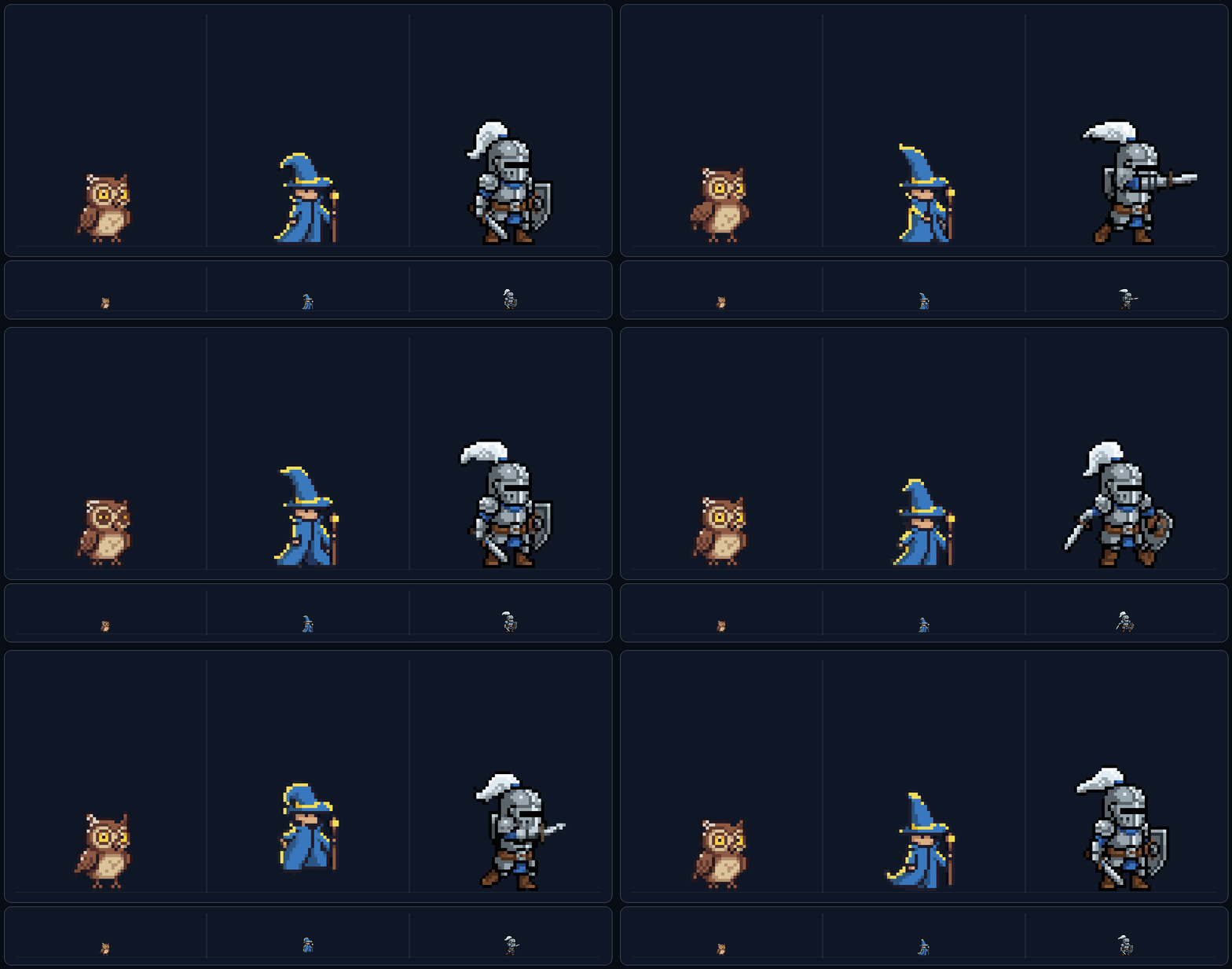
Tiny sprites look great, but they're the hardest size for AI to get right. At 16x16 or 32x32 there's nowhere for sloppy pixels to hide. One fuzzy edge and the whole sprite turns to mush.
Here's the fix I've been using, and how to animate what comes out.
Use a checkerboard as a style reference
Models drift at tiny sizes because they don't know where the pixel grid should land. So give them one.
A plain checkerboard at the grid size you want works like a ruler. The model matches its cell size and your output snaps to a clean grid.
Grab this one and drop it into your style references:
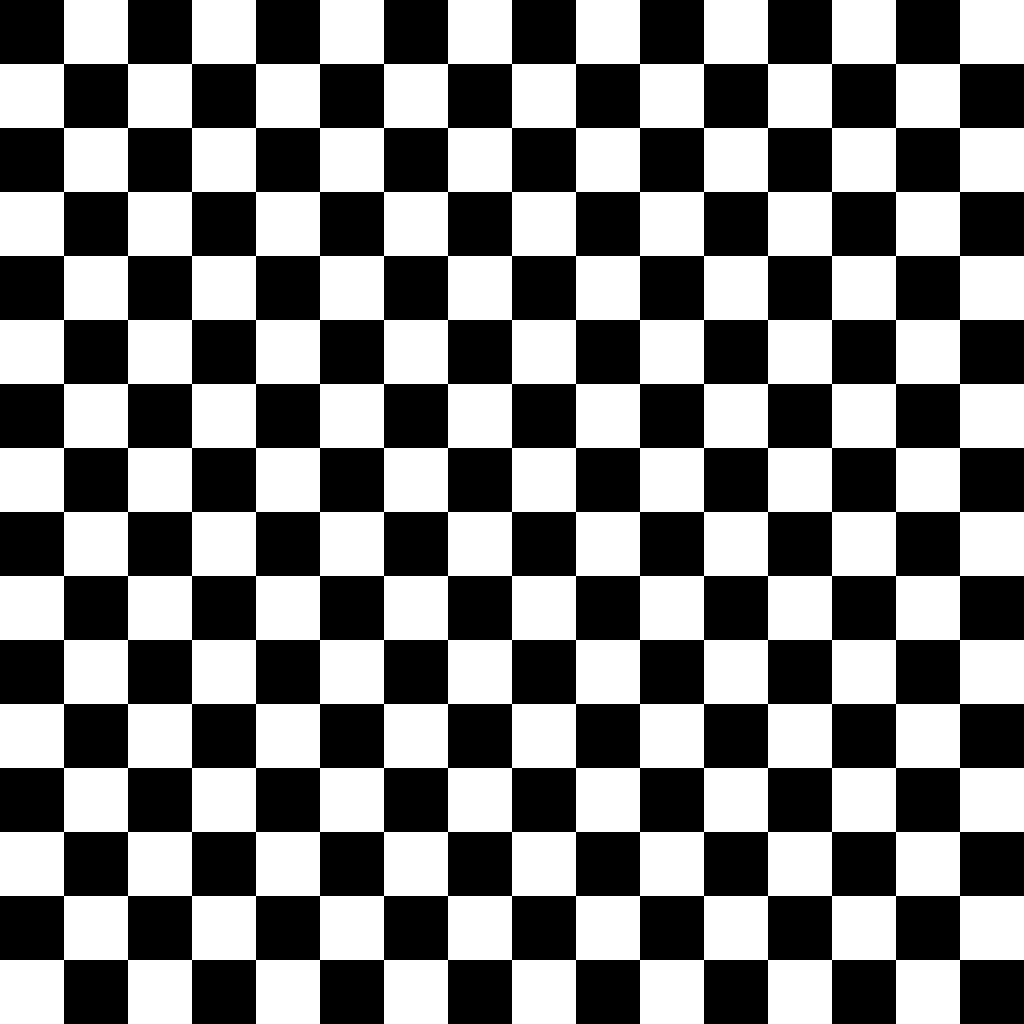
It's a 16x16 grid, so a 16x16 output lines up one pixel per cell, and 32x32 lines up two. If you also want to lock the perspective (isometric, platformer, top-down), toss in one of your own sprites in that view as a second reference.
Step 1: Make the character in /create
Open /create and set it up like this:
- Model: Nano Banana Pro. Smaller models can't hold a pixel grid this tight.
- Base size: 16x16 or 32x32
- Style reference: the checkerboard from above
- Prompt: something short like "A tiny 16x16 wizard"
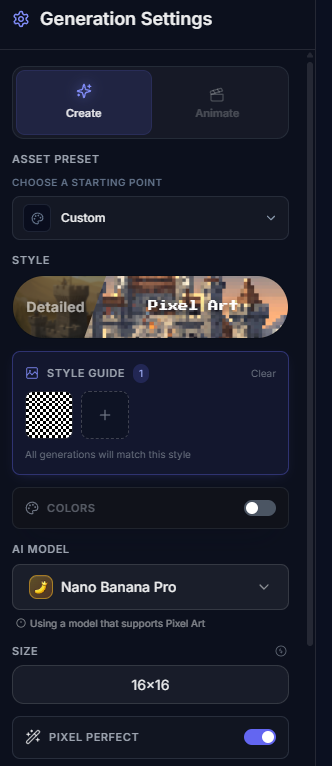
The prompt can stay short. The reference does the work. The create page walkthrough covers the rest of the sidebar if you want the full tour.
Three variations from that setup, upscaled so you can read the pixels:


Step 2: Animate it in /characters
Head to /characters, pick your tiny sprite from recent assets, and run it through the normal animate flow. Pick a set, toggle the motions you want, hit generate.
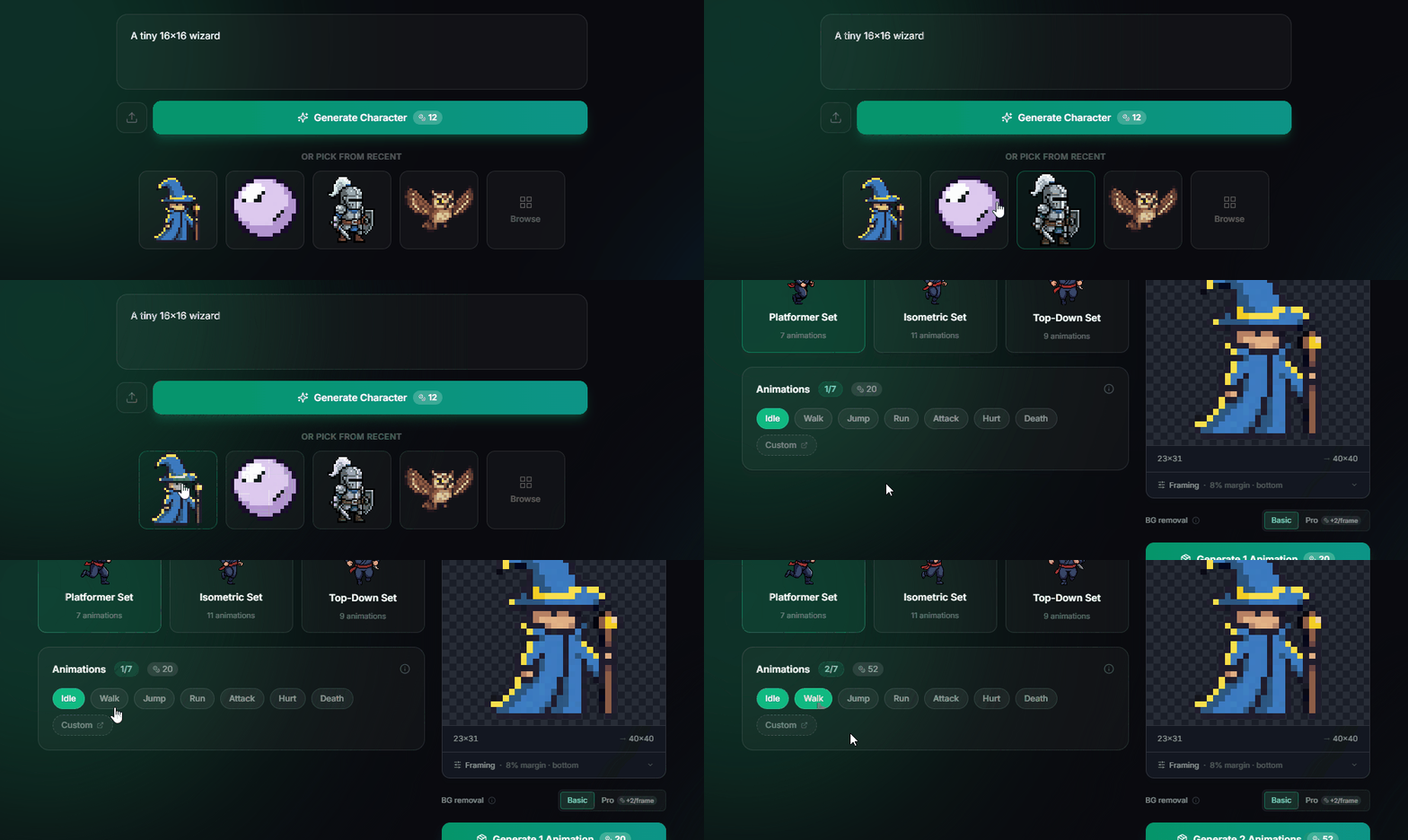
New to this flow? The character creator walkthrough covers it end to end.
Results
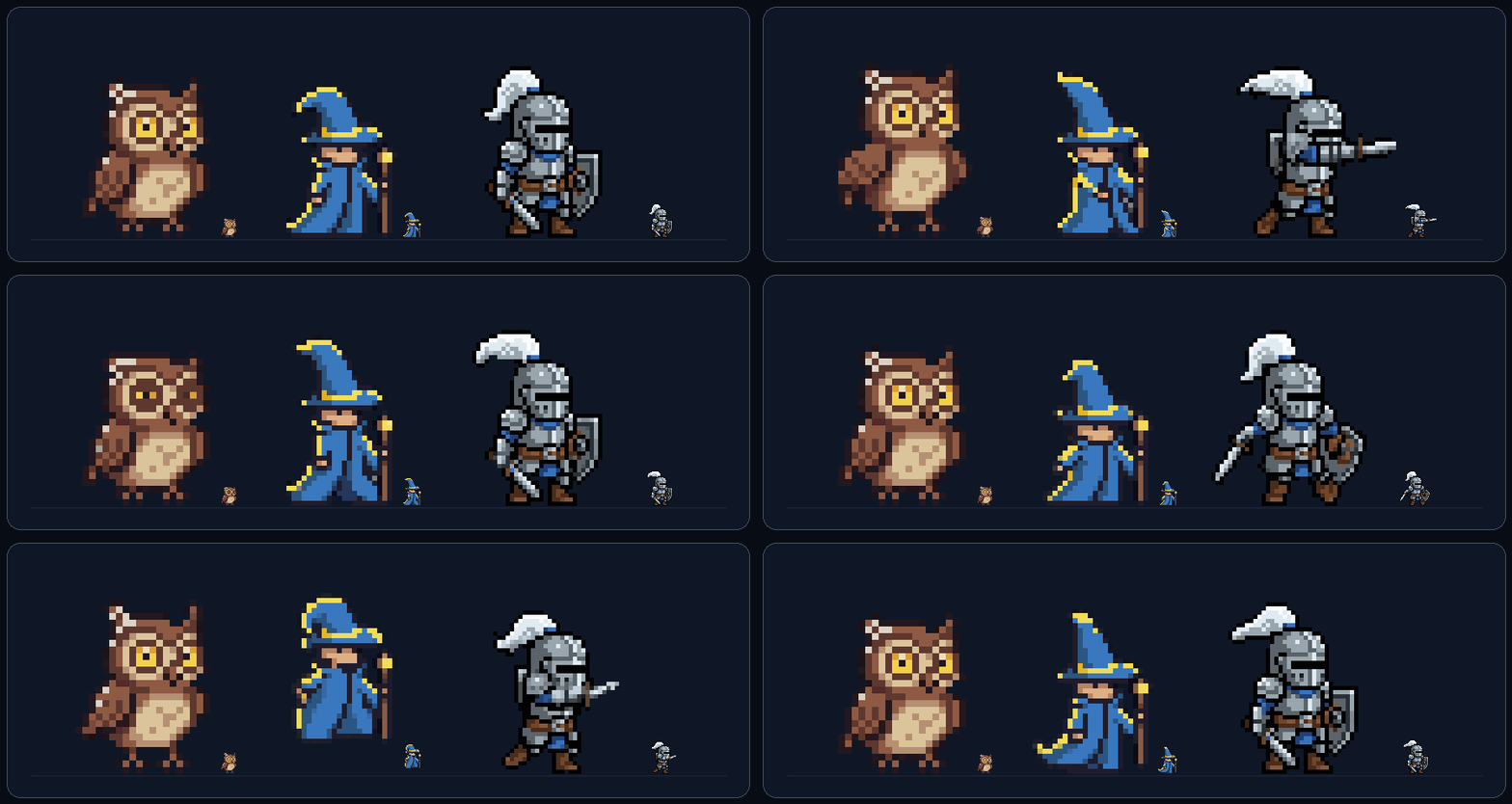
Same recipe, three prompts. True size next to 4x so you can actually see what came out:
Try it
Grab the checkerboard above, open /create, switch to Nano Banana Pro, and prompt for something tiny. Keep it short and let the reference carry the grid.
Stuck, or want to show off what you made? Come hang in the SpriteCook Discord.