How to keep your game art consistent with AI
The hardest part of AI game art is making everything match. Here is the system I use, theme, style, references, and presets, so your sprites, animations, and tilesets look like one game.
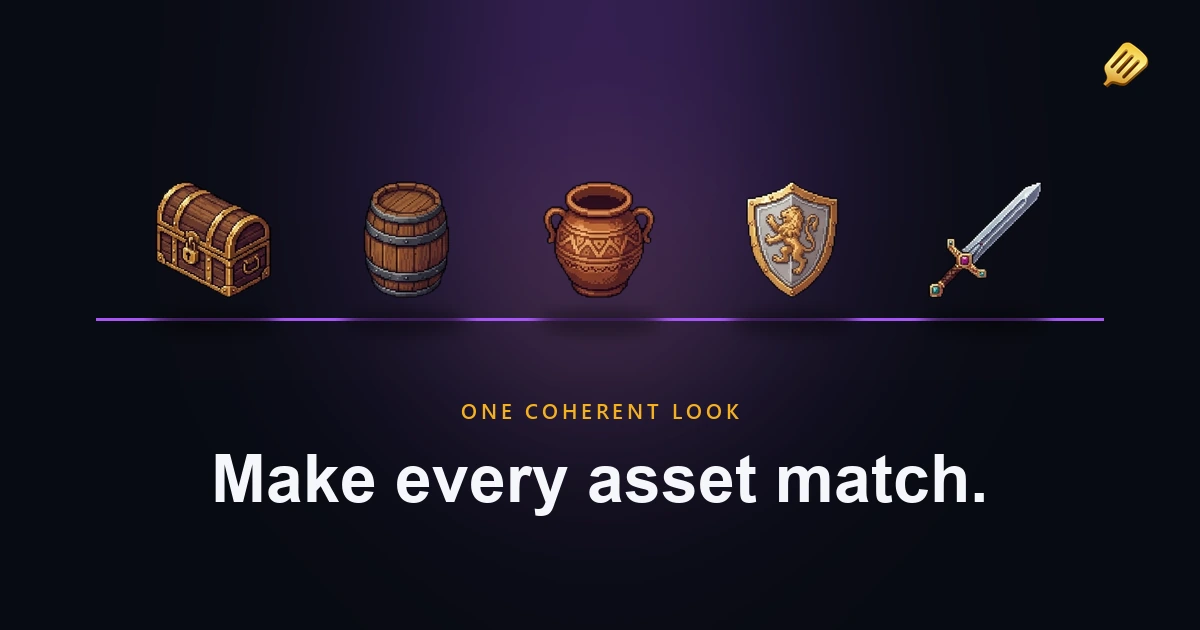
The single biggest complaint about using generic AI tools for game art is that nothing matches. You generate a great character, then the next frame looks like a different character. Your wall and your floor came from different worlds. Midjourney or DALL-E will give you one nice picture, but a game needs dozens of assets that read as one coherent place.
Consistency is the part those tools can't do, and it's the thing I cared about most when I built SpriteCook. Here's the system, and it's a few techniques that stack.
1. Start with a theme
Describe the world once: the kind of game, the setting, what the surroundings look like. A moss-covered ancient dungeon with a particular tiling style, say.
Now that theme rides along with everything you make. Generate a wall and it already knows the world it belongs to. Generate a chest, a skeleton, a torch, and they all come out of the same place. You set the world up front instead of re-explaining it in every prompt.
2. Lock a style
The theme is the world. The style is the look. Pin down exactly what you want: 8-bit retro, a Castlevania feel, 16-bit with high saturation, whatever fits. One description that covers every asset.
Theme plus style is usually enough to get a set that hangs together. The next two steps are how you make it airtight.
3. Reuse your best results as references
The image models are genuinely good at working from reference images now. So once you've made something you love, feed it back in as a reference for the next thing. You can use several at once for a set, and the new assets inherit the look of the ones you already approved.
This is the move that turns "close enough" into "these clearly belong together." Your favorite output becomes the anchor for everything after it.
4. Save it all as a preset
Here's the one that matters for a real project. Once your theme, style, references, and settings (like your pixel resolution) are dialed in, save them as a preset.
A game doesn't get made in one sitting. You build it in bursts over months. Four months from now, when you need ten more inventory icons, you load the preset and they come out matching the ones you made back then, same model, same references, same look. No trying to remember what you did or hoping it lines up. Presets are what keep the art coherent across the whole timeline of a project, not just one session.
5. Let the AI check its own work
You don't have to be the only judge of whether things match. Modern models can look at an image and tell when something came out wrong, and they can scan a whole scene and flag what's inconsistent with the rest.
That's most powerful when an agent is doing the work. With SpriteCook connected to your coding agent over MCP, you can write a short prompt or a skill that tells it how to generate the art, what the look should be, how to check the result against the rest, and to regenerate anything that's off. You encode the standard once, and the loop keeps the set consistent without you watching every frame.
The result
Stack those and you get sprites, animations, and tilesets that read as one game instead of a pile of unrelated pictures. That's the difference between art that looks generated and art that looks made.
Try it
- Generate a character
- Make a matching sprite sheet
- Generate a tileset in the same style
- The full guide: make a game when you can't draw
FAQ
Why won't generic AI tools keep my character consistent? They generate each image fresh with no memory of the last one. A game-focused tool keeps a theme, style, and reference set so every asset matches.
How do I keep art consistent across a project that takes months? Save your dialed-in theme, style, references, and settings as a preset, then reuse it whenever you come back. New assets match the old ones.
Can I match a style I already have? Yes. Use an existing piece you like as a reference image, and the AI will follow its look for new assets.
Do I need an eye for art to keep things consistent? Not really. The reference and preset system does most of it, and the AI itself can flag inconsistencies in a scene.