AI Tileset Generator
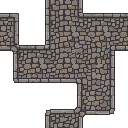
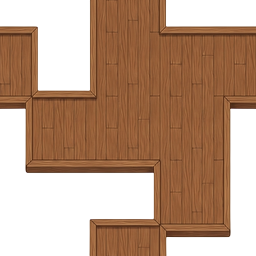
One prompt, the whole sheet
A single floor texture is easy. A map needs that floor to end somewhere. Straight edges, outer corners, inner corners, the lonely one-tile island. Drawing all of those by hand, in the same style, is the boring part of level art.
SpriteCook generates the standard 15-piece autotile set in one go, laid out on a 4x4 sheet so every piece already lines up. Your engine picks the right tile while you paint, and the ground flows around walls and holes without you patching seams.
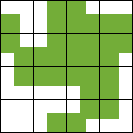
New to autotiles? Here's how the 15 pieces fit together.
How it works
Prompt the surface
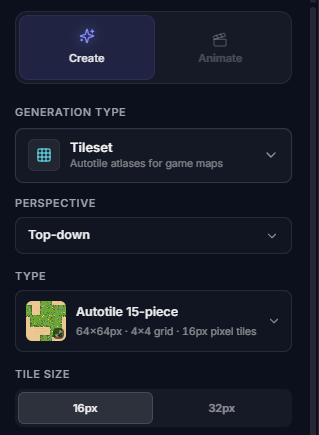
Pick a perspective, a tile size, and describe the material. "Cozy grass field", "wooden plank floor", "cracked desert stone". You get the whole atlas in that style.
Test it before you export
Hit Test tileset and paint a quick map right in SpriteCook. Walls, gaps, and single-tile islands resolve as you draw, so a bad corner never makes it into your project.

Export with your engine wired up
The PNG comes out at 1x to 4x scale, with optional spacing and outlines. On paid plans, set an engine file and the import is done for you, and a 17-piece base set can expand to the full 47-piece blob format.
- • Godot: a .tres TileSet with terrain set up for top-down and platformer autotiles; isometric exports are atlas-only
- • Unity: a .unitypackage with an autotile tile ready to paint
- • Tiled: a .tsx tileset ready to add to your map
Watch a tileset come together
All videos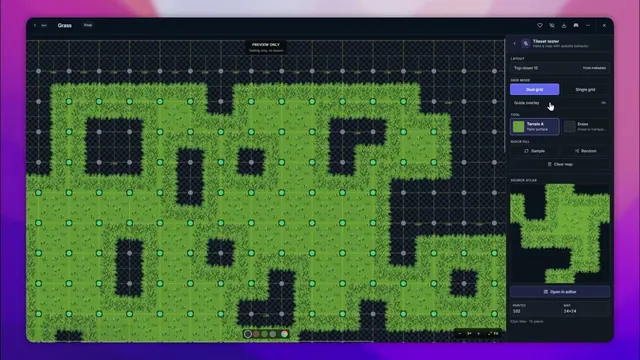
From download to painted map
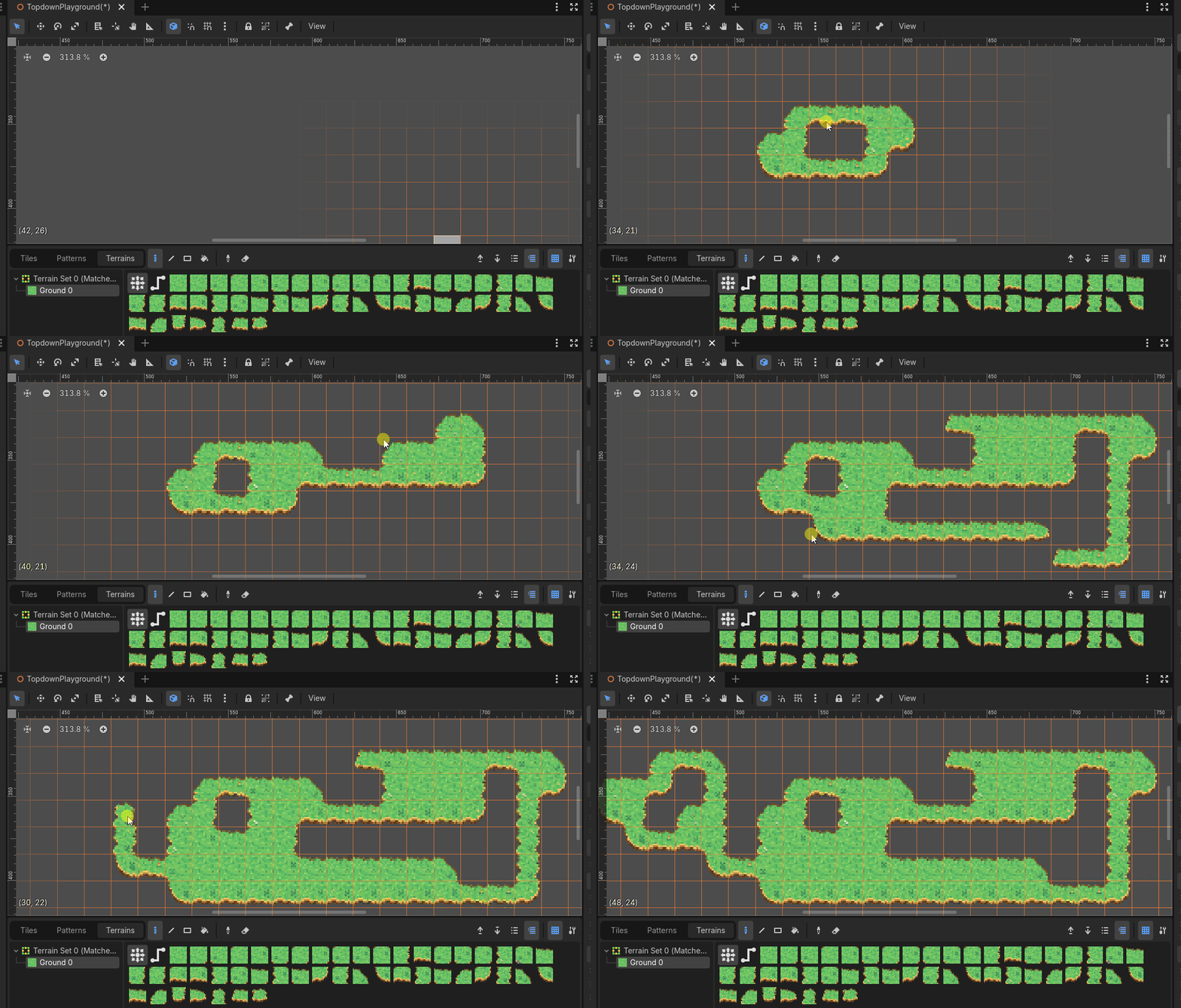
Each engine has a walkthrough with screenshots, from the export ZIP to terrain you can paint:
Godot guide
Load a terrain-ready .tres on a TileMapLayer and paint from the Terrains tab.
Unity guide
Import the package, drop the autotile in a Tile Palette, and paint.
Tiled guide
Use the 17-piece base set, add the .tsx to your map and paint with the Terrain Brush.
Top-down, platformer, isometric
Top-down sets cover ground you walk on. The platformer set gives you the grass-topped wall and floor pieces a side-on level needs. Isometric sets come as 2:1 diamond tiles at 32px or 64px for angled scenes.
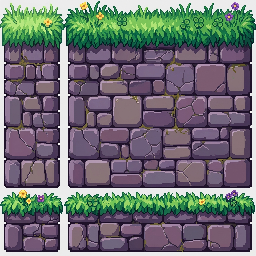
The shapes are free
The Tileset Base Generator makes blank 15-piece and 17-piece template sheets in your browser. Tune the tile size, edges, and colors, then export a pixel-perfect PNG. It's open source and needs no account. Draw on the template yourself, or hand it to the AI as a starting point. To check a finished set, paint a map with it in the dual grid tester.