Your AI agent makes the sprites
Add SpriteCook to the coding agent you already use. It writes your game, SpriteCook makes the art.
Add SpriteCook to Claude
About two minutes. No API key needed. You sign in with your SpriteCook account the first time you use it.
- 1
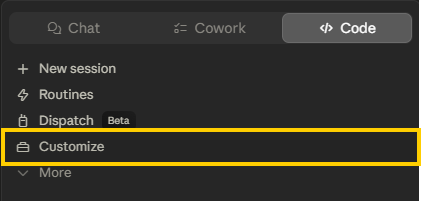
Open the Code tab and click Customize in the sidebar.
- 2
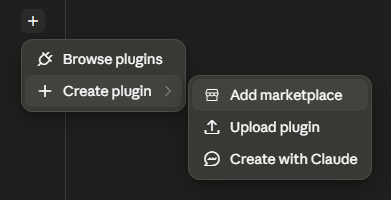
Click the +, then Create plugin, then Add marketplace, then Add from a repository.
- 3
Paste the repo URL and hit Sync. Then install SpriteCook and connect your account.
https://github.com/SpriteCook/claude-plugin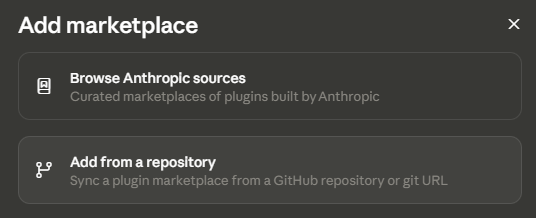
What your agent can do
Ask in plain words. Your agent picks the right tool and drops the files into your project.
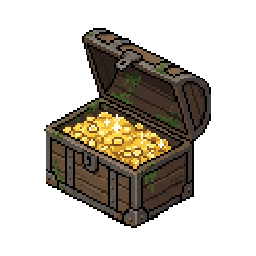
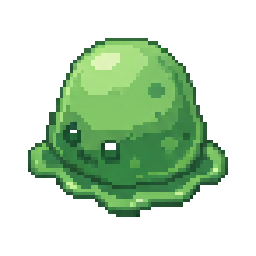
Pixel art
Characters, items and props on a true pixel grid.
“A pixel art treasure chest”
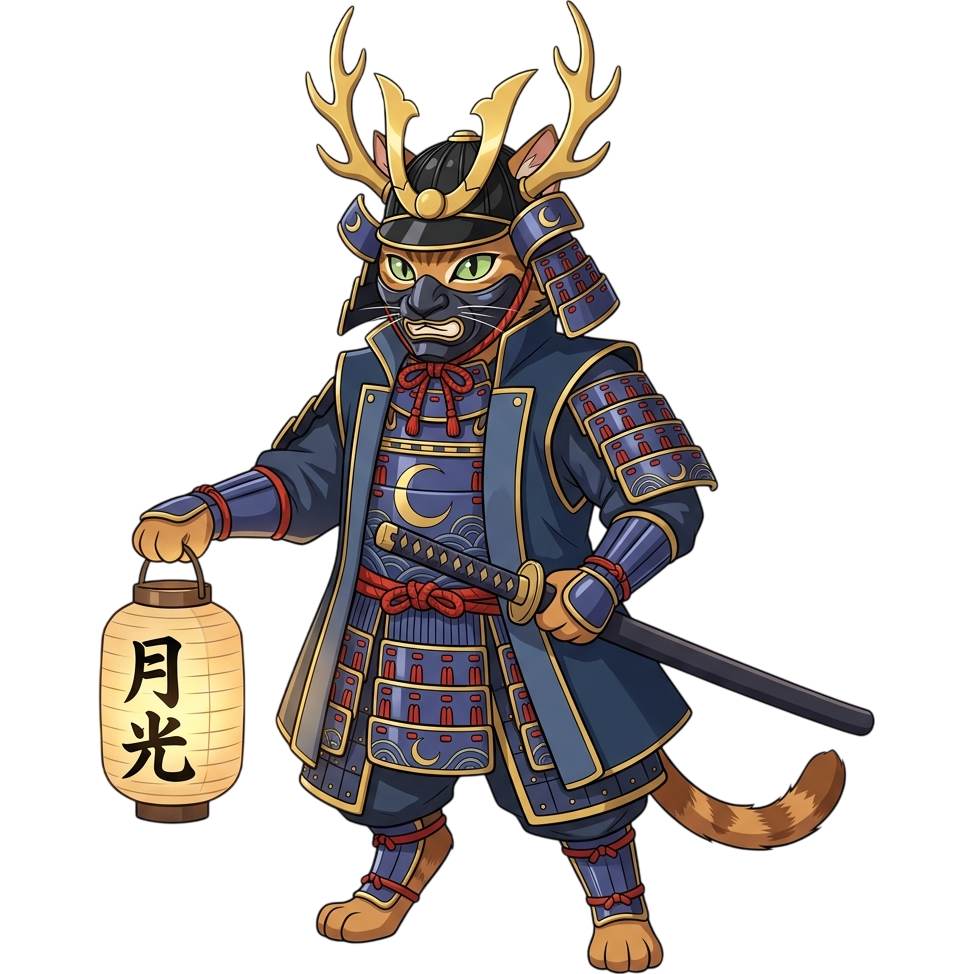
Detailed art
Painted characters, portraits and splash art.
“A samurai cat, detailed style”

Animated characters
Idle, walk, run, jump and attack from one prompt.
“Give the knight a walk cycle”
Animate any sprite
Describe the motion and get a looping animation.

“Make the fountain flow”
Tilesets
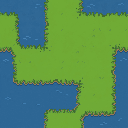
Grass, water and paths that tile without seams.
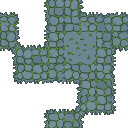
“A mossy stone path tileset”
UI kits
Panels, bars, buttons and icons in one style.
“A cozy farming UI kit”
Remove backgrounds
Clean transparent cutouts from any image.
“Remove the background from hero.png”
Ready for your engine
Sliced sprite sheets and Godot packages.
“Export the knight for Godot”

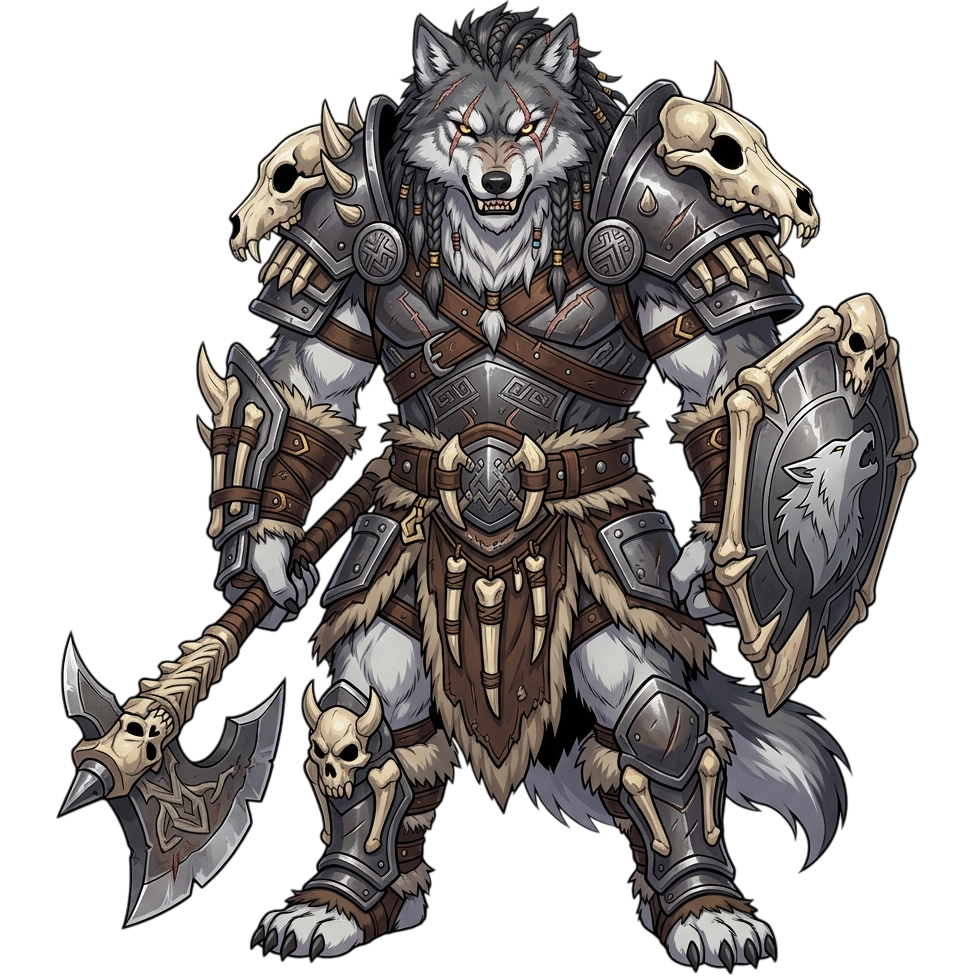
See it in action
How your coding agent uses SpriteCook to make the art for your game.
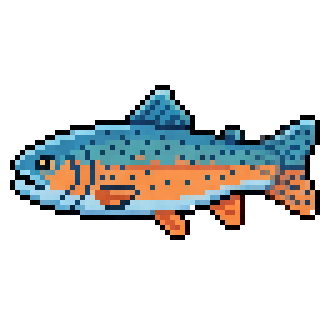
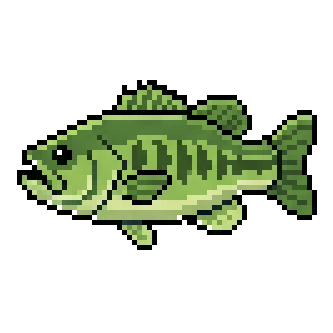
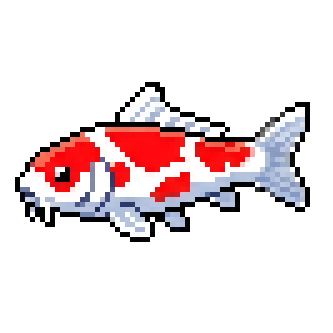
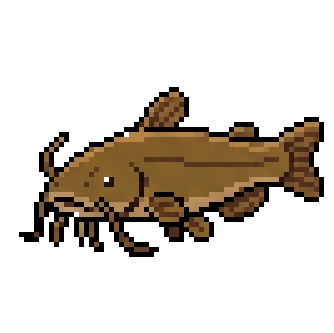
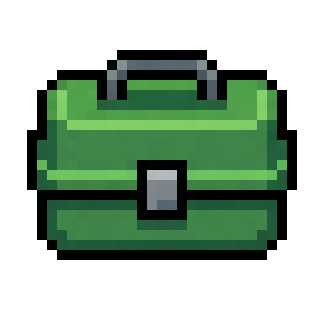
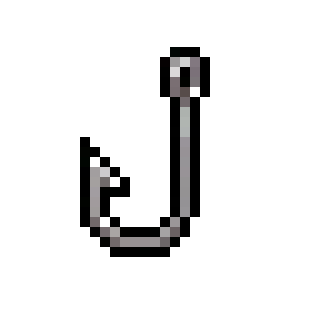
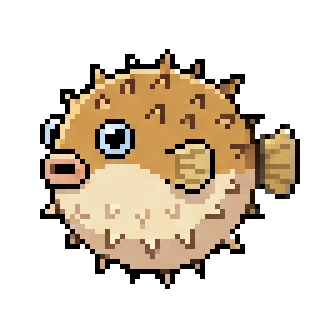
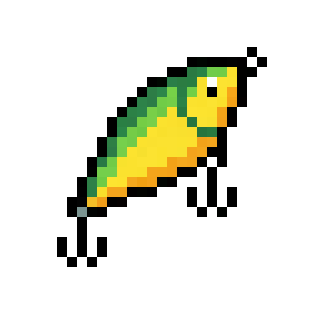
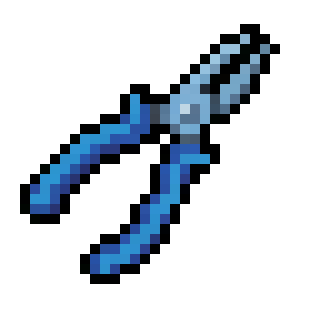
"Build me a fishing game"
You describe the game. Your agent plans the assets, generates them with consistent style, and wires them into your code.