Game art, generated

Game Icon Generator

Potions, swords, scrolls, loot. Whole inventory sets in one consistent style, instead of one icon at a time.

Pixel art sword game icon
Pixel art shield game icon
Pixel art health potion game icon
Pixel art scroll game icon
Pixel art helmet game icon
Pixel art axe game icon
Pixel art mana potion game icon
Pixel art bag of gold game icon
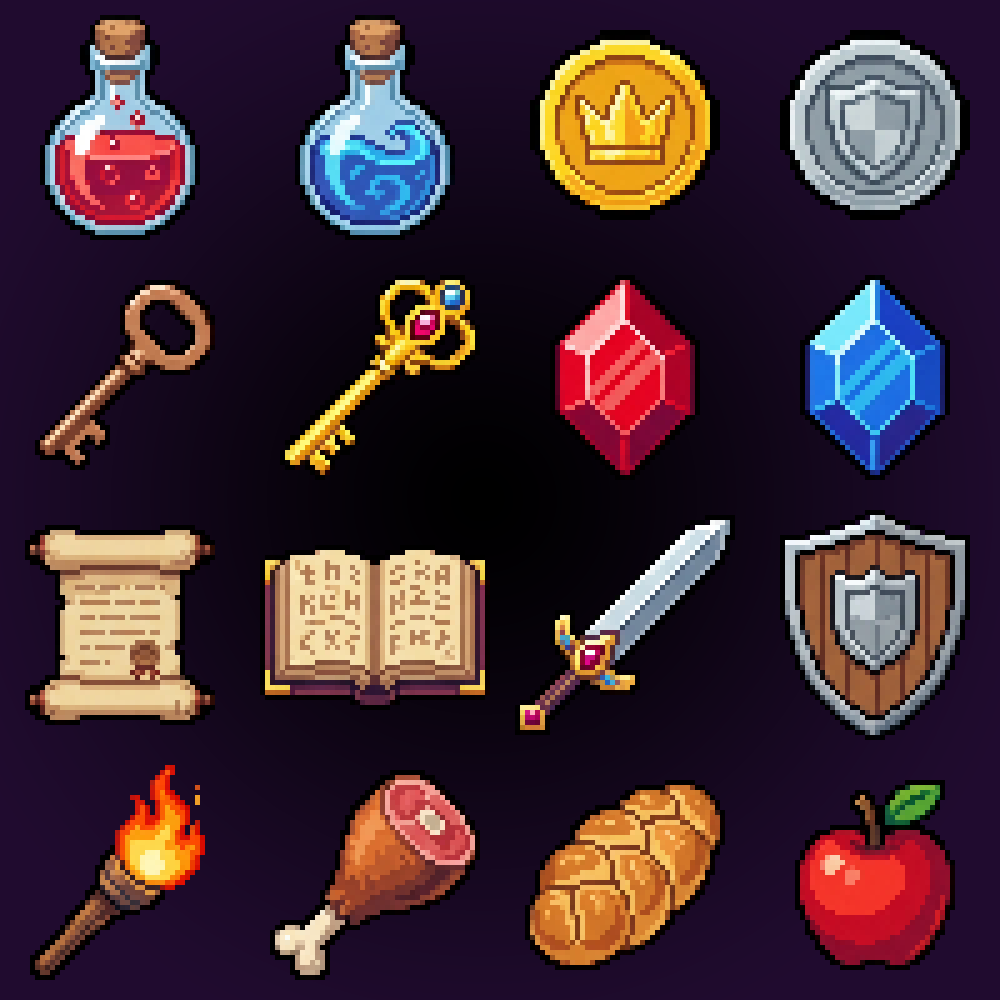
"RPG item icon sheet", a whole collection from one prompt
A full RPG item icon collection generated as one sheet
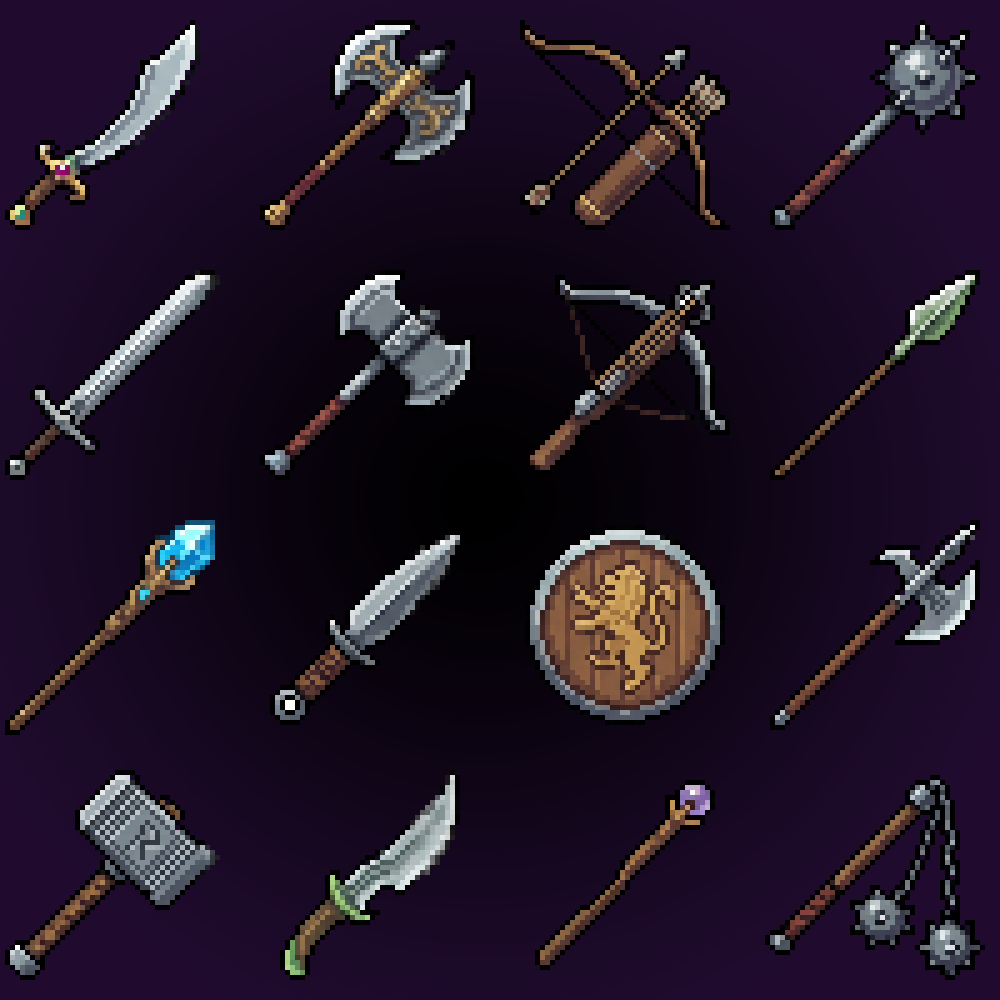
"Fantasy weapon icons", another full collection, one generation
A fantasy weapon icon collection generated as one sheet
A loot collection after the slicer: nine transparent singles
Nine loot icons sliced from one collection into transparent singles
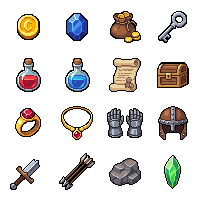
Lootables set, ready for the same treatment
Dungeon lootables icon sheet in pixel art

The hard part is consistency

One good icon is easy. Thirty icons with the same palette, the same outline weight, and the same lighting angle is the actual job, and it falls apart fastest when each icon is generated separately.

SpriteCook generates the set as one image, so every item shares a style by construction, and thirty icons cost one generation instead of thirty. The built-in slicer then cuts the sheet into clean individual PNGs on transparent backgrounds, like the strip above.

How it works

1

Prompt the set

"Dungeon loot collection, nine items" or "fantasy weapon icons". You get the whole grid in one style, for the cost of a single generation.

2

Slice the sheet

The slicer detects the grid and cuts the collection into individual icons. No manual cropping.

3

Drop them in your inventory UI

Each icon exports as a transparent PNG at native pixel size. Need more items later? Use the sheet as a style reference and extend the set.

Keep going

Frequently asked questions

How do I keep new icons matching my old ones?+
Use an existing icon or sheet as a style reference when you generate. The new items pick up the same palette and outline treatment.
What sizes do the icons come in?+
Pixel art icons generate at native sizes like 16x16 and 32x32 and export at exact pixel dimensions. Detailed style goes larger for high-res UI.
Are the backgrounds transparent?+
Yes. Generate with a transparent background and every sliced icon is a clean PNG with alpha.
Can I generate one icon at a time instead of a set?+
Sure. Single prompts work fine for one-offs, but for a matching set, generating the collection in one image keeps the style tighter.
Can I use the icons commercially?+
Yes. Everything you generate is yours to use commercially, including in games you sell.