Game art, generated
Game UI Generator
Mock up the whole screen first, then pull the buttons, bars, and decals out of it as ready-to-use pieces.
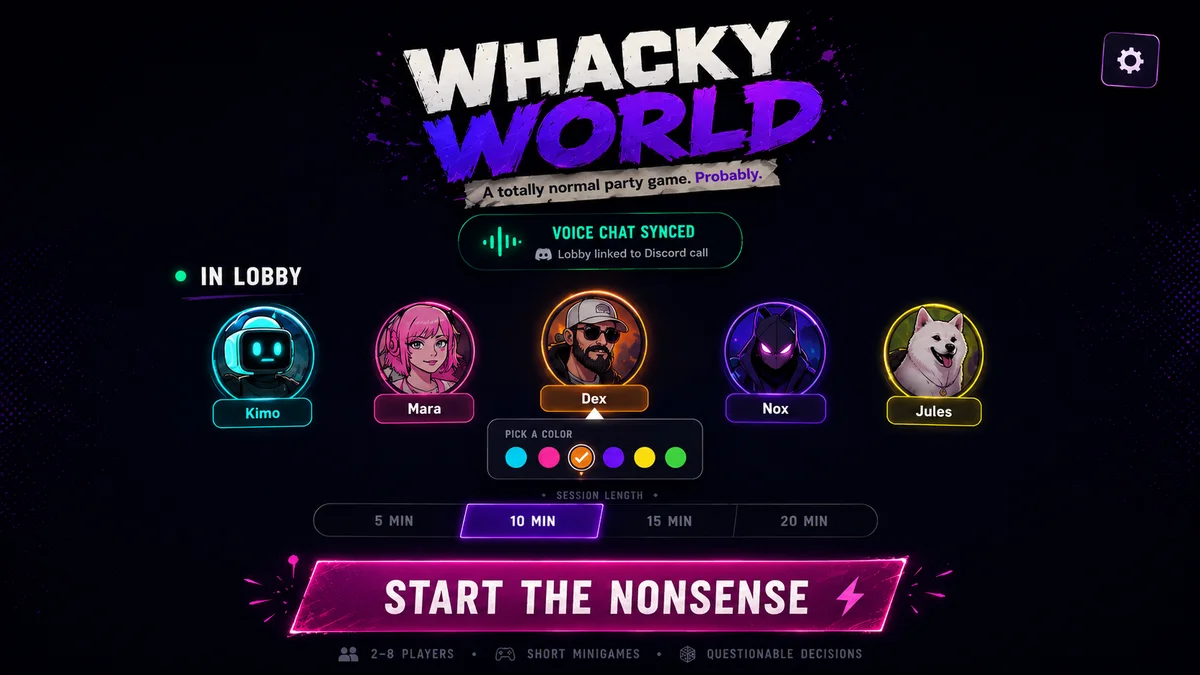





Design the whole screen first
UI kits drift when every element is generated on its own. The button has one glow, the panel another, and nothing looks like it shipped together.
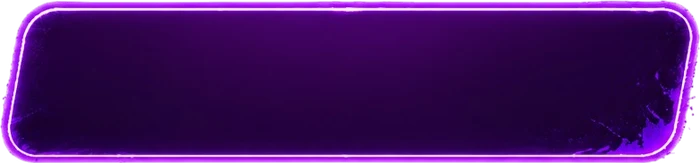
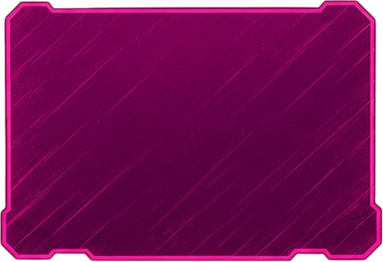
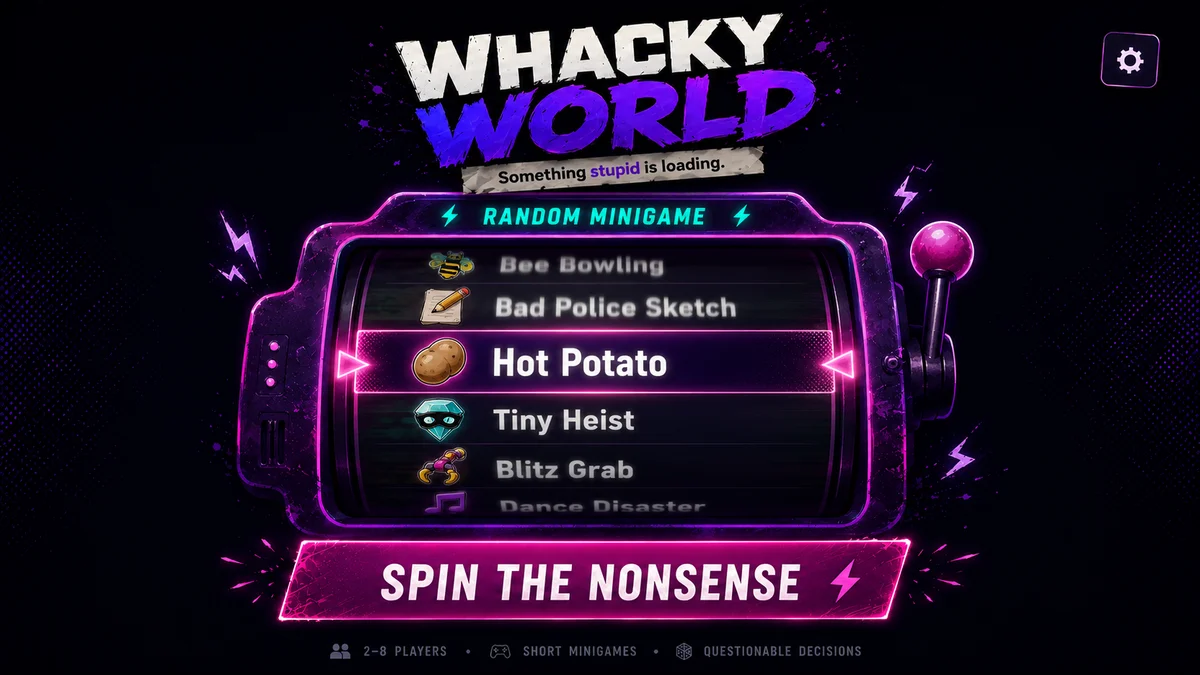
The workflow that works: generate the entire screen as one mockup, so every element is designed in context with one visual language. Then extract the pieces you need from that mockup as individual transparent assets and use them directly in your game. Every element in the grid below came out of mockups like the lobby above: buttons, cards, frames, pills, and decals, an entire UI kit from a handful of generations.
The UI Kit Builder runs this whole loop for you: it generates the concepts, rebuilds them as separate pieces, names and groups every state, and exports with 9-slice borders set. You can still do it by hand with the slicer if you want more control over each cut.
How it works
Mock up the screen
Describe the whole thing. "A neon party-game lobby with a start button, player list, and minigame picker". Judge the design as a screen, not as parts.
Extract the elements
Rebuild the screen as separate pieces on a transparent background: the button, the pills, the decals, the portrait frames. They inherit the style of the screen they came from, because they were designed in it. Ask for complete interaction states and each control comes back as a family with hover, pressed, and disabled.
Slice and ship
Cut the sheet into named elements, mark 9-slice borders on anything that stretches, and export for the web, Unity, or Godot. Animated elements work too, like the lever above with its eight-frame pull.
What you end up with
- A full-screen mockup you can iterate on as one image
- Individual UI elements as transparent PNGs
- Animated UI pieces as sprite sheets
- A consistent kit, because everything came from the same screen