 +
+Integration
SpriteCook+Roblox
Turn a character into a ready-to-play Roblox Studio project. SpriteCook embeds the animations directly in a .rbxlx place file, so there are no asset uploads or external loading to set up.
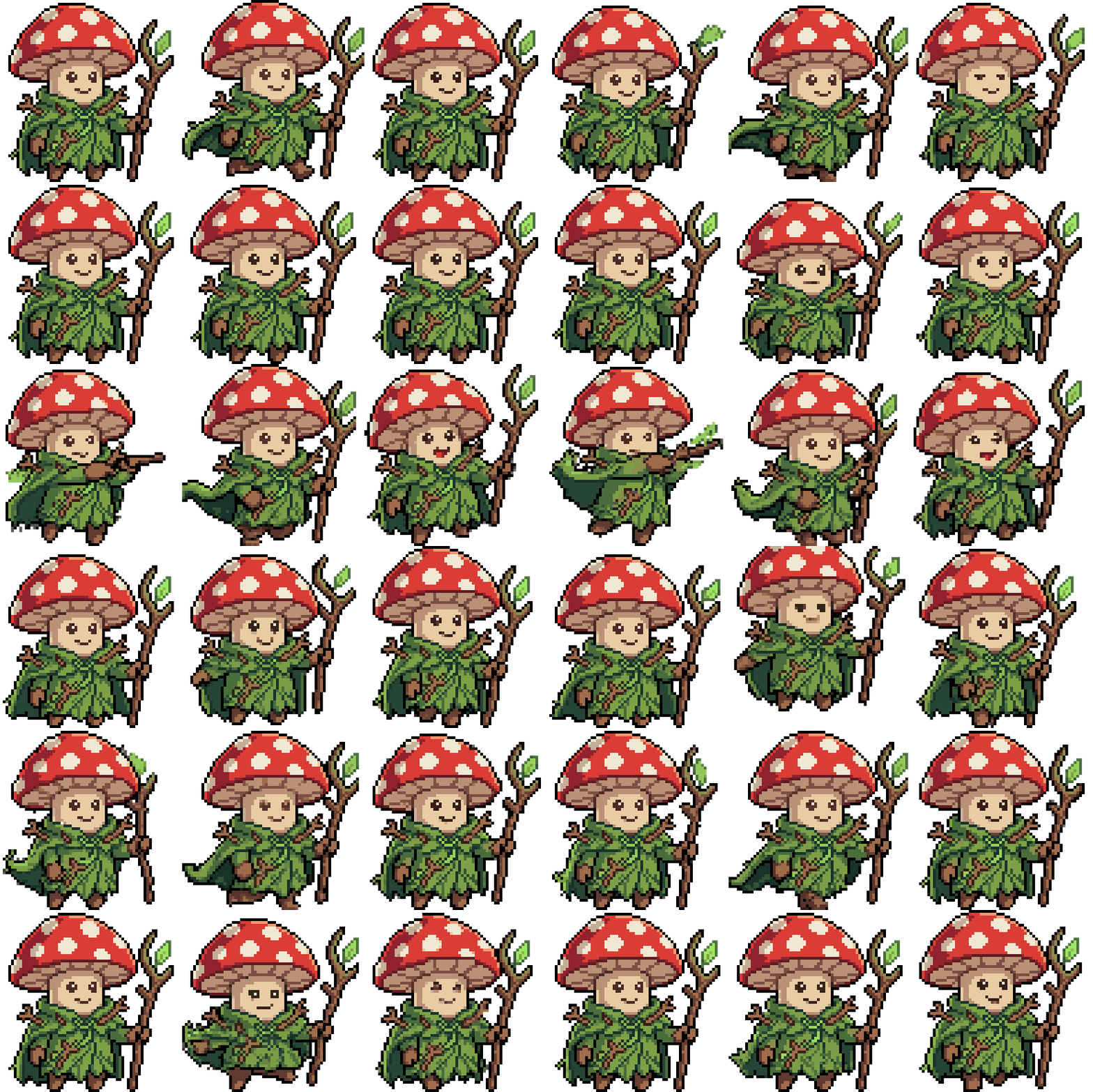
A ready-to-play place file
Export a character as a Roblox Studio place with the animations already embedded. Open the .rbxlx and it runs, with no uploading sprite sheets or wiring up AnimationIds.
Animations embedded, no uploads
Frames are packed into image atlases inside the file and played back with EditableImage, including mirrored frames for left and right movement. There is nothing to host.
Importer plugin for existing games
Already have a project? Use the SpriteCook importer plugin to bring a character export into it, with the animation data wired up for you.
Guides and docs
From prompt to animated character
Build a full animation set with presets, then export it to your game.
Prompt your character to do anything
Go beyond the preset moves with custom animations.
Turn your pet into a playable character
Make a custom animated character from a photo.
Animate a custom sprite
Add motion to a single character, prop, or item.
Watch it in action
Make an animated pixel-art character in a couple of minutes, ready to export.
Common questions
Does SpriteCook export to Roblox?
Yes. You can export a character as a ready-to-play Roblox Studio place (.rbxlx) with the animations already embedded, so it runs as soon as you open it.
Do I need to upload sprite sheets to Roblox?
No. Frames are packed into image atlases inside the file and played back with EditableImage, including mirrored frames for left and right movement. There is nothing to host or upload.
Can I add a character to my existing Roblox game?
Yes. Use the SpriteCook importer plugin to bring a character export into a project you already have, with the animation data wired up for you.
Does SpriteCook make Roblox tilesets?
Not yet. The Roblox export is for animated characters. If you need autotile tilesets, those export to Unity, Godot, and Tiled.
Make a character for your Roblox game
Generate an animated character in under a minute, then export a place file that runs as soon as you open it.
Start creating free