Generate game sprites in Codex with the SpriteCook plugin
Add the SpriteCook plugin to Codex from the plugin marketplace, then generate sprites, animations, and tilesets straight from a chat. Setup takes a couple of minutes.
Codex supports plugins, and SpriteCook has one. Once it's installed, Codex can generate sprites, animations, and tilesets while you work. Ask for a character in a chat and the file lands in your project.
This post is about the Codex app, where installation works through the plugin marketplace and there's nothing to run in a terminal. If you're on a different editor, the agent setup guide covers those.
Prefer to watch? Here's the two-minute setup:
What you need
- The Codex app
- A SpriteCook account
Add the marketplace
The plugin lives in a public GitHub repo. You add that repo as a marketplace once, then install the plugin from it.
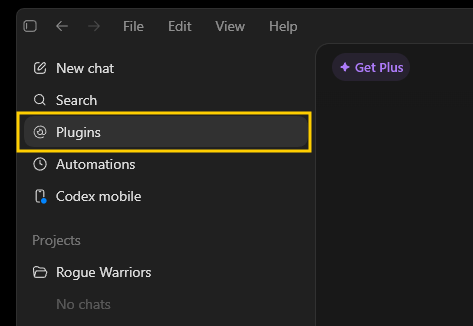
Click Plugins in the sidebar.
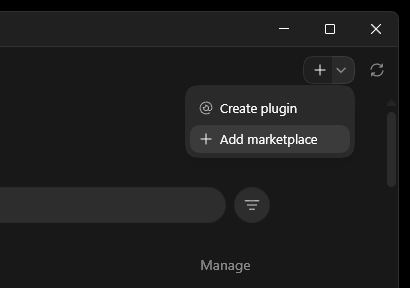
Click the + in the top right, then Add marketplace.
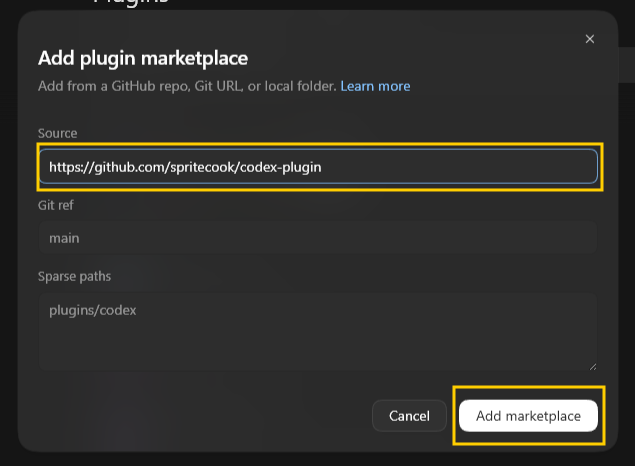
Paste the plugin repo URL and click Add marketplace:
https://github.com/SpriteCook/codex-plugin
Install the plugin
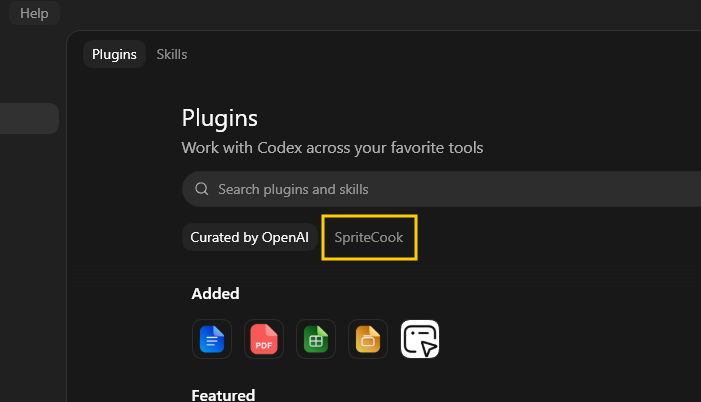
The SpriteCook marketplace now shows up in your plugin directory. Open it.
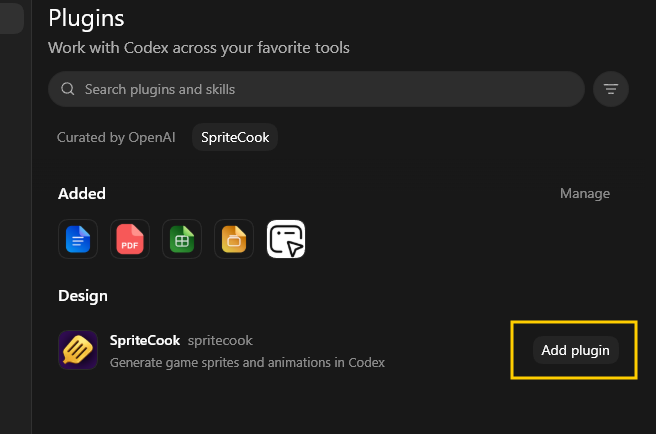
Click Add plugin on the SpriteCook card.
Codex opens a browser to connect your SpriteCook account. Approve it once and you're set.
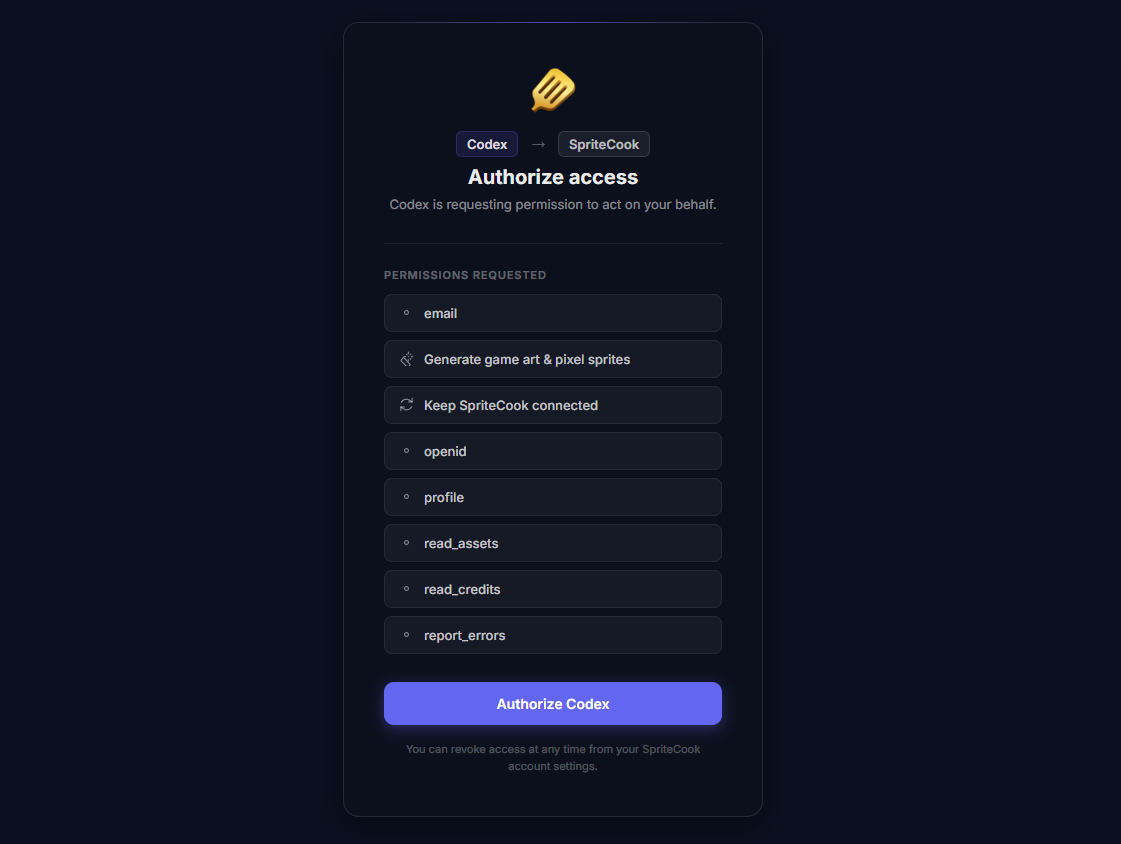
The plugin bundles the SpriteCook MCP connection and a set of skills. The connection gives Codex the tools that do the generating. The skills teach Codex how to use them well, like generating one hero asset first and reusing it as a style reference so your whole set stays consistent. More on that in the agent guide.
Try it
Start a chat and ask for something.
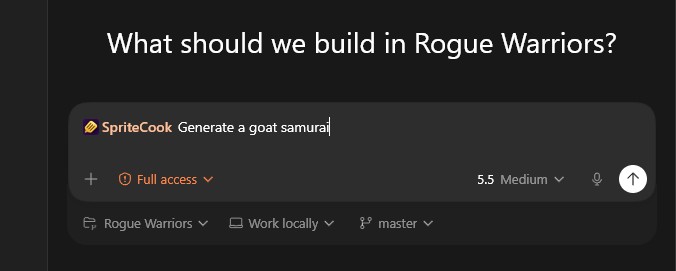
Codex kicks off the generation, waits for the job to finish, and saves the result into your project.
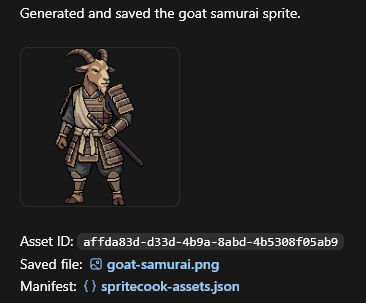
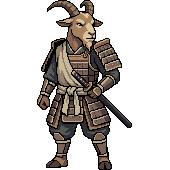
From here you can ask for whatever your game needs. The same options from the web app are available, so these guides apply:
Prefer the terminal?
If you work in the Codex CLI, you can add the same marketplace and install the plugin with two commands:
codex plugin marketplace add SpriteCook/codex-plugin
codex plugin add spritecook@spritecook
Codex connects your account through the browser the first time the agent uses a SpriteCook tool.
That's the whole setup. Go make something.