Generate game sprites in OpenCode with the SpriteCook plugin
Add the SpriteCook MCP server and skills to OpenCode with one command, then generate sprites, animations, and tilesets straight from the agent. Setup takes a couple of minutes.
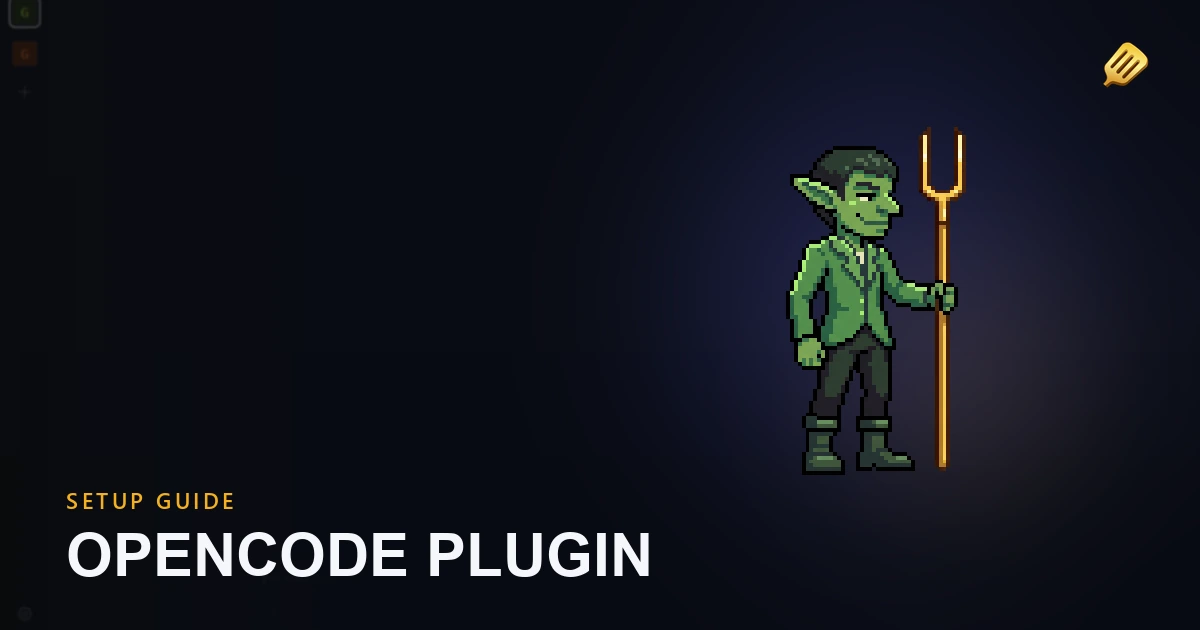
OpenCode can generate game art while it writes your game. The SpriteCook setup adds the hosted SpriteCook MCP server and a set of workflow skills to OpenCode, so you can ask your agent for a sprite and the file lands in your project.
One command sets it up. If you're on a different editor, the agent setup guide covers those.
Prefer to watch? Here's the two-minute setup:
What you need
Run the install command
Toggle the terminal on.
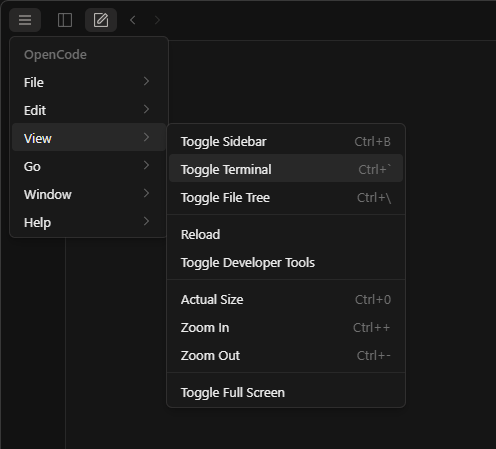
Paste the command for your system and hit Enter.
macOS or Linux:
bash -c "$(curl -fsSL https://spritecook.ai/install-opencode.sh)"
Windows (PowerShell):
iwr -useb https://spritecook.ai/install-opencode.ps1 | iex
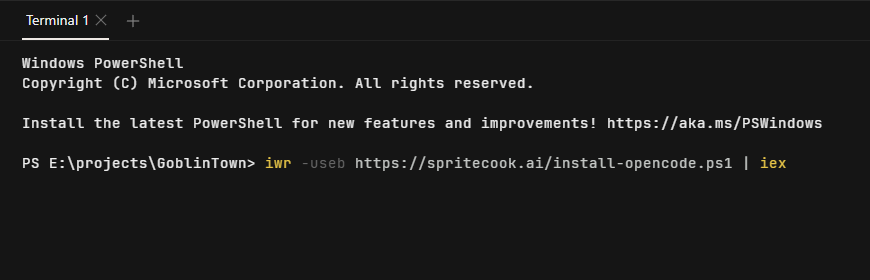
The installer adds a spritecook entry under mcp in your global OpenCode config and copies the SpriteCook skills into ~/.config/opencode/skills. Everything else stays as it is. If your config can't be parsed safely, the installer leaves the file alone and prints the snippet for you to paste in yourself.
Try it
Ask the agent for something.
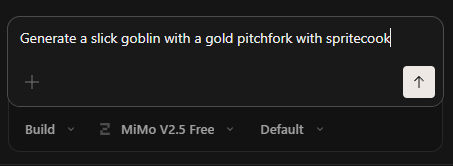
The first time the agent reaches for a SpriteCook tool, OpenCode asks you to sign in. If you see that prompt, open the link it prints and approve the access. You only do this once. No API key needed. (This run was already signed in, so it went straight to work.)
The skills also teach the agent to fill in the details that make a better asset. It may ask a quick question or two, like which perspective fits your game.
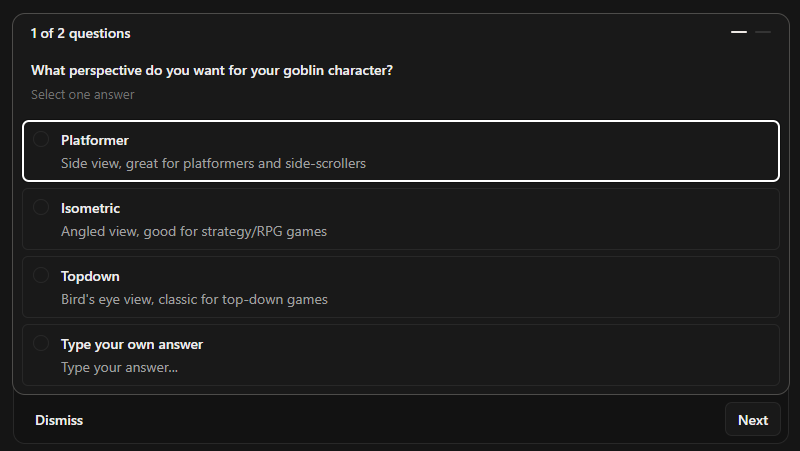
Answer, and the agent generates the sprite and saves it into your project.
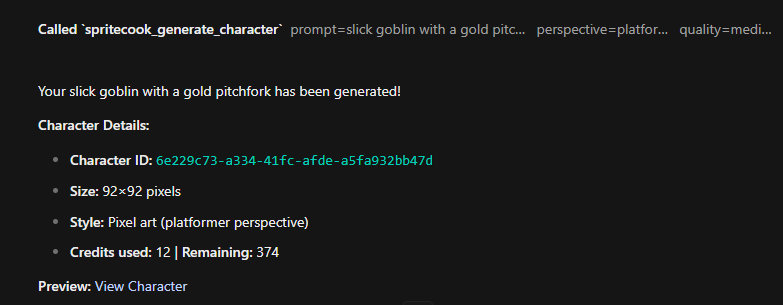

From here you can ask for whatever your game needs. The same options from the web app are available, so these guides apply:
Add it manually instead
If you'd rather wire it up by hand, add the SpriteCook server to the mcp section of your opencode.json and copy the skills from the GitHub repo. The repo README has the exact snippet.
That's the whole setup. Go make something.