Game art, generated

Game Asset Pack Generator

Pick a genre, a view and a style. You get a whole set of matching pixel art for your game, from characters and enemies to tiles, props and icons.
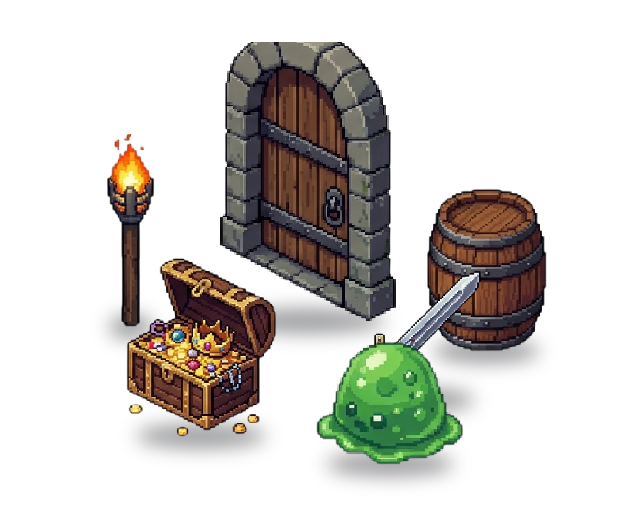
Six pieces of a pixel art dungeon set placed in a room: a door, a torch stand, a barrel, a sword, a treasure chest and a slime
Six pieces of a dungeon set, placed in a room
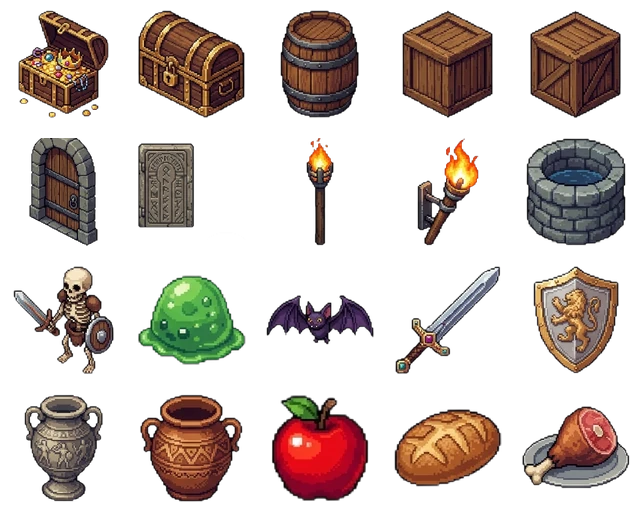
All twenty sprites in the pixel art dungeon set: chests, a barrel, crates, doors, torches, a well, a skeleton, a slime, a bat, a sword, a shield, an urn, a pot and food
All 20 pieces, each a separate sprite
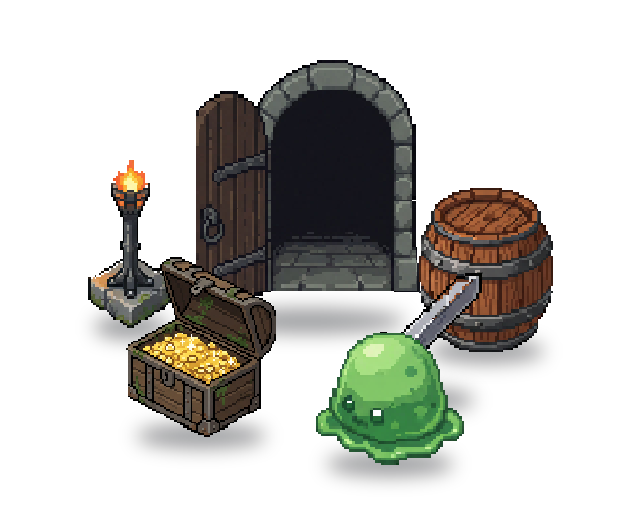
The same dungeon set in a more detailed pixel art style, placed in a room
The same set in a more detailed pixel style
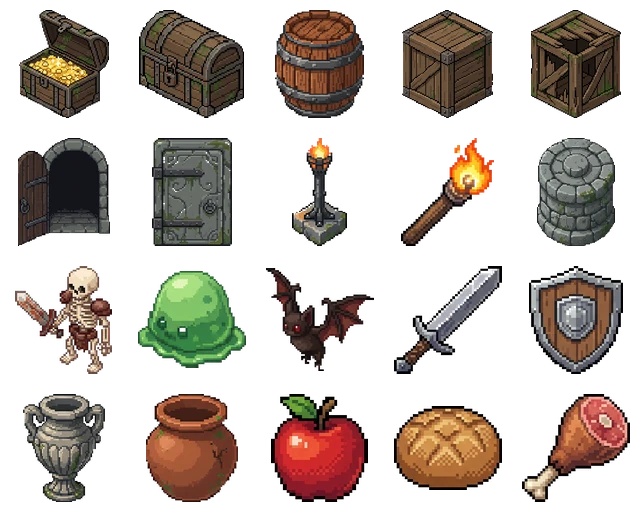
All twenty sprites of the dungeon set in the detailed pixel art style
All 20 pieces in the detailed style

The hard part is consistency

A game needs a lot of small art: floor tiles, walls, doors, chests, enemies, item icons. Make them one at a time and the style drifts. Outlines change thickness, the palette wanders, and the light comes from a different side on every piece.

The pack creator makes the whole set in one run, from one genre, one view and one style. The pieces come out matching, so they look like they belong in the same game.

How it works

1

Pick a genre and a view

Roguelike, platformer, farming sim, tower defense, space or fantasy RPG, then top-down, side-view or isometric. The genre decides what goes in the pack. A dungeon pack gets a hero, enemies, floor and wall tiles, doors, chests, traps and item icons.

2

Choose a style

Start from a preset like Classic 16-bit, Retro NES or Cute & Colorful, or describe the look you want in a few words.

3

Start small or get the whole kit

A Mini Pack makes 9 assets so you can check the look. A Full Pack makes 42 to 56. You can turn a Mini Pack into a Full Pack later without starting over.

4

Download and keep going

Download the assets as PNGs, or export sprite sheets and engine packages. From the finished pack you can make more assets in the same style or animate any piece.

What you download

  • Every asset as its own PNG, together in one ZIP
  • Characters and props on transparent backgrounds, tiles and backdrops as full images
  • Sprite sheets with JSON metadata, on Starter and higher
  • Unity and Godot 4 export packages, on Starter and higher
  • Plain PNGs work in Phaser, GameMaker or any other engine

Keep going

Frequently asked questions

What's in a pack?+
It depends on the genre and view. A top-down dungeon pack has a hero in several directions, enemies, floor and wall tiles, doors, chests, dungeon props, traps and item icons. A farming pack swaps those for a farmer, farm animals, soil and path tiles, crops, fences and tools. A space pack has ships, asteroids, power-ups, station parts and a backdrop.
How many assets are in a pack?+
A Mini Pack has 9. A Full Pack has 42 to 56, depending on the genre and view.
Can I try it for free?+
Yes. A Mini Pack fits in the free credits you get every month, no credit card needed. Full Packs need a Starter plan or higher.
Can I make a pack in a painted or HD style?+
Packs are pixel art for now. For detailed art, use the asset generator and add a reference image so every new asset matches the first one.
Can I add more assets in the same style later?+
Yes. From a finished pack, Create Custom Assets opens the generator with the pack's style already filled in, and Animate Your Assets lets you animate any piece.
Can I use the assets commercially?+
Yes. Everything you generate is yours to use commercially, including in games you sell.