Media kit

SpriteCook.ai Press & Brand Assets

Download official SpriteCook.ai logos, product screenshots, and example outputs. All assets are approved for editorial coverage, product reviews, and launch announcements. Please credit SpriteCook.ai when using these images.

Brand Guidelines

Display the SpriteCook.ai logo with generous spacing and avoid altering colors, aspect ratios, or adding drop shadows. When possible, keep the logomark over minimally detailed or solid backgrounds for maximum legibility.

SpriteCook Logo — Transparent

SpriteCook Logo — Transparent

High-resolution logomark with transparent background for light or dark surfaces.

PNG • 2400 × 2400

SpriteCook Logo — Dark Background

SpriteCook Logo — Dark Background

Logomark optimized for darker canvases with subtle glow.

PNG • 2400 × 2400

Product Screenshots

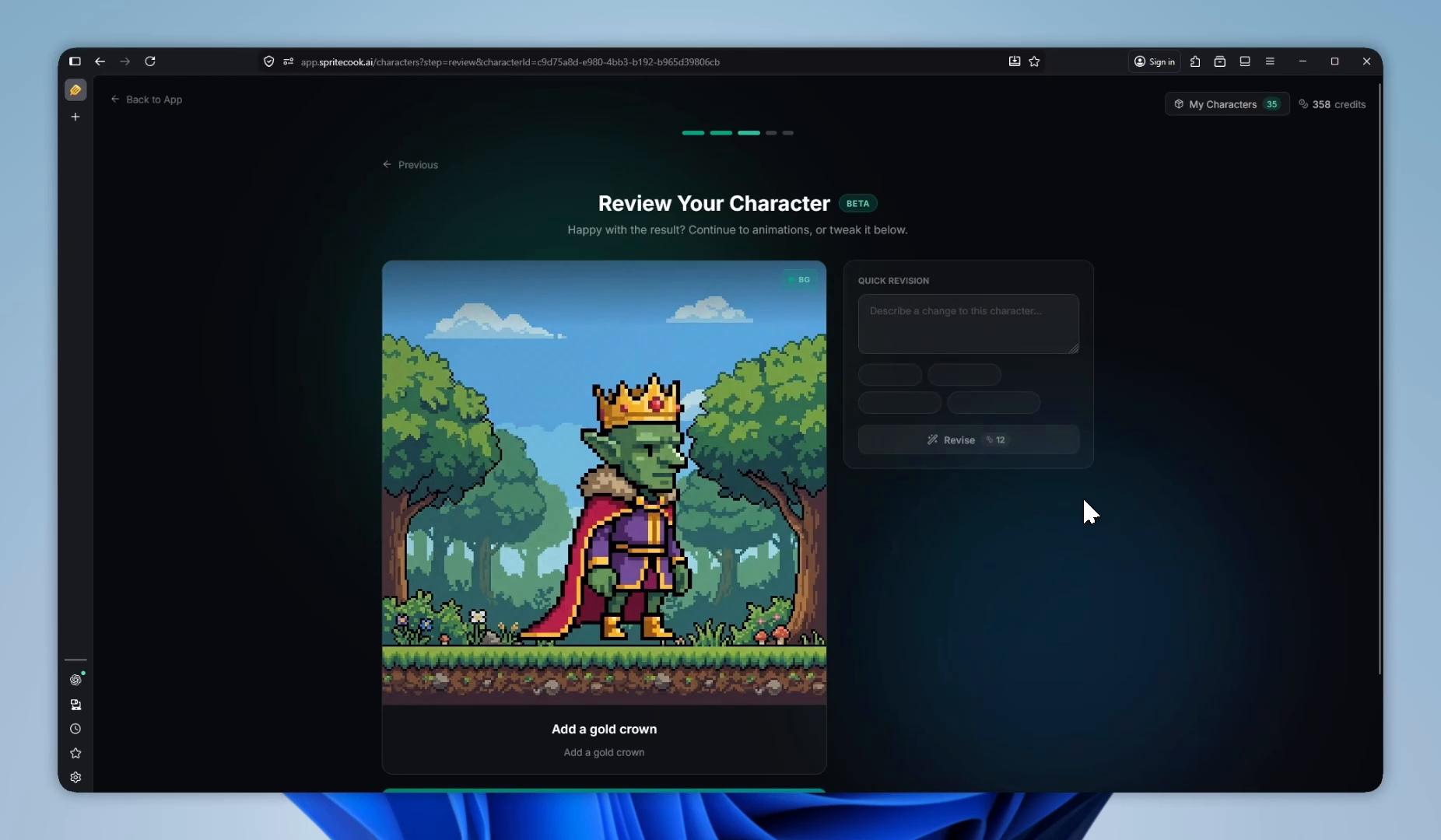
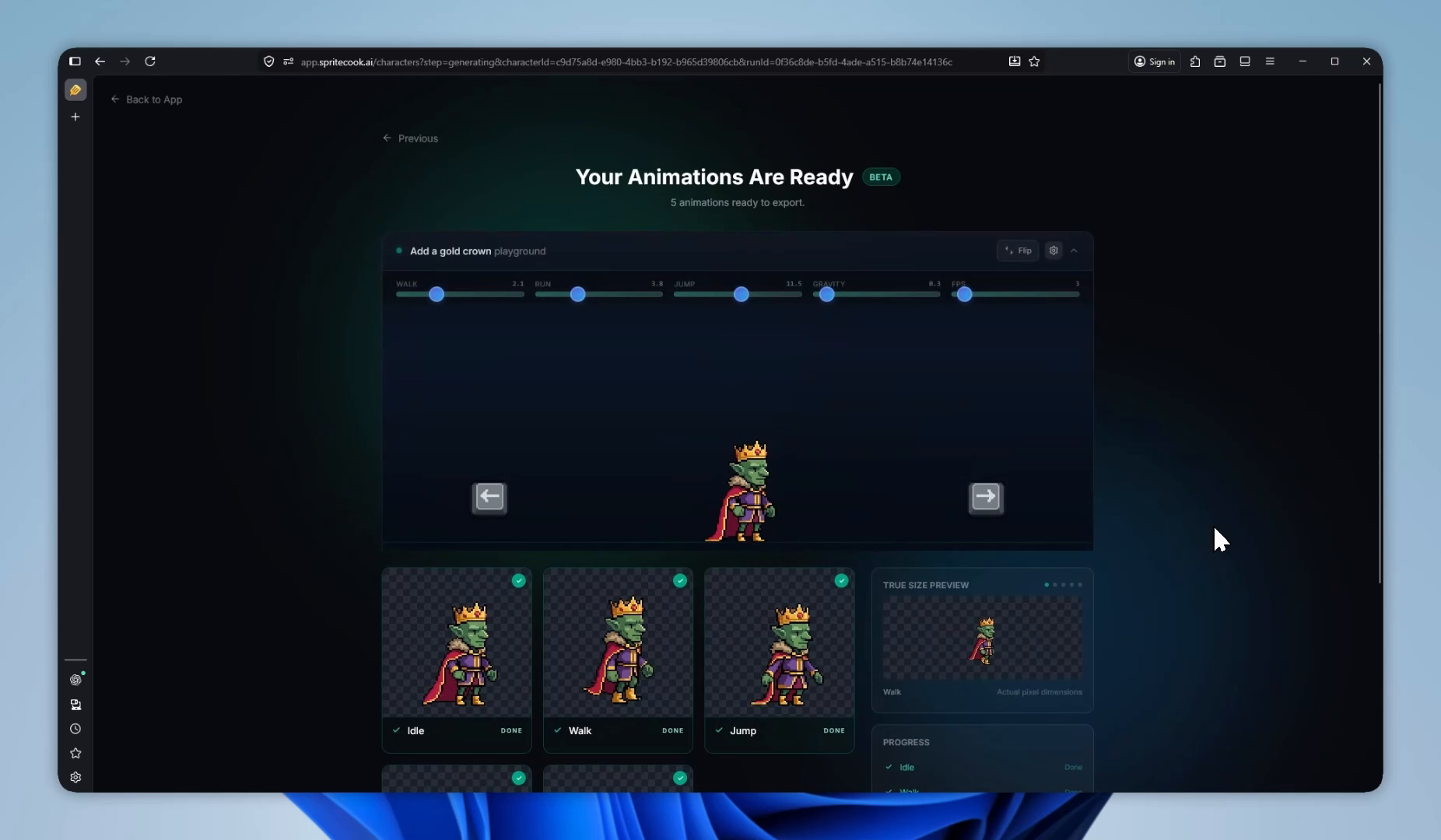
These captures showcase the live Editor, gallery curation tools, and export options exactly as they appear in-app. Each screenshot includes subtle SpriteCook.ai branding baked into the UI chrome for clarity.

Editor Dashboard

Editor Dashboard

Main SpriteCook.ai workspace showing layered prompts, palette controls, and live outputs.

PNG • 1200 × 800

Sprite Gallery View

Sprite Gallery View

Community gallery with curated sprite sheets and filter controls highlighted.

PNG • 1200 × 800

Batch Export Panel

Batch Export Panel

Export drawer demonstrating sprite sheet batching and transparent background toggles.

PNG • 1600 × 900

Example Outputs

Use these to illustrate the fidelity and consistency of SpriteCook.ai across characters, UI, and sprite sheets. Each asset is generated with public-safe prompts and can be embedded in articles or videos.

Character Lineup

Character Lineup

SpriteCook.ai generated hero roster with consistent lighting and proportions.

PNG • 2048 × 1024

UI Elements Kit

UI Elements Kit

Pixel-perfect game UI widgets suitable for menus and HUD overlays.

PNG • 1600 × 900