Tutorial series
Build a game with SpriteCook
Each episode teaches one feature, from your first asset to a coding agent that adds the boss. All the art goes into one Godot game, so by the last episode you have something you can play.
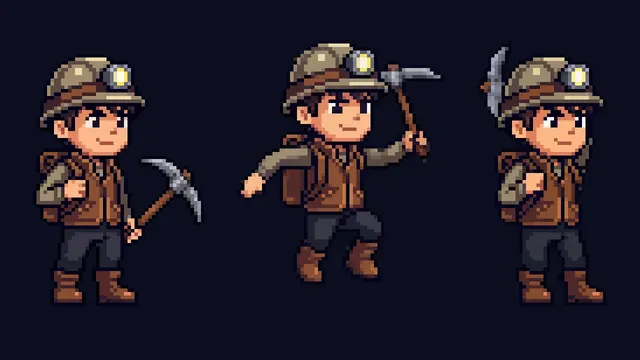
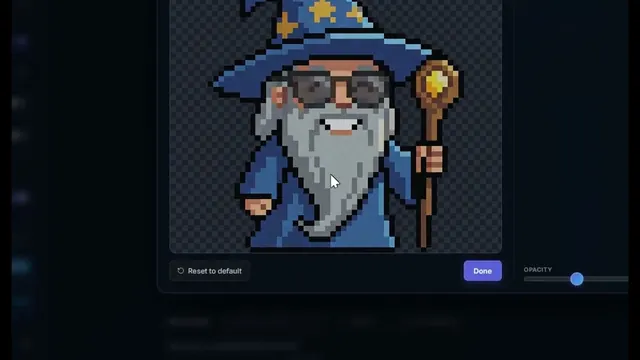
- 01How to make pixel art game items with AI in SpriteCook5:35
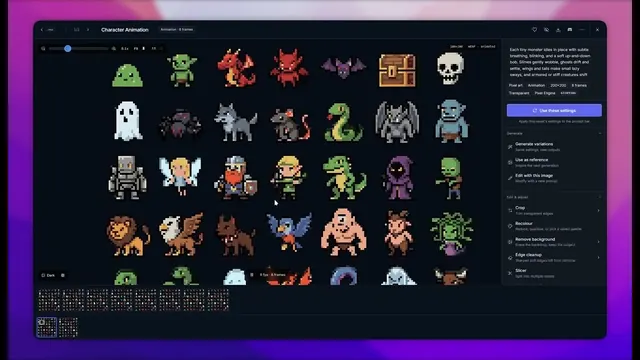
- ExtraHow to edit and animate pixel art by hand in SpriteCook4:06
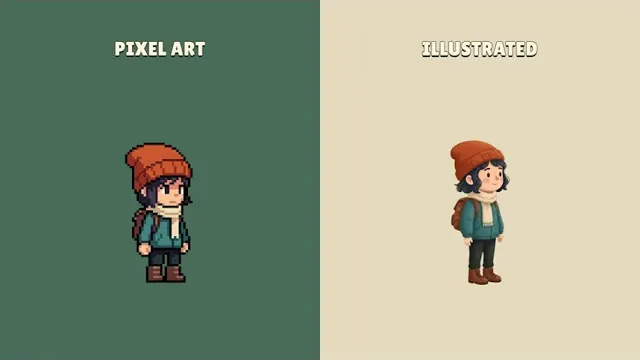
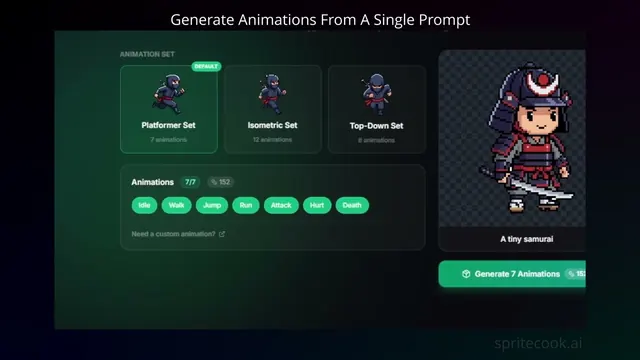
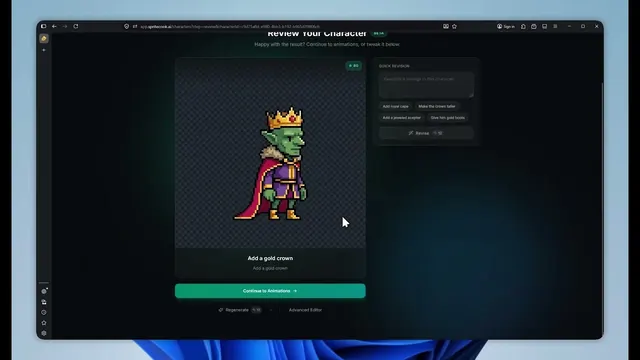
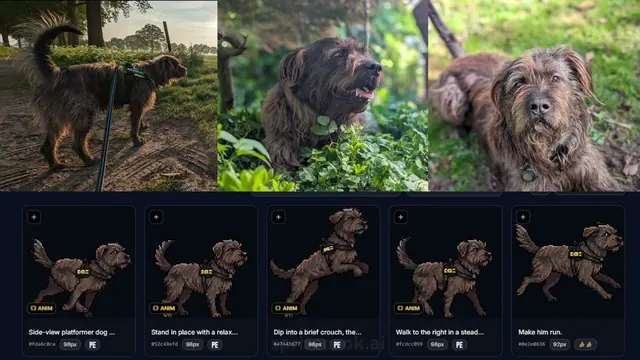
- 02How to make an animated pixel art character with AI in SpriteCook6:06
- 03Animate any spriteComing up
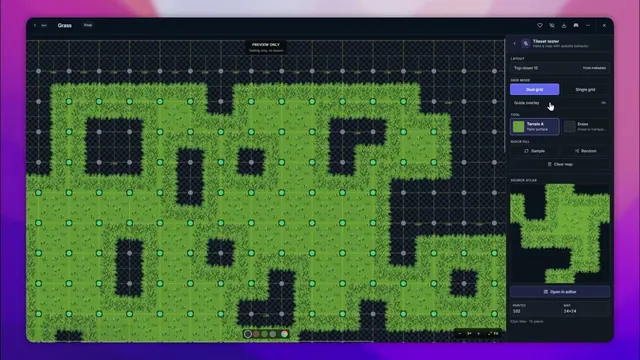
- 04Make a tileset that tilesComing up
- 05Make a full item set with grids and packsComing up
- 06Keep your art consistentComing up
- 07Fix and recolour assetsComing up
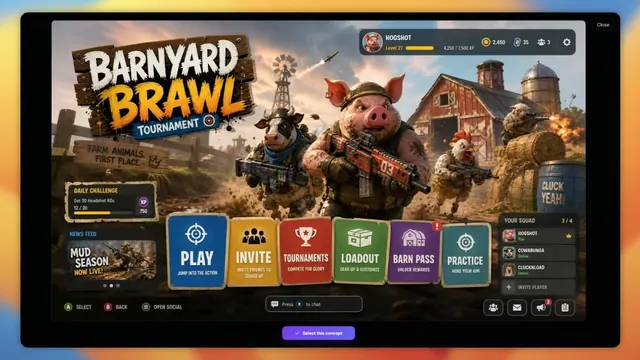
- 08Build a game UI with the UI Kit BuilderComing up
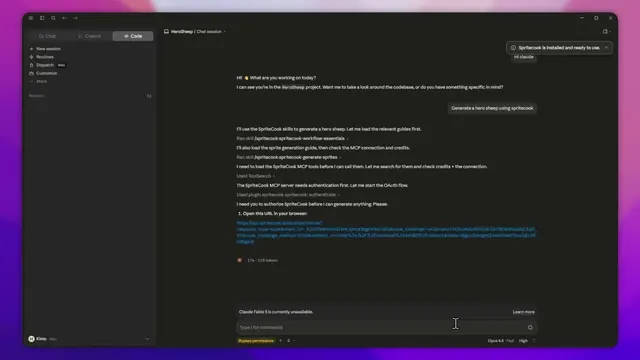
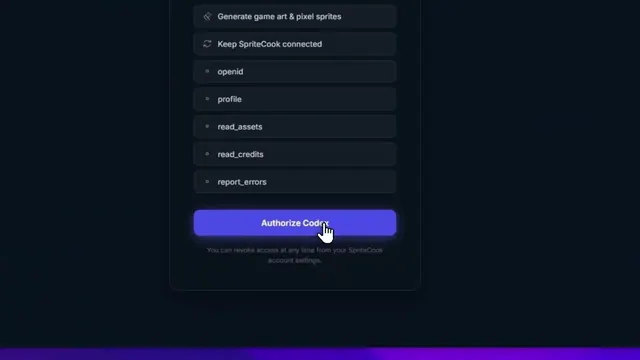
- 09Use SpriteCook from Claude CodeComing up