Chroma Awards Season 2, game ideas and the SpriteCook Award
SpriteCook is a partner of the Chroma Awards Season 2. Here's how the game division works, ideas for every category, and how to win the $500 SpriteCook Award.
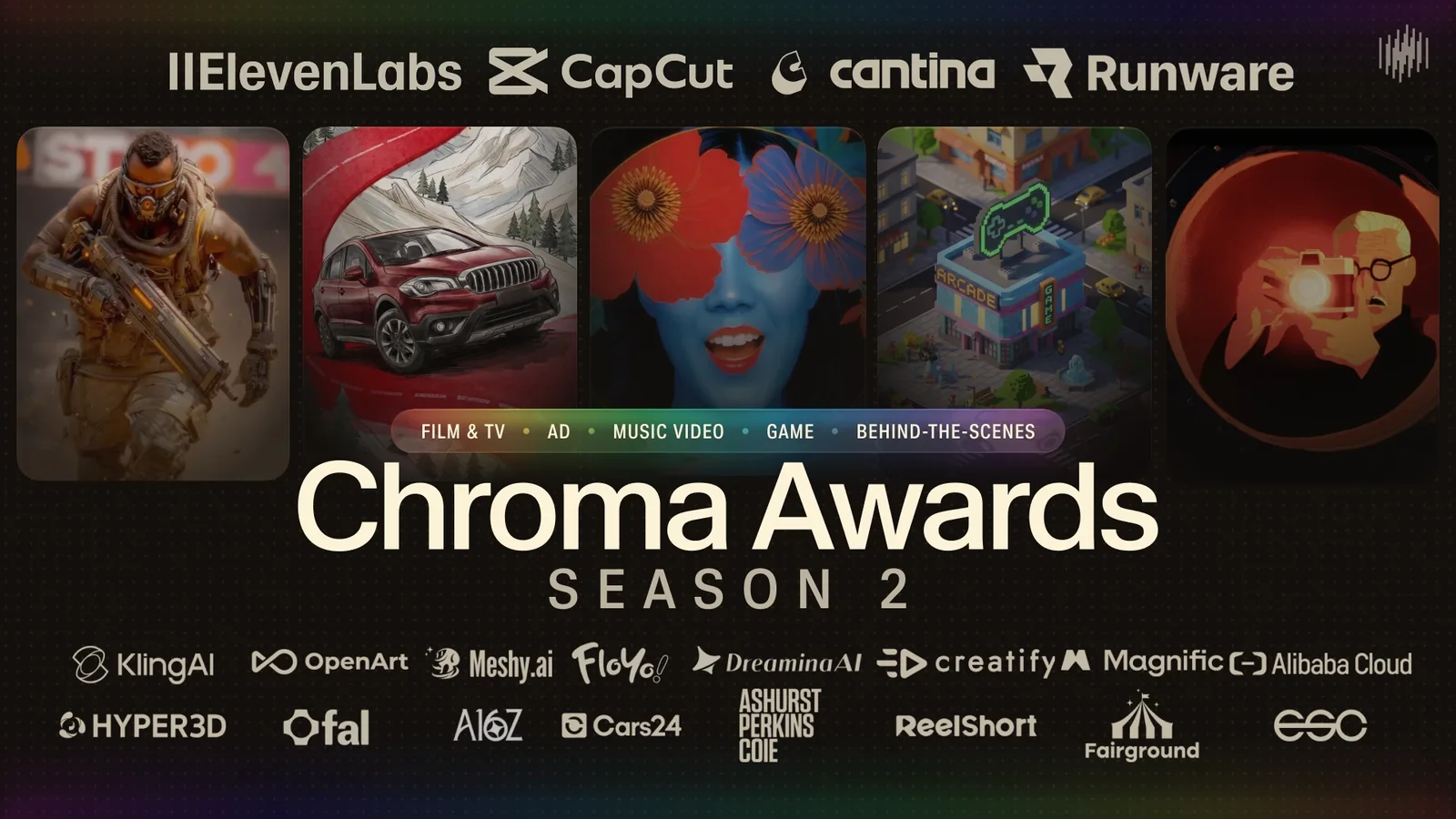


The Chroma Awards are back for Season 2, and this year SpriteCook is one of the partner tools. It's a global film and media competition built around AI creative tools, with divisions for film and TV, ads, music videos and games.
We're most excited about the Game division. If you've had a game idea sitting in a folder, this is a great reason to finish it. There's also a SpriteCook Award for the best entry made with SpriteCook.
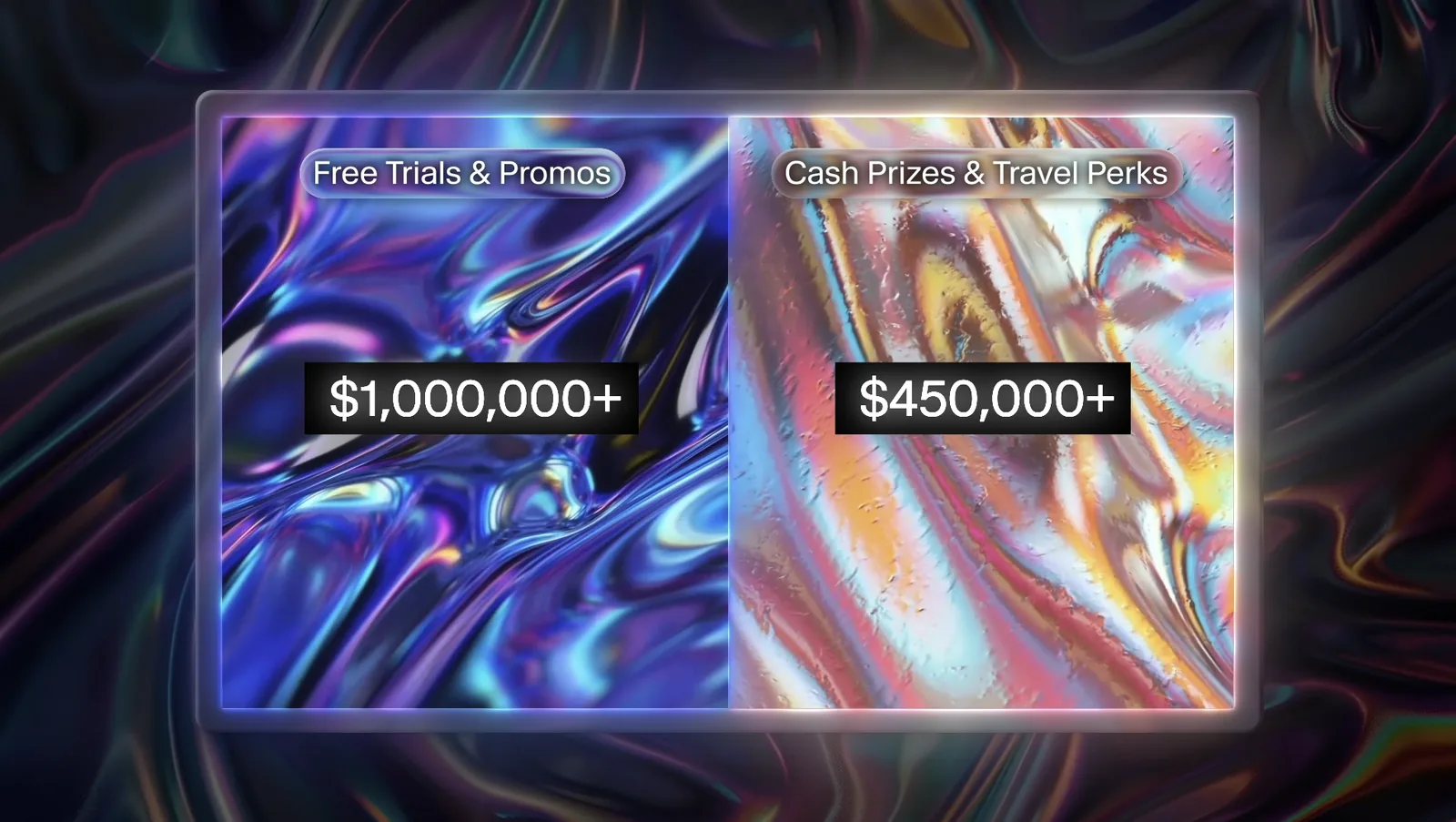
Across all divisions, Season 2 has more than $450,000 in cash prizes and travel perks, plus over $1,000,000 in free trials and promos from the partner tools.
How the game division works
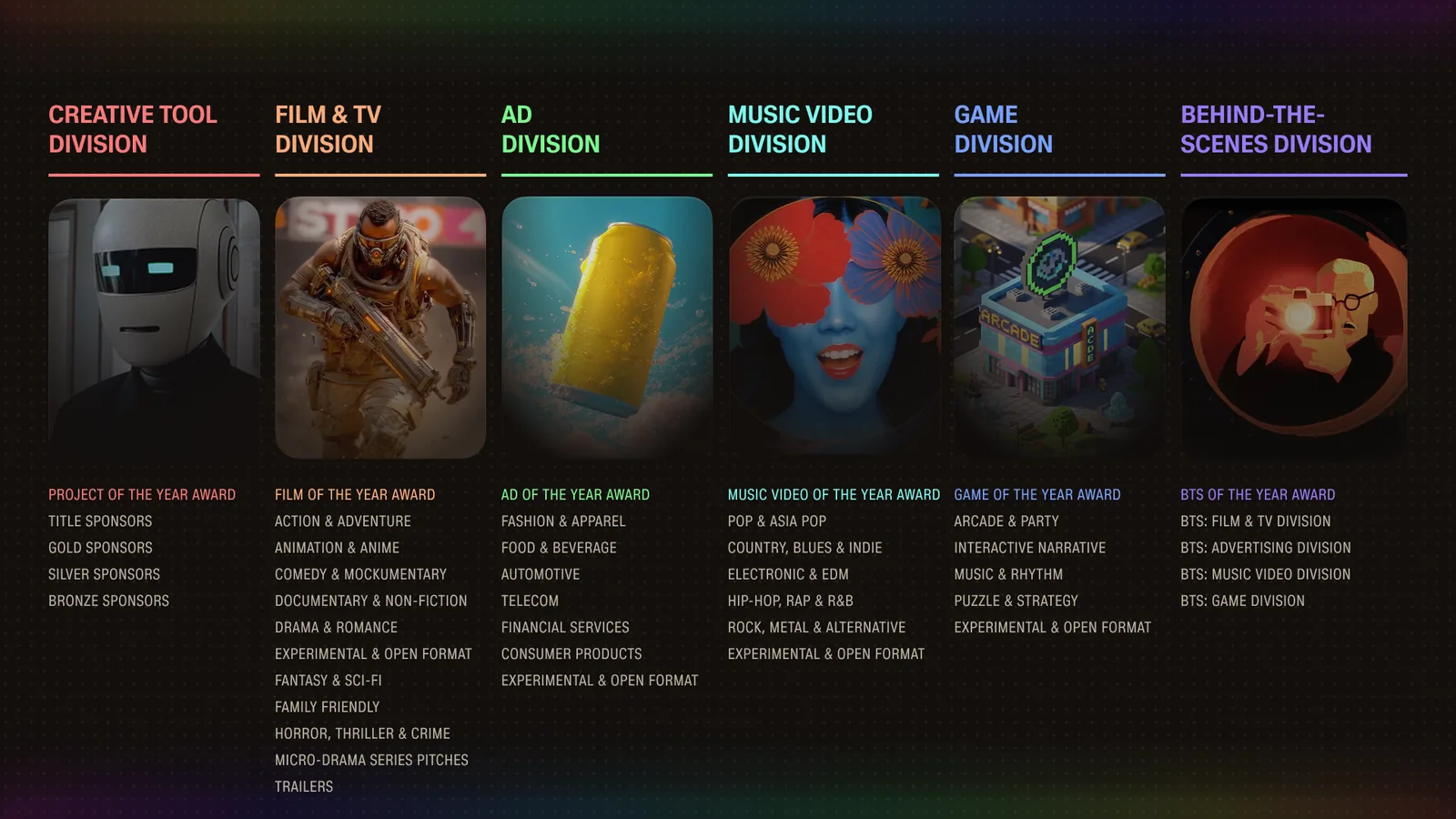
Season 2 has six divisions, each with its own categories. This post covers the Game division, the one SpriteCook fits best.
Games have to be playable in a web browser without a download. You submit a public link where the judges can play, plus a gameplay video. A few more rules:
- Each game goes into one of five categories, listed further down with ideas for each.
- In-game text has to be in English, or have English subtitles.
- You need to be 18 or older, not from a sanctioned country, and everything in your game has to be yours or used with permission.
- Judges look at game feel, mechanics, art direction, audio and polish.
Meshy also sponsors a Game of the Year award, a trip to the awards gala in April 2027, for a game made with Meshy. All rules are on the Chroma Awards site.
The SpriteCook Award
Games are where SpriteCook fits best, but a film or music video with SpriteCook art counts too. Keep a few notes while you work about which characters, tilesets and animations came from SpriteCook. It makes the proof easy, and it's great material for your gameplay video.
Categories and game ideas
Every category pays $2,000 for first, $1,000 for second and $500 for third. Here's what each one is looking for, with a few ideas to get you started.

- A four-player couch brawler where everyone plays a different animal warrior.
- A 60-second kitchen rush where you catch falling ingredients for a picky customer.
- An arena game of tag with slimes that split in two when they get hit.

- A push-block puzzle in a flooded dungeon, where the water rises every few moves.
- A small tower defense on a floating island, where you merge towers into new ones.
- A tactics game with a single unit, where every level adds one new rule.

- Seven nights as a lighthouse keeper, where each visitor's story depends on whether you let them in.
- A mystery told through a pixel art phone, with messages, photos and a map.
- A small town where you deliver mail, and reading the letters changes how people treat you.

- A rhythm game where you're a bard keeping a tavern crowd dancing.
- A runner where the level is built from the song, so every jump lands on a drum hit.
- A garden that grows to the music, where each instrument waters a different plant.

- A world that follows the time of day on the player's computer, from sunrise to midnight.
- A game where the art style shifts from 8-bit to painterly as the story goes on.
- A game played entirely inside a fake retro desktop, with windows as levels.
Making the art with SpriteCook
Once you have an idea, start with one hero asset you love. Save its settings as a preset or use it as a style reference, so everything you make after it matches. If you want a whole set at once, a Mini Pack makes nine matching assets for your genre in one go.
Characters


The Character Creator turns one character into a full animation set, like idle, run, jump and attack, in a Platformer, Top-Down or Isometric style. Make the whole cast with the same style settings so everyone fits together.
Tilesets and maps

Tilesets give you autotiling ground, walls and water. The Tileset tester lets you paint a quick map like this one to check them before you build your levels.
Items and icons at an exact size


Pixel Engine Image draws small sprites at exactly 16, 32 or 64 pixels with the background already removed, so items, pickups and units line up with your grid.
Animated props and scenery

Animate any sprite with a short prompt. Give furnaces, trees, torches and shopkeepers their own short loops, and the scene keeps moving even when the player stands still. For a rhythm game, try a prompt like "bouncing to a beat, a seamless loop".
Menus, dialogue and HUDs

The UI Kit Builder turns one screen concept into separate buttons, panels, dialogue boxes and choice menus, with 9-slice borders that stretch cleanly. That's handy for narrative games with lots of text on screen.
Getting it into the browser
Character sets export to Godot, Phaser, Unity and Roblox, and tilesets to Godot, Tiled and Unity. Phaser runs in the browser and Godot can export to the web, which covers the "playable in a browser" rule.

If you build with an AI coding agent, the SpriteCook plugin for Claude Code, Cursor and Codex lets the agent make your assets while it writes the game. The browser game above was built that way, and we wrote up every step in vibe coding a Phaser game.
30% off Adventurer for Chroma participants
You'll find the offer under recommended tools on the SpriteCook Award page, after a quick check on the Chroma site.
Key dates
Getting started
Register on the Chroma Awards site, pick a category, and make your first asset in SpriteCook. If you share your progress, tag SpriteCook. We'd love to see what you're making, and Chroma features a Submission of the Day from people who post their entries.