Generate game art in ChatGPT
SpriteCook is in the ChatGPT plugin directory. Install it, connect your SpriteCook account, and ask for sprites, animations, and tilesets in a chat. ChatGPT links each file in its reply and saves it to your SpriteCook library.
ChatGPT
SpriteCook is in the official plugin directory. Install it and connect your account, all in the browser.
- 1
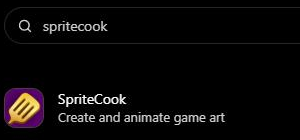
In ChatGPT, click Customize in the sidebar, then Plugins, and search for SpriteCook.
- 2
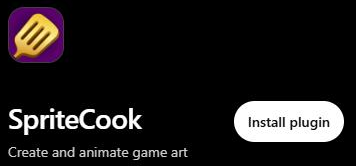
Open it, click Install plugin, then sign in to SpriteCook and approve the connection.
- 3
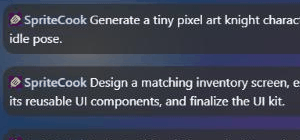
Click Try in chat and ask for the art you need.
What you can ask for
Ask in plain language. ChatGPT writes the prompt, calls SpriteCook, and links the result in the chat.
What it sets up
Games built this way
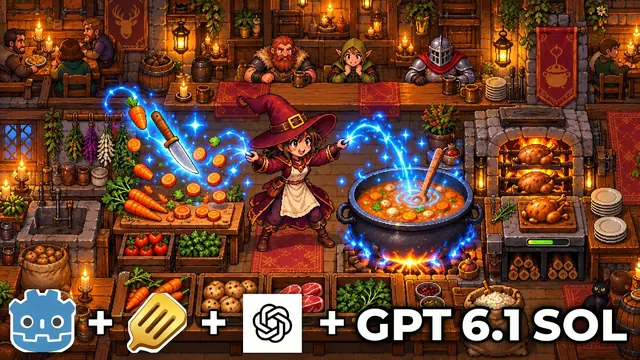
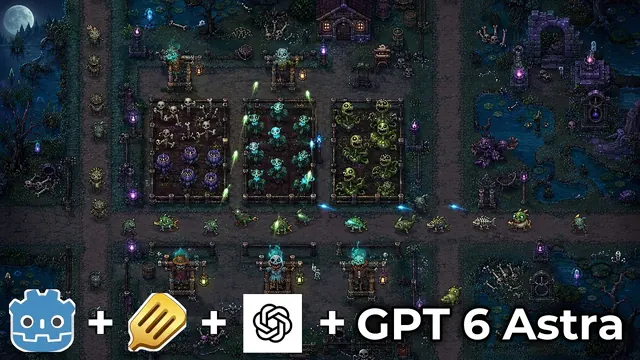
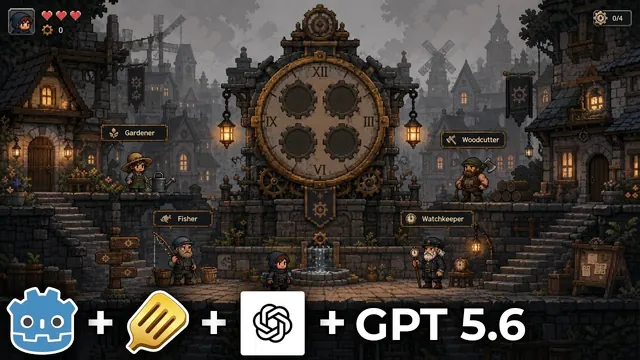
All videosLetta Corporation builds full Godot games with GPT models, and SpriteCook makes the art.
Common questions
Do I need a SpriteCook account?
Yes. When you install the plugin, ChatGPT sends you to SpriteCook to sign in and approve the connection. If you are new, you can make a free account in the same step. You do not need an API key.
I can't find SpriteCook in ChatGPT. What should I do?
Use the Add to ChatGPT button on this page. It opens the SpriteCook listing in the plugin directory, where you can install it. You need to be logged in to ChatGPT first.
Where does the art end up?
ChatGPT links each result in the chat, and every file is saved to your SpriteCook library. Open the SpriteCook app to edit or animate it.
What can I make with it?
Still sprites, characters, items, tilesets, textures, UI screens, and short animations. Both pixel art and detailed HD styles are supported.
How do I keep a set of assets in the same style?
Make one main asset first, like your hero character. Then ask ChatGPT to use it as the style reference for everything after. The palette, proportions, and style carry over to the rest of the set.
Does it work in Codex too?
Yes. SpriteCook is in the Codex plugin directory as well, and you sign in with the same SpriteCook account. The Codex page has the steps.
Using a different agent?
Let your agent handle the art
Connect once, then focus on the game.
Start creating free