Game art, generated
Godot UI Theme Generator
Design your whole screen once, then export it as Godot resources: elements as PNGs, StyleBoxTextures with your 9-slice margins already set, and a Theme ready to assign.



What Godot theming actually needs
Godot's theming system works well once you have art for it. A Theme wants a StyleBox for each control state. A StyleBoxTexture wants a texture plus four margin values, and if those are wrong the corners of your button stretch as soon as a label runs long. Until that art exists, most projects sit on flat ColorRect placeholders.
The UI Kit Builder works the other way around. You design the whole screen as one concept, approve it, and the pieces get rebuilt from that design as separate transparent elements. You set the 9-slice borders once while reviewing them, and the export writes the Godot resources for you. That means the PNGs, a StyleBoxTexture for each scalable piece with your margins already set, and a Theme that maps the state families it can resolve without guessing.
How it works
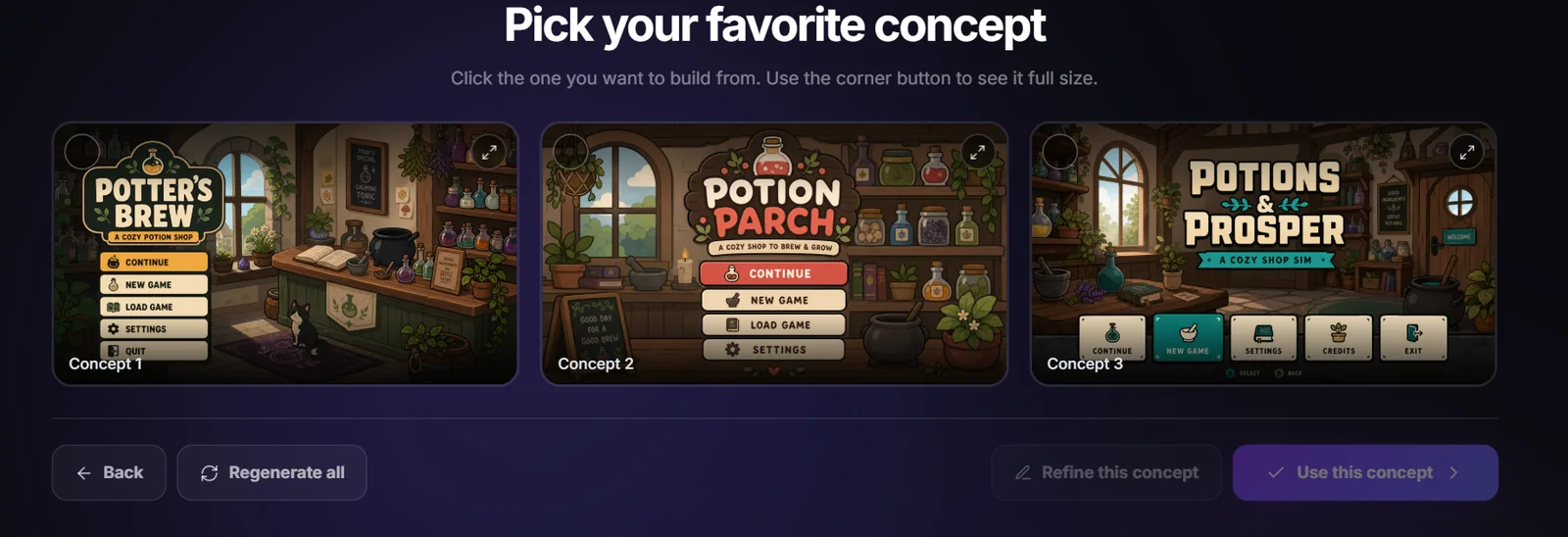
Start with the whole screen
Describe your game and the screen you need, then pick from the full-screen concepts you get back. Every element is designed next to the ones it sits beside, so panels, buttons, and icons drawn in the same picture already agree on palette, outline weight, and lighting.
Rebuild it as separate pieces
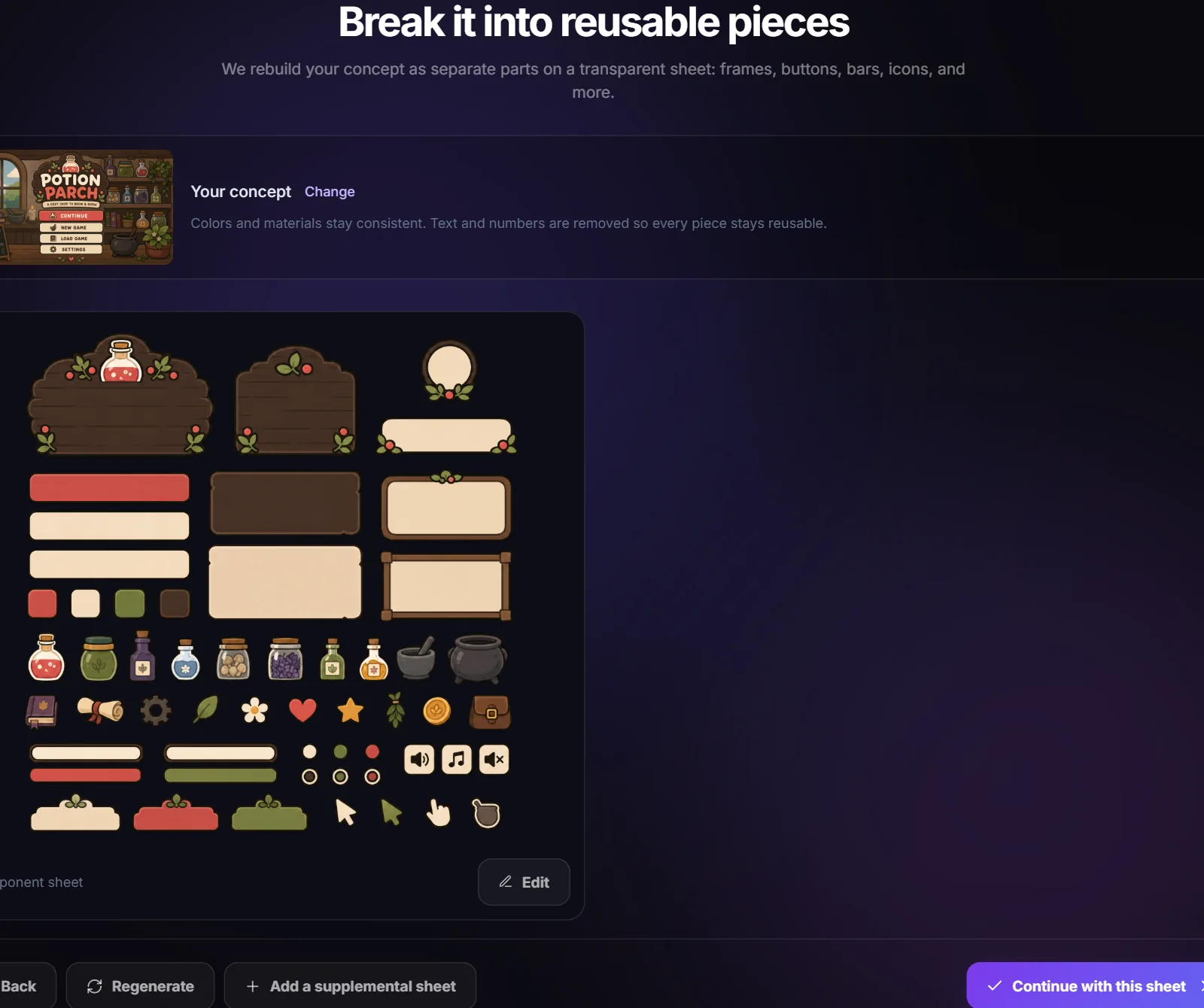
The approved concept is rebuilt as a component sheet on a transparent background: frames, buttons, tabs, bars, and icons, each isolated so it can be cut out. Ask for complete interaction states and you get hover, pressed, disabled, on/off, and selected variants as full families.
Export the Godot package
Pick Godot on the export step and you get a zip with a SpriteCook folder to copy into your project. Elements, StyleBoxTexture resources carrying the margins you set, the Theme, the manifest, and the concept image as a layout reference all come along.
What's in the Godot export
- SpriteCook/UI Kit/elements/: every element as a transparent PNG
- SpriteCook/UI Kit/styles/: a .tres StyleBoxTexture per scalable piece, with your reviewed texture margins
- SpriteCook/UI Kit/ui-kit-theme.tres: a Theme that maps unambiguous state families to their controls
- SpriteCook/UI Kit/ui-kit.spritecook.json: every piece with its type, state group, and border values
- SpriteCook/UI Kit/concept.png: the screen the kit was designed from