Learn to make and use game art
Tested guides for using your art in a game, plus video tutorials for SpriteCook.
Game techniques
Tricks that make generated art look right in a game, like light, water and depth. Each guide is tested and comes with code you can copy.
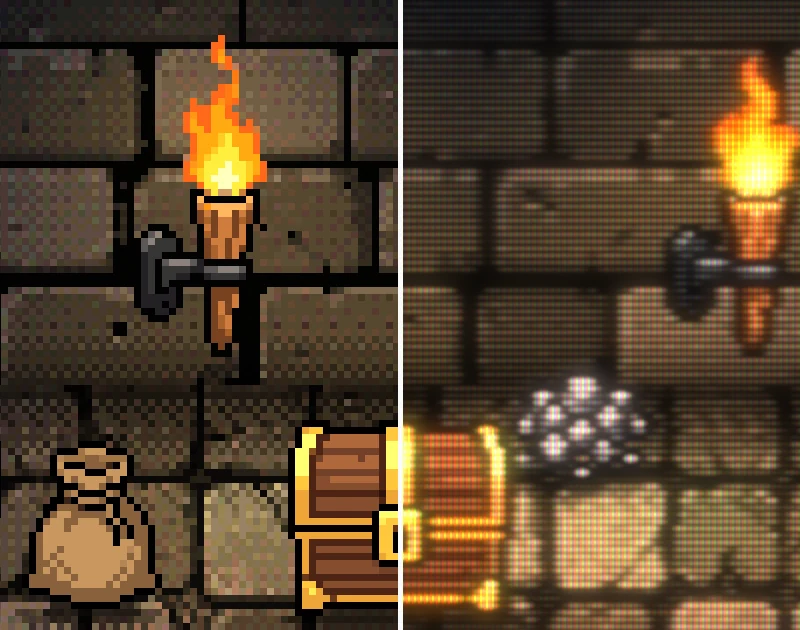 How to make pixel art look like it's on a CRTWhat an old CRT TV does to pixel art, why 90s console artists dithered in checkerboards, and a one-pass CRT shader for WebGL and Godot, with notes for other engines.
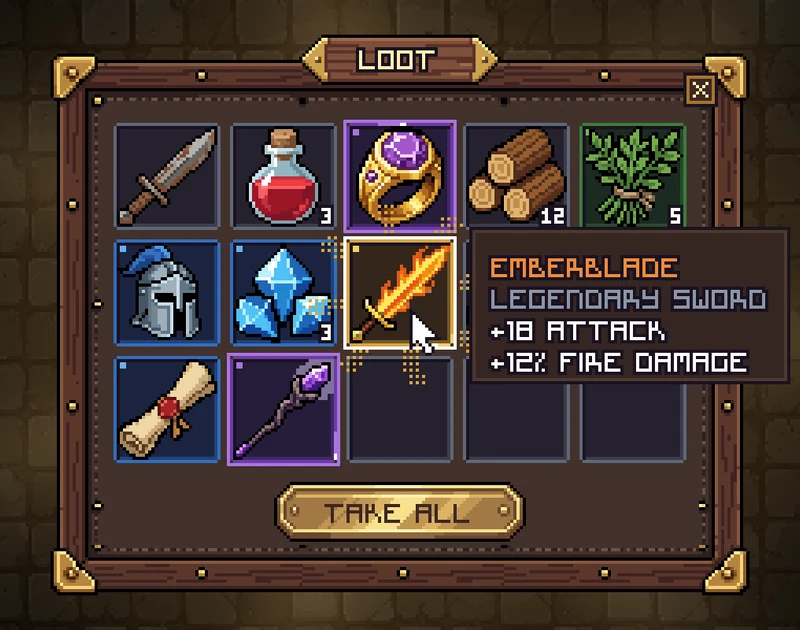 How to make a pixel art inventory UI with 9-slice and rarity effectsHow a small pixel art loot window was made. 20 generated pieces at exact sizes, a 9-sliced frame, rarity slots drawn in code, a staggered reveal with an effect per rarity, a glow behind the window and cartoony sound effects. With the prompts and Python code.
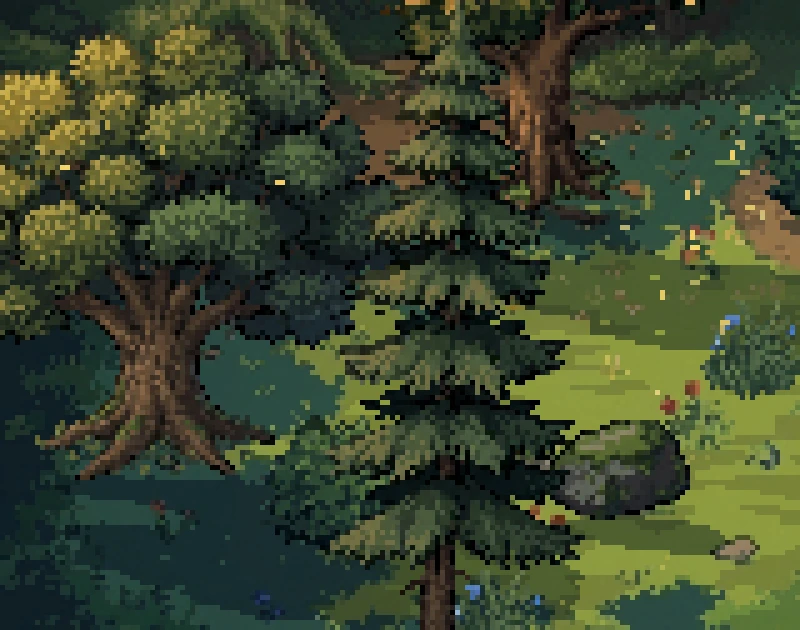 How to make pixel art trees move in the windWind for pixel art trees without animation frames. Keep the trunk still, move leaf clumps one pixel at a time in a wave, add gusts. Tested Python and Godot code.
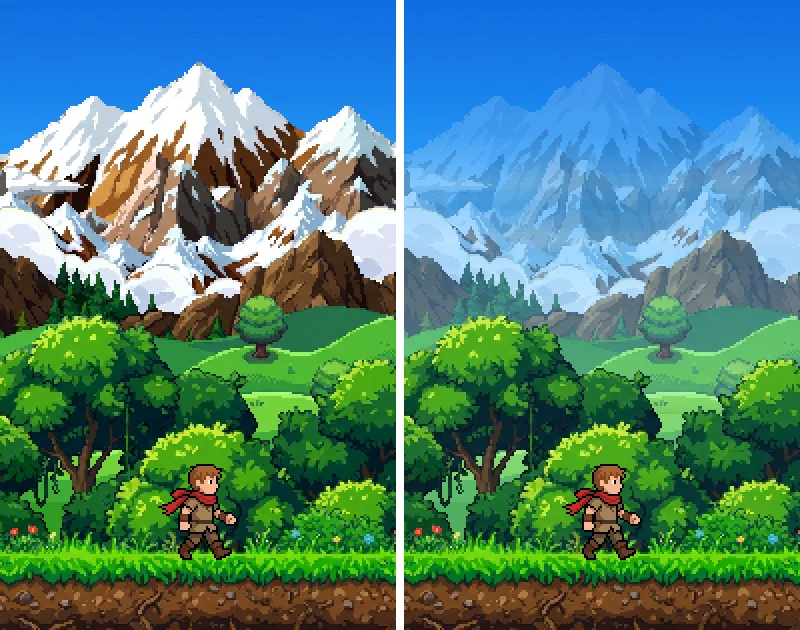 Atmospheric perspective for 2D parallax backgroundsWhy stacked parallax layers look flat, and how to fix it by blending each layer toward the sky's color by distance. With the amount for each layer, a tested Godot shader and the pitfalls.
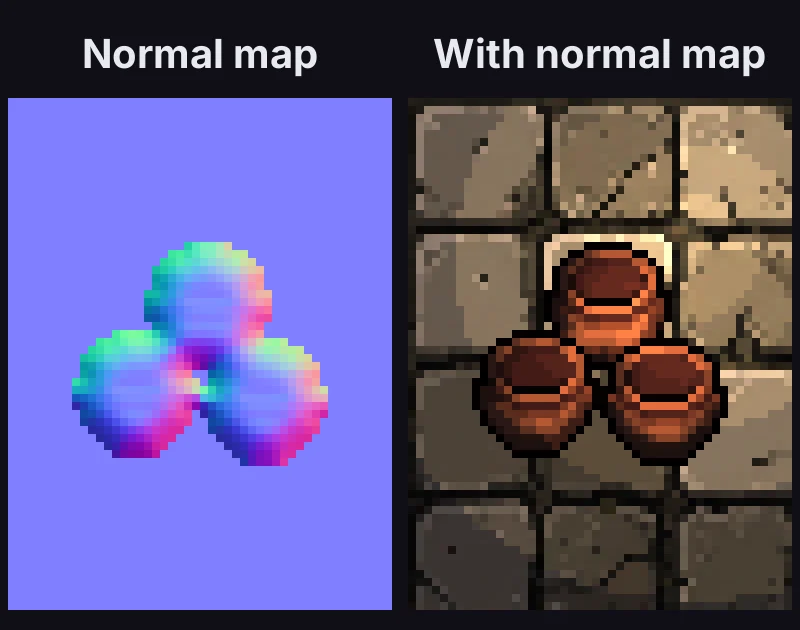 Normal maps for pixel art from the sprite's outlineHow to make a normal map for any pixel art sprite from its outline, with no drawing. The steps, Python code, a tested Godot shader that keeps the light in pixel art steps, floor tiles and the pitfalls.
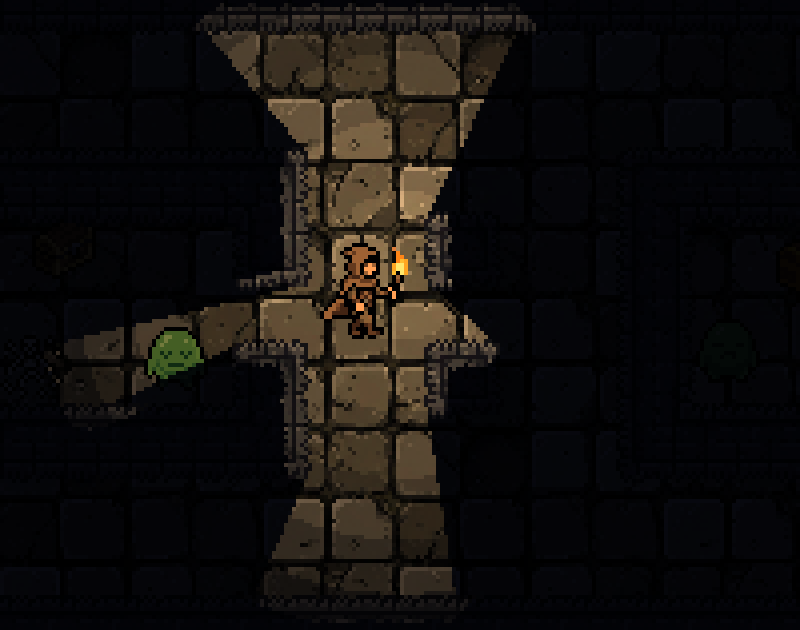 2D shadowcasting for torchlight, fog of war and line of sightTorchlight that stops at walls, fog of war and enemy line of sight, all from one roguelike algorithm. With tested Python and Godot code and the pitfalls.
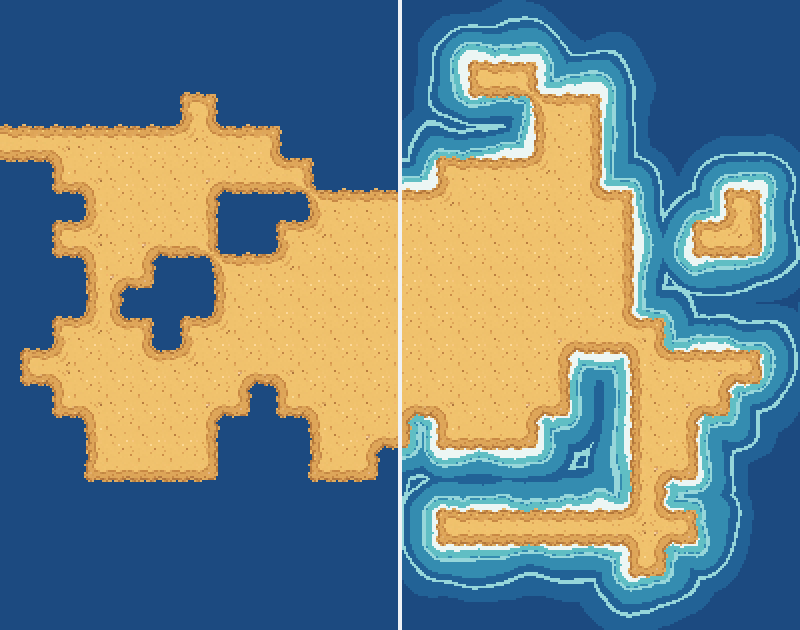 2D water shorelines with a distance fieldShallows, foam and waves that follow every bay of a 2D tile coastline, from one distance map baked at load. With a bake script, a Godot shader and pitfalls.
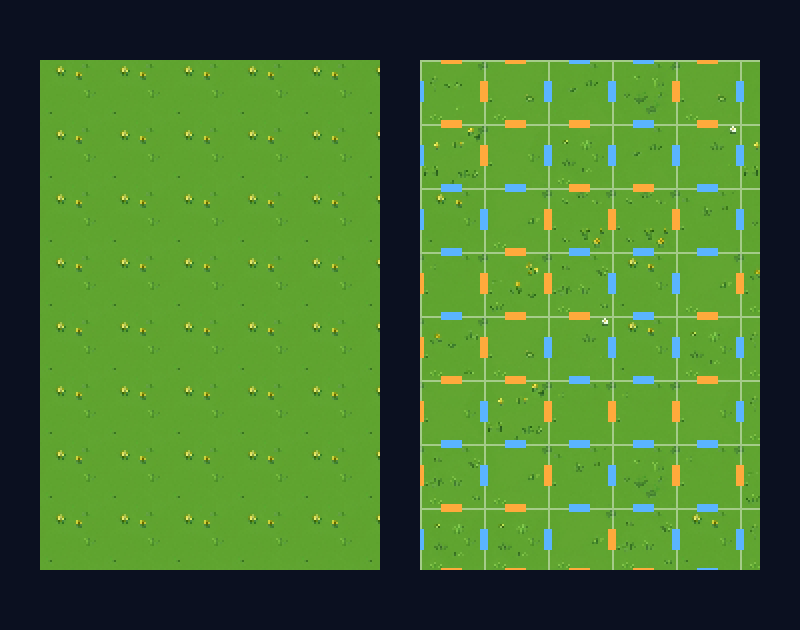 Wang tiles for pixel art, explainedOne repeated tile always shows a grid. Wang tiles fix it with 16 tiles whose edges match. How they work, how to place them, and how to cut them from a texture.
Tilesets and engines
How autotile and dual-grid tilesets work, and how to get your art into Godot, Unity or Tiled.
How tilesets work
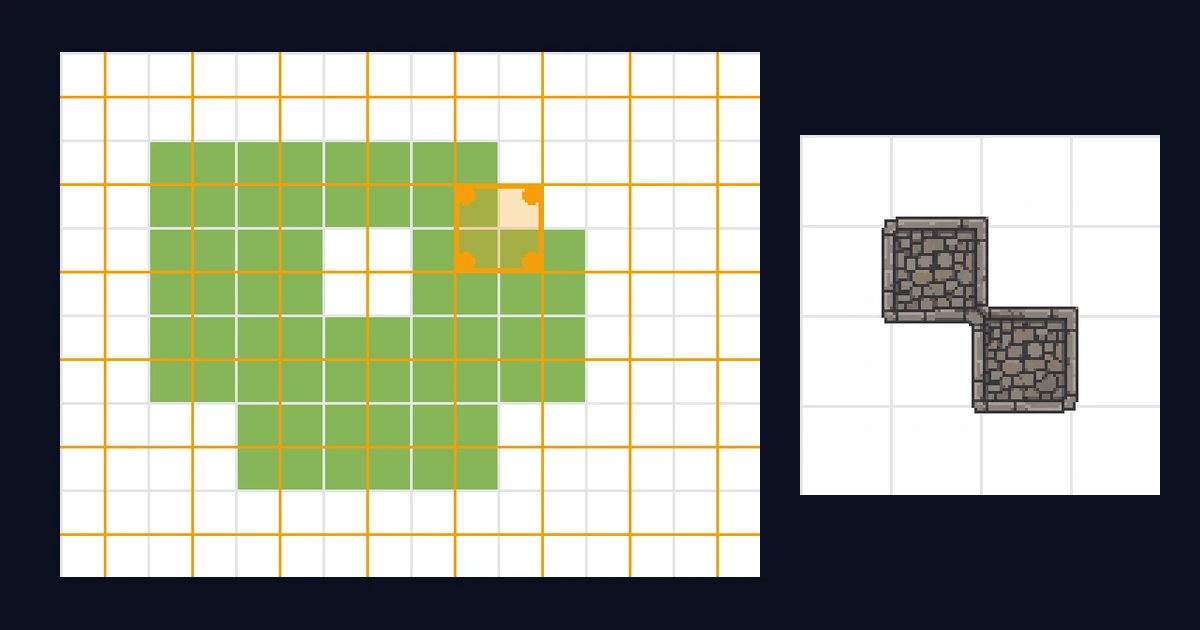 Dual-grid tilesets, explainedWhy autotiling on one grid needs 47 tiles, and how drawing tiles between the cells instead gets perfect corners with 15. With diagrams and the mask table.
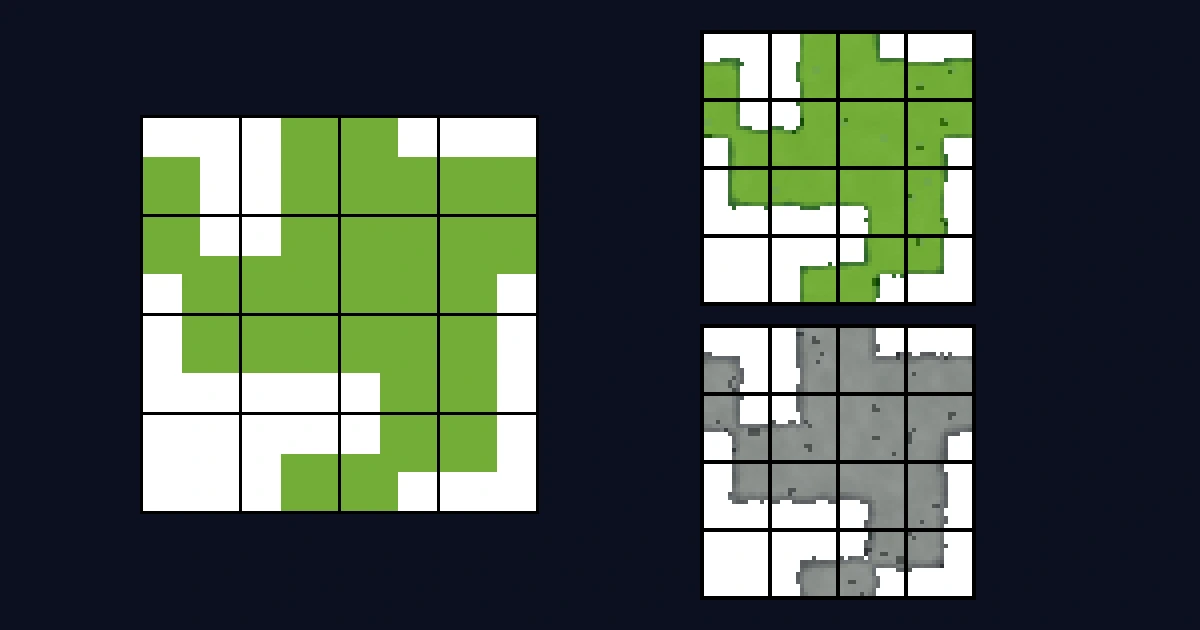 The 15-piece autotile tileset, explainedWhy autotile sheets have exactly 15 tiles, what each piece does, and how Godot, Unity, and Tiled pick the right one while you paint. With free templates.
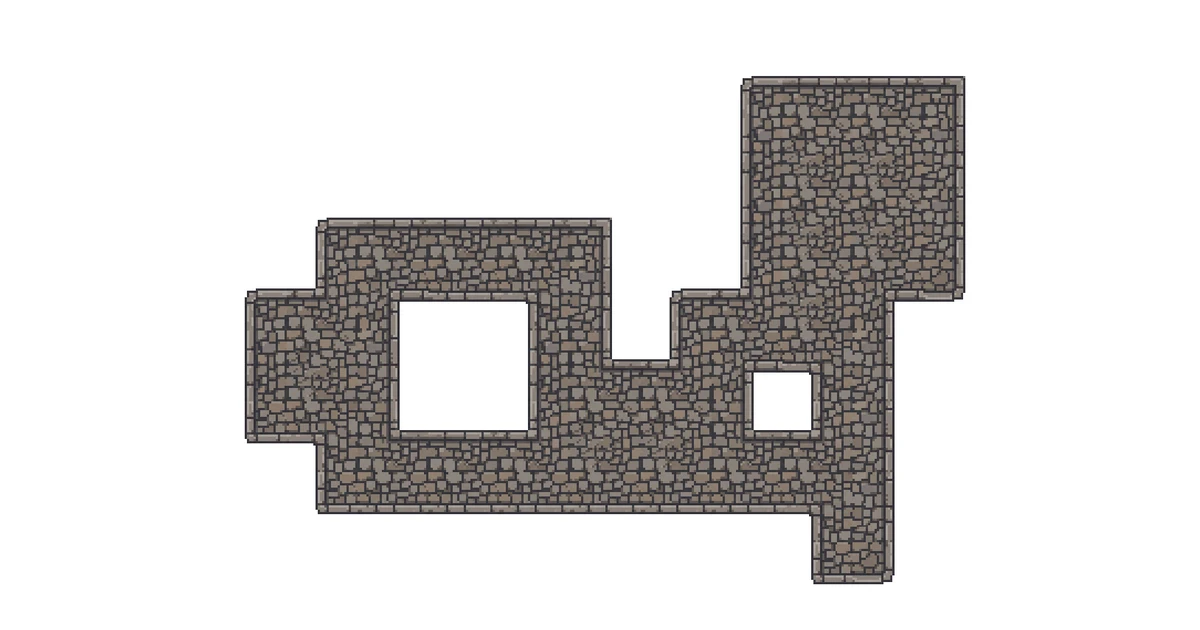 Make a top-down tileset that actually tilesSpriteCook's tileset mode generates a full 15-piece autotile set from one prompt, laid out so every edge and corner connects when you paint a top-down map.
In your engine
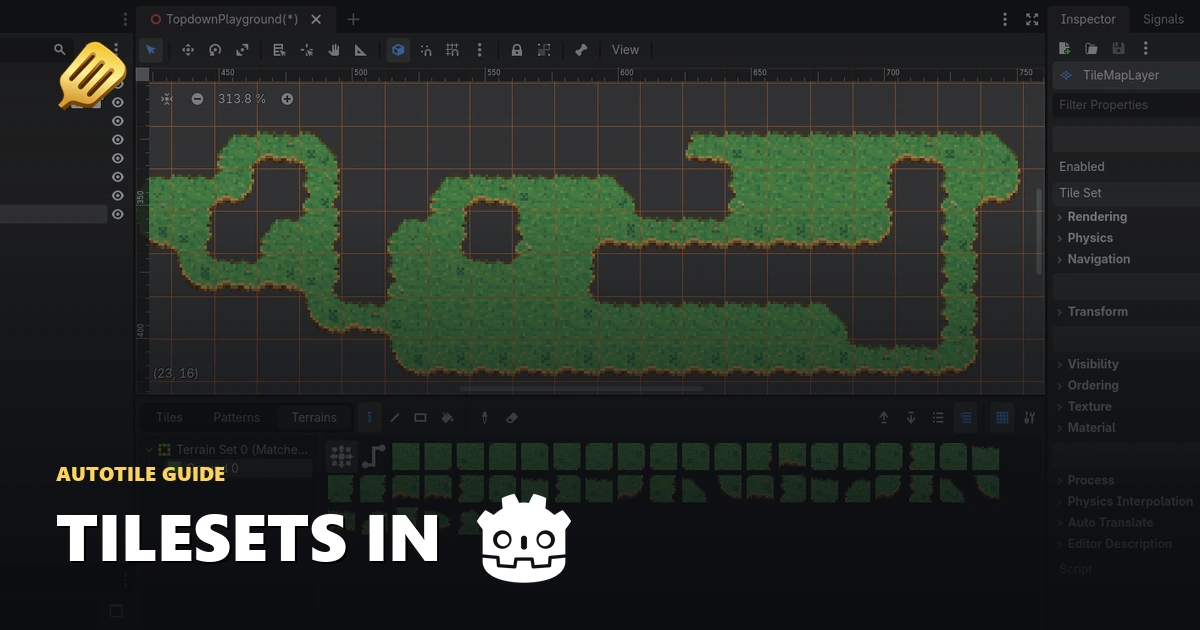 Make a Godot autotile tileset with AI and paint a mapGenerate a tileset with AI, load the Godot .tres onto a TileMapLayer, and paint autotile terrain that picks its own edges and corners. Step by step with screenshots.
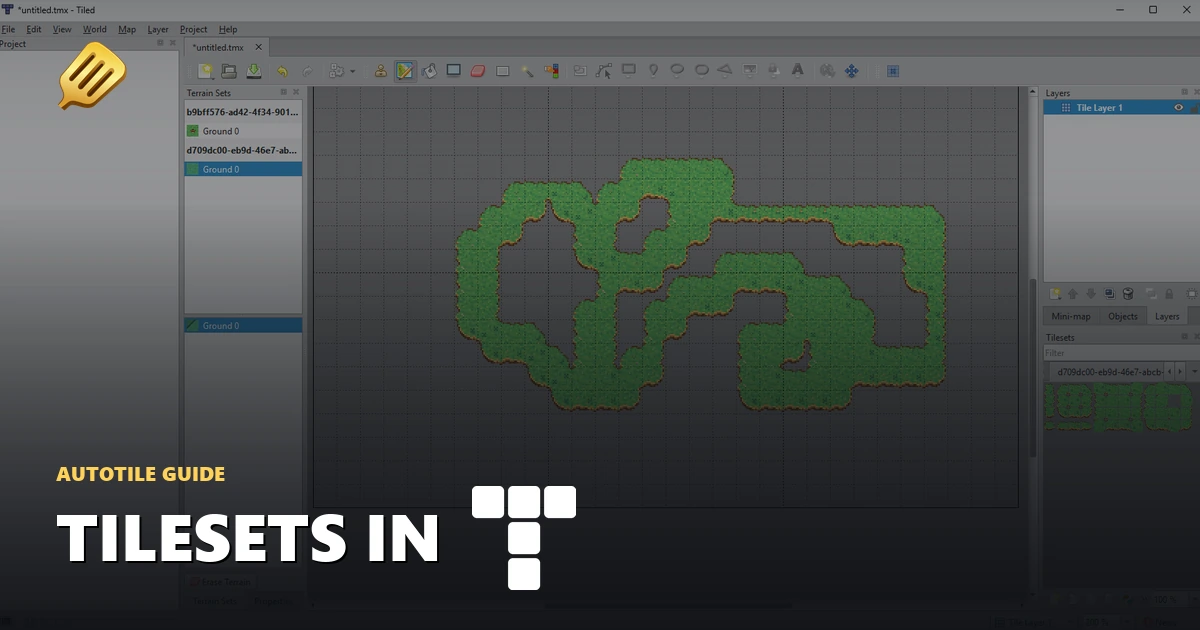 Tiled autotile tilesets with AI and the Terrain BrushGenerate a tileset with AI, add the .tsx to your Tiled map, and paint with the Terrain Brush so the edges and corners pick themselves. Step by step with screenshots.
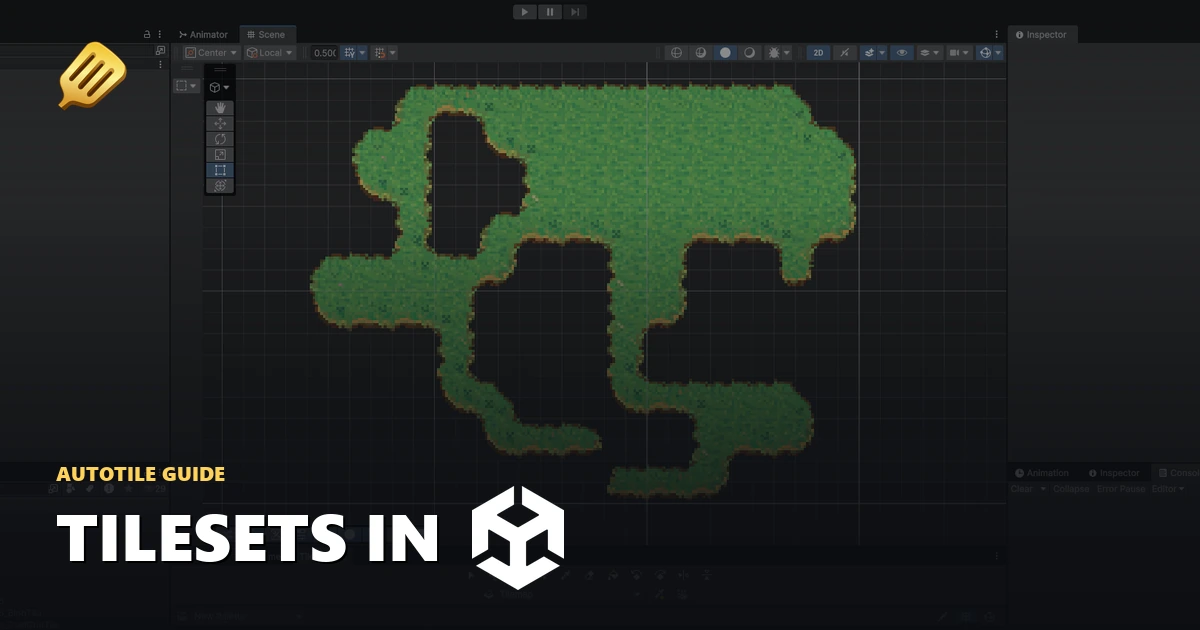 Make a Unity autotile tileset with AI and a Tile PaletteGenerate a tileset with AI, import the Unity package, and paint a tilemap from the Tile Palette that auto-fills the edge and corner tiles for you. Step by step with screenshots.
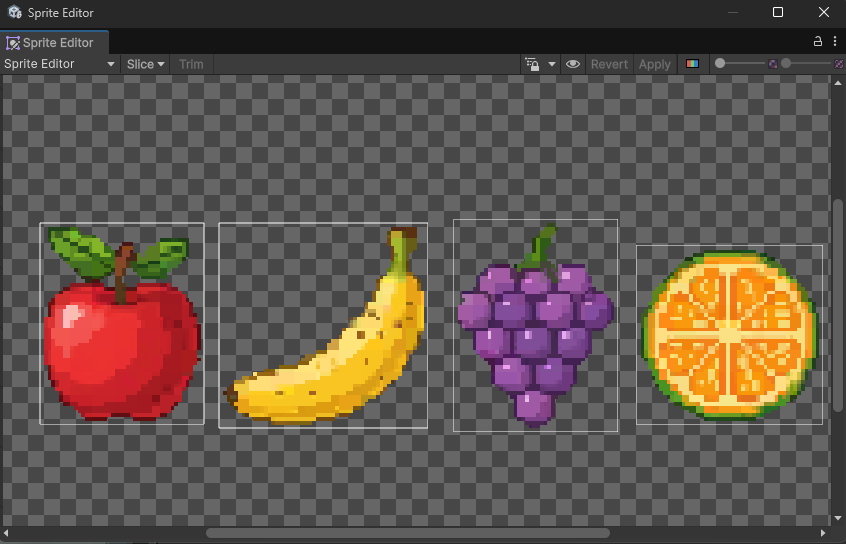 Unity pixel art import settings for crisp spritesConfigure Unity to render pixel art sharply with correct sprite import, camera, and project settings.
Build a game with SpriteCook
Each episode teaches one feature, from your first asset to a coding agent that adds the boss. All the art goes into one Godot game, so by the last episode you have something you can play.
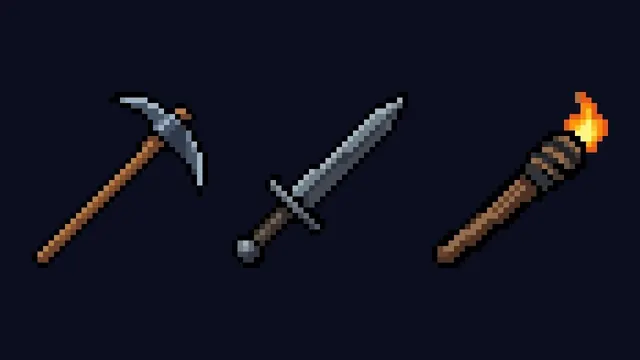 5:35How to make pixel art game items with AI in SpriteCookMake a pickaxe, a sword and a torch in Asset Generator, and see what each setting does on the way to transparent PNGs.
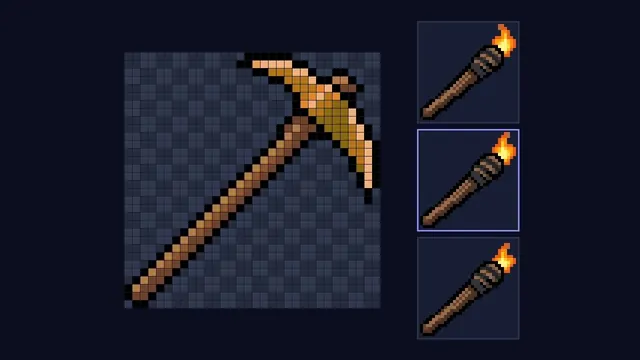 4:06How to edit and animate pixel art by hand in SpriteCookRecolor an iron pickaxe to gold in the Pixel Editor, then give a torch a flame that flickers over three frames.
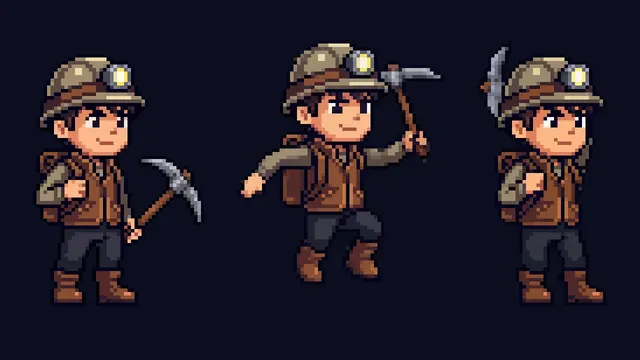 6:06How to make an animated pixel art character with AI in SpriteCookMake a cave explorer in the character creator, give it six animations, clean up a few stray pixels by hand and export it to Godot.
Coming up
- 03Animate any sprite
- 04Make a tileset that tiles
- 05Make a full item set with grids and packs
- 06Keep your art consistent
- 07Fix and recolour assets
- 08Build a game UI with the UI Kit Builder
- 09Use SpriteCook from Claude Code
Quick video tutorials
Short videos from the SpriteCook team, most about a minute long. Watch one before you try a feature for the first time.
In the app
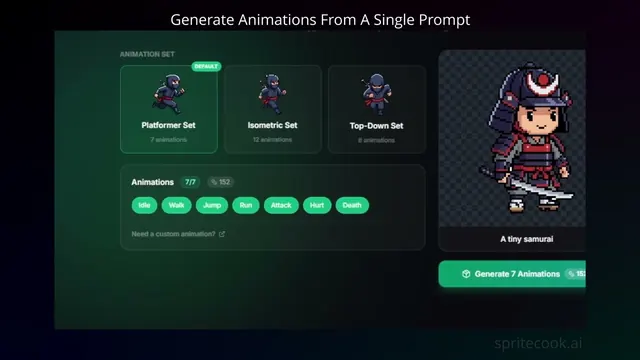 0:40Create a pixel art game character with a single promptUse the character creator to go from one prompt to a fully animated character in a couple of minutes.
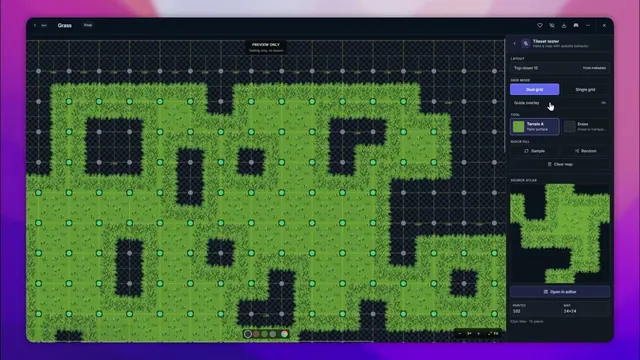 1:30Generate pixel art tilesetsGenerate a tileset from a prompt, then paint a map with it to check that every edge lines up.
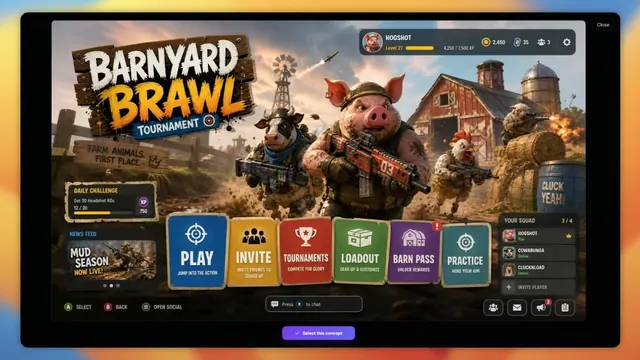 1:22Create any game UIDesign a whole screen as one concept in the UI Kit Builder, then get it back as separate buttons, panels and bars.
With your coding agent
Set up your agent 0:48How your AI coding agent makes game art with SpriteCookAn agent turns one concept into a background, separate sprites and an animated hero for a platformer level.
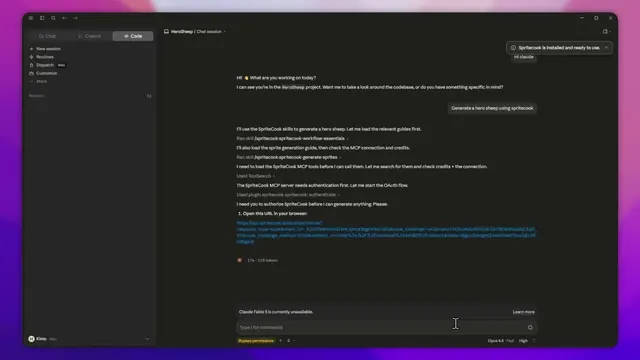 1:34Connect SpriteCook to Claude CodeSet up SpriteCook in Claude Code, then ask it for a sprite, an animation or a tileset.
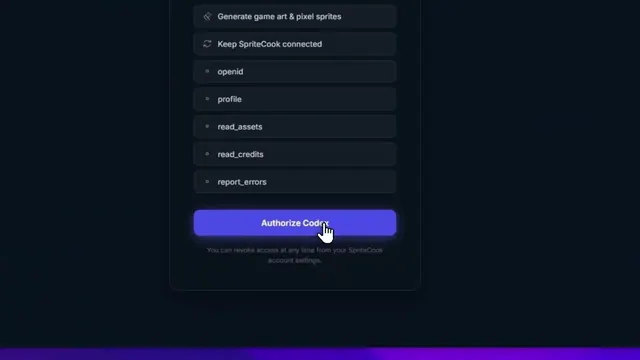 1:08Connect SpriteCook to CodexSet up SpriteCook in Codex, then generate and animate game art from your terminal.