Generate game art inside Antigravity
The SpriteCook plugin adds the hosted MCP server and the workflow skills to Antigravity. Install it once, sign in with your SpriteCook account, and your agent makes the art for the game it is building.
Install in Antigravity
One command installs the plugin for the Antigravity app, editor, and CLI.
Then sign in once. In the app or editor, open Customizations, go to Installed, and click Authenticate next to spritecook. In the CLI, type /plugin and choose Sign in.
What you can ask for
Talk to your agent in plain language. It calls SpriteCook and drops the art into your project.
What it sets up
Games built this way
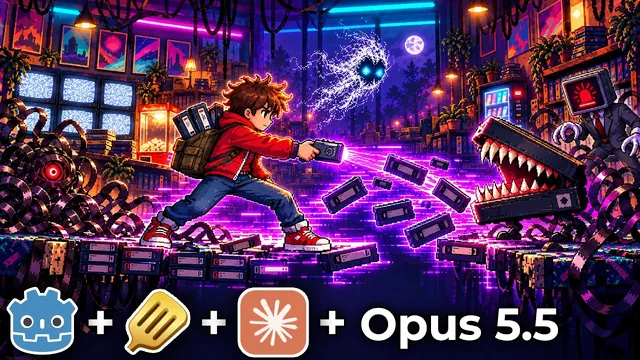
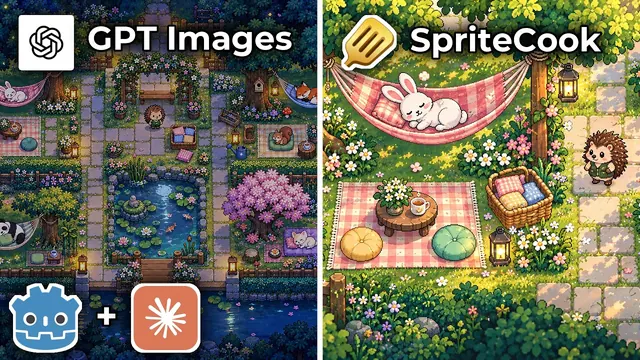
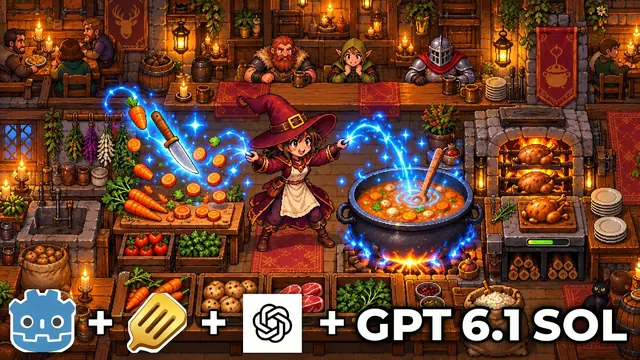
All videosLetta Corporation builds full Godot games with AI coding agents, and SpriteCook makes the art.
Common questions
How do I connect my SpriteCook account?
In the Antigravity app or editor, open Customizations, go to Installed, and click Authenticate next to spritecook under MCP Servers. Approve the connection in your browser, and paste the code if Antigravity asks for one. In the CLI, type /plugin, open Installed, pick spritecook, and choose Sign in.
Do I need the Antigravity CLI to install it?
The one-line install uses agy, the Antigravity CLI. Without it, clone the plugin repo into ~/.gemini/config/plugins/spritecook and restart Antigravity. The repo README has the exact command.
Do I need an API key?
No. Antigravity runs the browser sign-in and keeps you signed in. API keys are only needed for direct API integrations.
I added SpriteCook to Antigravity by hand before. Should I change anything?
Yes. If your ~/.gemini/config/mcp_config.json has a spritecook entry with an API key, remove it after you install the plugin. Otherwise Antigravity loads the SpriteCook tools twice.
How do assets keep a consistent style?
The bundled skills teach the agent to generate a hero asset first, then pass its ID as reference_asset_id for everything after. Palette, proportions, and style match across the set.
Using a different agent?
Let your agent handle the art
Connect once, then focus on the game.
Start creating free