Coyote time, jump buffering and corner correction for 2D platformers
Three small bits of forgiveness that make a platformer feel fair. A late jump off a ledge, an early jump before landing and a nudge past a corner, with the numbers, tested Godot code and the pitfalls.
Paste it into Claude Code, Codex, Cursor or any coding agent.
# Add coyote time, jump buffering and corner correction to my platformer

My 2D platformer's jump only works if the character is on the ground on the exact tick I press the button. Add three bits of forgiveness that players never notice but that make the controls feel fair: coyote time, jump buffering and corner correction.

Before you write code, look at my project: the engine and language, the player controller, how it detects the ground, where it reads input, and whether movement runs in a fixed physics step. Fit this into the existing controller instead of writing a second one. Keep my current speeds, gravity and jump height. If I have no player controller yet, ask me before inventing one.

## How it works

- Coyote time: the character still counts as grounded for a short time after leaving the ground, so a jump pressed just after running off a ledge works.
- Jump buffering: a jump press is remembered for a short time, so a press made just before landing fires on the tick the character lands.
- Corner correction: when a move in the air is blocked by a corner by only a few pixels, shift the body past it. A ledge the feet clip from the side lifts the body up. A ceiling corner the head clips on the way up slides the body sideways.

## Numbers that matter

- Coyote time: 0.1 s (6 ticks at 60 ticks a second).
- Jump buffer: 0.1 s.
- Corner size: 4 px, a whole number. That was tested on 32 px tiles, and Celeste uses 4 px on 8 px tiles, so anything from an eighth to half of my tile size is in range. An overlap of exactly the corner size is not corrected, only less than it.
- Expose all three as settings I can tweak. Setting one to 0 must turn that trick off.

## Pseudo code

```
# state
air_ticks   = BIG      # fixed ticks since the body last stood on the ground (BIG: a body spawned in the air cannot jump)
press_ticks = BIG      # fixed ticks since jump was last pressed

every fixed physics tick:
    air_ticks   = 0 if on_ground() else air_ticks + 1
    press_ticks = 0 if jump_pressed_this_tick() else press_ticks + 1

    can_jump   = air_ticks   <= round(coyote_time * ticks_per_second)
    wants_jump = press_ticks <= round(jump_buffer * ticks_per_second)
    if can_jump and wants_jump:
        velocity.y = -jump_speed
        air_ticks   = BIG          # one jump per time on the ground
        press_ticks = BIG          # one jump per press
    else if not on_ground():
        apply gravity

    set horizontal velocity from input
    correct_corners()
    move the body with collisions

function correct_corners():
    if on_ground(): return
    side = (velocity.x * dt, 0)
    if side.x != 0 and blocked(position, side):
        for px in 1..corner_px:                      # ledge: lift onto it
            lift = (0, -px)
            if not blocked(position, lift) and not blocked(position + lift, side):
                position += lift
                break
    rise = (0, velocity.y * dt)
    if rise.y < 0 and blocked(position, rise):       # ceiling: slide around it
        ways = [sign(velocity.x)] if velocity.x != 0 else [-1, +1]
        for px in 1..corner_px:
            for way in ways:
                shift = (way * px, 0)
                if not blocked(position, shift) and not blocked(position + shift, rise):
                    position += shift
                    return
```

`blocked(from, motion)` is "would the body hit something if it moved by motion from there". Godot: `test_move`. Unity: `Rigidbody2D.Cast` or `Physics2D.BoxCast`. Custom tile engine: the box against tiles check.

## Pitfalls

- Coyote time must not give a double jump. Close the window the moment a jump starts.
- Clear the buffered press when it is used, and also on death, respawn and when a menu or pause closes.
- Count fixed physics ticks or seconds, never rendered frames. Otherwise the windows shrink at high frame rates.
- If input is read in a per-frame update but movement runs in a fixed step (Unity), latch the press in the per-frame update and consume it in the fixed step, or presses get lost.
- Only correct corners in the air. On the ground it turns small bumps into stairs.
- Check that the body can make the shift itself, and that the move is free afterwards. Both checks, or it can be pushed into another collider.
- Ceiling: only slide the way the character is already moving, or either way when it is not moving sideways. Moving into the block should bonk.
- If the controller has variable jump height, wall jumps or a dash, keep them working and say how the three tricks interact with them.

## Check that it works

Write a small automated test with scripted input if the engine allows it, otherwise add a debug mode I can play. Count ticks the way the pseudo code does: "6 ticks after leaving" is the tick on which `air_ticks` becomes 6, and the landing tick is the first tick that starts with the body on the ground. In Godot, an action pressed from a script during a physics tick only counts as just pressed on the next tick, so measure that in the test. Expected results at 60 ticks a second with the numbers above:

- Run off a ledge and press jump 6 ticks after leaving it: jumps. 7 ticks after: does not.
- Fall onto ground and press jump 6 ticks before the landing tick: the jump fires on landing. 7 ticks before: does not.
- Jump, then press again 3 ticks later in the air: no second jump.
- Move sideways in the air into a ledge whose top is 3 px above the feet: ends up standing on it. 5 px above: slides down the wall.
- Jump straight up with the head overlapping the end of a ceiling block by 3 px: slides past and keeps rising. 5 px: bonks.
- With all three settings at 0 the old behavior is back, and a normal jump from the ground still works.

Then tell me which values you used and where I can tweak them.

Full guide with video and a tested Godot 4 script: https://www.spritecook.ai/blog/coyote-time-jump-buffering-corner-correction
A basic platformer controller jumps only if the character is on the ground on the exact tick you press the button. Players miss that tick by a few frames all the time, and every miss feels like the game ignored them. Coyote time, jump buffering and corner correction each forgive one of those misses. Each is a few lines of code, and players never notice them working.
One run that needs all three. The controller ticks 60 times a second, and the clip slows down around each trick. The gold box is the frog's collision box, the cyan lines are the ground's. The frog, his run and jump animations and the temple tiles were all generated by a coding agent with SpriteCook.
Coyote time
Players press jump a moment after they run off a ledge. On their screen they were still standing on it. A basic controller sees a character in the air, ignores the press, and the character drops into the pit.

Keep treating the character as grounded for a short time after it leaves the ground. Here that's 0.1 s, which is 6 ticks at 60 ticks a second. Celeste uses the same 0.1 s (JumpGraceTime in its player code).
At this scene's run speed of 150 px a second, 0.1 s is 15 px past the edge, about half of the frog's 28 px wide box. That's why nobody sees it. The feet are still close enough to the ledge that the jump looks right.
Jump buffering
When players chain jumps, they press jump just before they land. A basic controller throws that press away because the character is still in the air, so it lands and stands there.
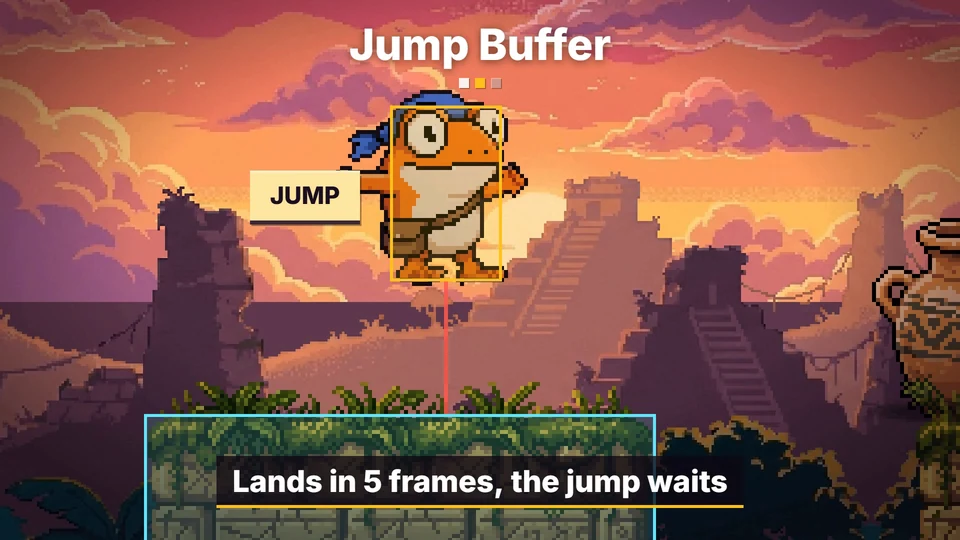
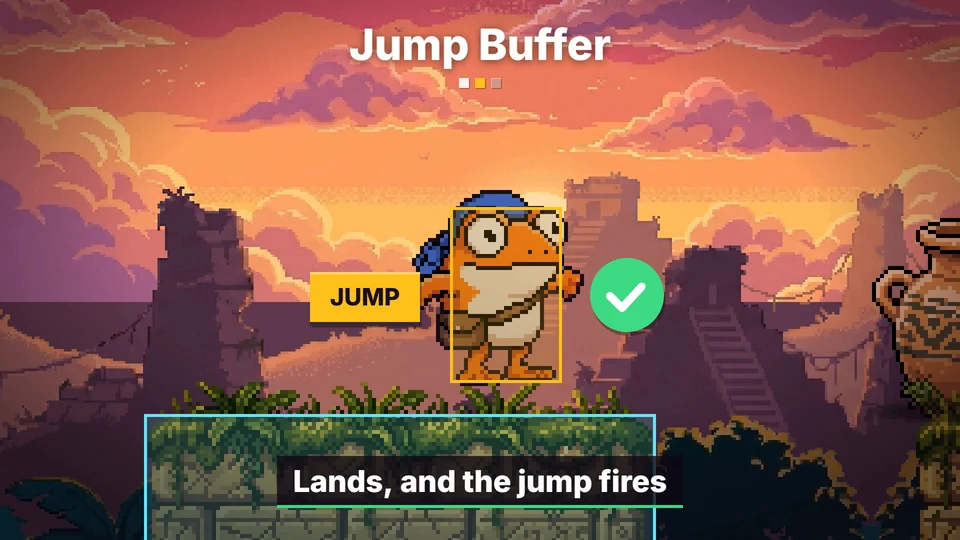
Remember the press for 0.1 s. On every tick, jump if a press is still remembered and the character can jump. The press fires on the first tick the ground is there.
Coyote time and jump buffering are the same idea from two sides. One stretches "on the ground" a little past the truth, the other stretches "pressed jump" a little past the truth.
Corner correction
A jump that misses the top of a ledge by a few pixels hits the wall and slides down, even though on screen it looked like it made it.
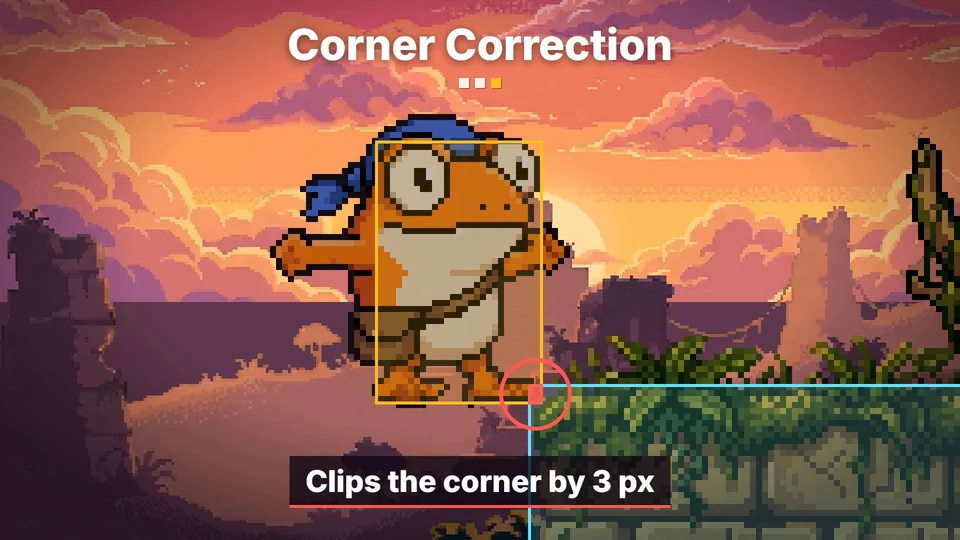
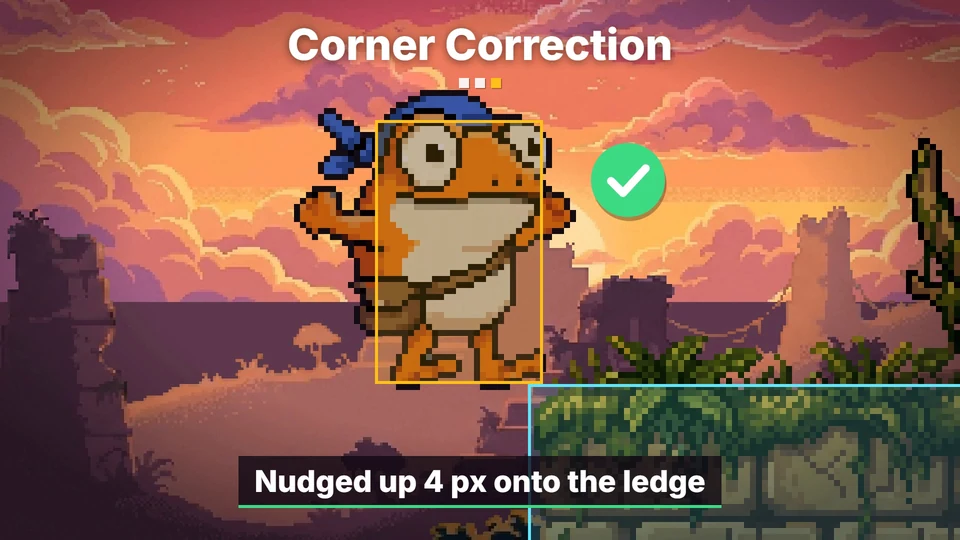
When a sideways move in the air is blocked, check if the same move would be free with the body a few pixels higher. If it is, lift the body by that much. The limit here is 4 px.
The same trick works on ceilings. A jump straight up next to a block can clip the block's corner with the edge of the head, and the whole jump dies. If shifting the body sideways by up to 4 px clears the corner, shift it. Celeste has both at 4 px, UpwardCornerCorrection for ceilings and DashCornerCorrection for ledges during a dash, in the same file. Maddy Thorson's Celeste and Forgiveness lists these and a few more.
The code
One Godot 4 script with all three. Put it on a CharacterBody2D with a CollisionShape2D. It uses Godot's built-in ui_left, ui_right and ui_accept actions, so it runs in an empty project.
# player.gd: a platformer controller with coyote time, jump buffering and corner correction.
# Attach it to a CharacterBody2D that has a CollisionShape2D. It uses Godot's built-in
# ui_left, ui_right and ui_accept actions, so it runs in a new project as is.
extends CharacterBody2D

@export var run_speed := 150.0     # px/s
@export var gravity := 1100.0      # px/s^2
@export var jump_speed := 480.0    # px/s
@export var max_fall := 560.0      # px/s

@export var coyote_time := 0.1     # s after leaving the ground that a jump still works
@export var jump_buffer := 0.1     # s a jump press is remembered
@export var corner_px := 4         # px of a corner the body may clip and still get past

# Both windows are counted in physics ticks, so they are the same length on every machine.
var _air_ticks := 1000             # ticks since the body last stood on the ground
var _press_ticks := 1000           # ticks since jump was last pressed


func _physics_process(delta: float) -> void:
	_air_ticks = 0 if is_on_floor() else _air_ticks + 1
	_press_ticks = 0 if Input.is_action_just_pressed("ui_accept") else _press_ticks + 1

	# Coyote time: the ground still counts for a moment after you leave it.
	# Jump buffering: a press still counts for a moment after you make it.
	var tps := Engine.physics_ticks_per_second
	var can_jump := _air_ticks <= roundi(coyote_time * tps)
	var wants_jump := _press_ticks <= roundi(jump_buffer * tps)
	if can_jump and wants_jump:
		velocity.y = -jump_speed
		_air_ticks = 1000          # one jump per time on the ground
		_press_ticks = 1000        # one jump per press
	elif not is_on_floor():
		velocity.y = minf(velocity.y + gravity * delta, max_fall)

	velocity.x = Input.get_axis("ui_left", "ui_right") * run_speed
	_correct_corners(delta)
	move_and_slide()


# Corner correction: when a corner blocks the move by corner_px or less, shift the body past it.
func _correct_corners(delta: float) -> void:
	if is_on_floor():
		return
	# A ledge the feet clip from the side: lift the body onto it.
	var side := Vector2(velocity.x * delta, 0.0)
	if side.x != 0.0 and test_move(global_transform, side):
		for px in range(1, corner_px + 1):
			var lift := Vector2(0.0, -px)
			if not test_move(global_transform, lift) and not test_move(global_transform.translated(lift), side):
				global_position += lift
				break
	# A ceiling corner the head clips on the way up: slide the body sideways around it.
	var rise := Vector2(0.0, velocity.y * delta)
	if rise.y < 0.0 and test_move(global_transform, rise):
		var ways := [signf(velocity.x)] if velocity.x != 0.0 else [-1.0, 1.0]
		for px in range(1, corner_px + 1):
			for way in ways:
				var shift := Vector2(way * px, 0.0)
				if not test_move(global_transform, shift) and not test_move(global_transform.translated(shift), rise):
					global_position += shift
					return
To try it before you wire it into your own game, download the Godot project (7 KB). It has this script, a gray-box level to play, with keys to switch each trick off and on, and the tests.
Tested in Godot 4.6 with scripted input, tick by tick:
- A press up to 6 ticks after leaving the ground jumps. A press on the 7th tick doesn't.
- A press up to 6 ticks before landing fires on landing. A press 7 ticks before doesn't.
- A ledge less than 4 px above the feet lifts the body onto it (3.99 px passes, 4 px doesn't). A ceiling corner that overlaps the head by less than 4 px gets the same treatment, when the character is standing still or moving away from the block.
- With
coyote_time,jump_bufferandcorner_pxall at 0 it behaves like Godot's CharacterBody2D template, which jumps only whenis_on_floor()is true on the tick you press.
Other engines
The two windows are two counters, ticks since the character was on the ground and ticks since jump was pressed. Jump when both are small enough, then push both out of range so one press and one landing give one jump. That part is the same in every engine.
In Unity, count in FixedUpdate but read the button in Update and keep it in a flag. GetButtonDown is only true for one rendered frame, and a FixedUpdate can miss it.
Corner correction needs one query, "would this body hit something if it moved by this much from here". In Godot that's test_move. In Unity it's Rigidbody2D.Cast or Physics2D.BoxCast. In a tile engine you wrote yourself it's your box against tiles check.
Picking the numbers
- Coyote time. Start at 0.1 s. Multiply it by your run speed to see how far past the edge a jump can start, and keep that under the character's width.
- Jump buffer. Start at 0.1 s. If it's much longer, a press the player made in the air and forgot about fires on landing.
- Corner size. 4 px on this scene's 32 px tiles is an eighth of a tile. Make it bigger and you can see the character pop.
None of these are rules. Play with them until it feels right.
Common pitfalls
Coyote time gives a free double jump. If the check is only "left the ground less than 0.1 s ago", a player who jumps can jump again in the air inside the window. Close the window the moment a jump starts. The script does that by pushing _air_ticks out of range.
An old press fires later. Clear the buffer when a jump uses it, and also when the character dies, respawns or a menu opens. Otherwise the button press that closed the menu makes the character jump.
Counting rendered frames. A window of "6 frames" in a per-frame update is 0.1 s at 60 fps and 0.04 s at 144 fps. Count physics ticks or seconds.
Corner correction on the ground. Lifting the body over anything 4 px high while it walks turns small bumps into stairs. Only correct in the air.
Nudging into something else. Check that the body can make the shift itself before you apply it, on top of checking that the move is free afterwards. The script runs both checks.
Ceiling nudges toward the block. Only slide the way the character is already moving, or either way when it's standing still. A character moving into the block should just bonk.
Where to next
- Hit stop, hit flash, knockback and 5 more ways to make hits feel heavy, the same kind of small fixes for combat
- How to set up a pixel art game so it renders pixel perfect, with the same frog
- Let your AI agent generate sprites and animations, the way this frog and his temple were made
- How to animate a custom pixel art sprite, for run and jump cycles
- Celeste and Forgiveness by Maddy Thorson, with more tricks of this kind
Add this to your game with your coding agent
The prompt has the numbers, pseudo code, pitfalls and checks from this guide, written so your agent can fit it into your own project.
# Add coyote time, jump buffering and corner correction to my platformer

My 2D platformer's jump only works if the character is on the ground on the exact tick I press the button. Add three bits of forgiveness that players never notice but that make the controls feel fair: coyote time, jump buffering and corner correction.

Before you write code, look at my project: the engine and language, the player controller, how it detects the ground, where it reads input, and whether movement runs in a fixed physics step. Fit this into the existing controller instead of writing a second one. Keep my current speeds, gravity and jump height. If I have no player controller yet, ask me before inventing one.

## How it works

- Coyote time: the character still counts as grounded for a short time after leaving the ground, so a jump pressed just after running off a ledge works.
- Jump buffering: a jump press is remembered for a short time, so a press made just before landing fires on the tick the character lands.
- Corner correction: when a move in the air is blocked by a corner by only a few pixels, shift the body past it. A ledge the feet clip from the side lifts the body up. A ceiling corner the head clips on the way up slides the body sideways.

## Numbers that matter

- Coyote time: 0.1 s (6 ticks at 60 ticks a second).
- Jump buffer: 0.1 s.
- Corner size: 4 px, a whole number. That was tested on 32 px tiles, and Celeste uses 4 px on 8 px tiles, so anything from an eighth to half of my tile size is in range. An overlap of exactly the corner size is not corrected, only less than it.
- Expose all three as settings I can tweak. Setting one to 0 must turn that trick off.

## Pseudo code

```
# state
air_ticks   = BIG      # fixed ticks since the body last stood on the ground (BIG: a body spawned in the air cannot jump)
press_ticks = BIG      # fixed ticks since jump was last pressed

every fixed physics tick:
    air_ticks   = 0 if on_ground() else air_ticks + 1
    press_ticks = 0 if jump_pressed_this_tick() else press_ticks + 1

    can_jump   = air_ticks   <= round(coyote_time * ticks_per_second)
    wants_jump = press_ticks <= round(jump_buffer * ticks_per_second)
    if can_jump and wants_jump:
        velocity.y = -jump_speed
        air_ticks   = BIG          # one jump per time on the ground
        press_ticks = BIG          # one jump per press
    else if not on_ground():
        apply gravity

    set horizontal velocity from input
    correct_corners()
    move the body with collisions

function correct_corners():
    if on_ground(): return
    side = (velocity.x * dt, 0)
    if side.x != 0 and blocked(position, side):
        for px in 1..corner_px:                      # ledge: lift onto it
            lift = (0, -px)
            if not blocked(position, lift) and not blocked(position + lift, side):
                position += lift
                break
    rise = (0, velocity.y * dt)
    if rise.y < 0 and blocked(position, rise):       # ceiling: slide around it
        ways = [sign(velocity.x)] if velocity.x != 0 else [-1, +1]
        for px in 1..corner_px:
            for way in ways:
                shift = (way * px, 0)
                if not blocked(position, shift) and not blocked(position + shift, rise):
                    position += shift
                    return
```

`blocked(from, motion)` is "would the body hit something if it moved by motion from there". Godot: `test_move`. Unity: `Rigidbody2D.Cast` or `Physics2D.BoxCast`. Custom tile engine: the box against tiles check.

## Pitfalls

- Coyote time must not give a double jump. Close the window the moment a jump starts.
- Clear the buffered press when it is used, and also on death, respawn and when a menu or pause closes.
- Count fixed physics ticks or seconds, never rendered frames. Otherwise the windows shrink at high frame rates.
- If input is read in a per-frame update but movement runs in a fixed step (Unity), latch the press in the per-frame update and consume it in the fixed step, or presses get lost.
- Only correct corners in the air. On the ground it turns small bumps into stairs.
- Check that the body can make the shift itself, and that the move is free afterwards. Both checks, or it can be pushed into another collider.
- Ceiling: only slide the way the character is already moving, or either way when it is not moving sideways. Moving into the block should bonk.
- If the controller has variable jump height, wall jumps or a dash, keep them working and say how the three tricks interact with them.

## Check that it works

Write a small automated test with scripted input if the engine allows it, otherwise add a debug mode I can play. Count ticks the way the pseudo code does: "6 ticks after leaving" is the tick on which `air_ticks` becomes 6, and the landing tick is the first tick that starts with the body on the ground. In Godot, an action pressed from a script during a physics tick only counts as just pressed on the next tick, so measure that in the test. Expected results at 60 ticks a second with the numbers above:

- Run off a ledge and press jump 6 ticks after leaving it: jumps. 7 ticks after: does not.
- Fall onto ground and press jump 6 ticks before the landing tick: the jump fires on landing. 7 ticks before: does not.
- Jump, then press again 3 ticks later in the air: no second jump.
- Move sideways in the air into a ledge whose top is 3 px above the feet: ends up standing on it. 5 px above: slides down the wall.
- Jump straight up with the head overlapping the end of a ceiling block by 3 px: slides past and keeps rising. 5 px: bonks.
- With all three settings at 0 the old behavior is back, and a normal jump from the ground still works.

Then tell me which values you used and where I can tweak them.

Full guide with video and a tested Godot 4 script: https://www.spritecook.ai/blog/coyote-time-jump-buffering-corner-correction
More game techniques
All techniques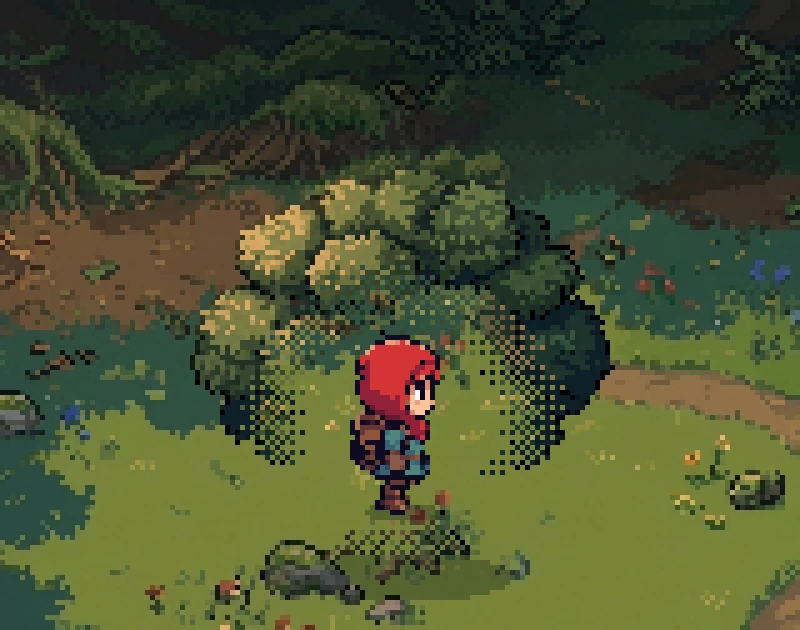
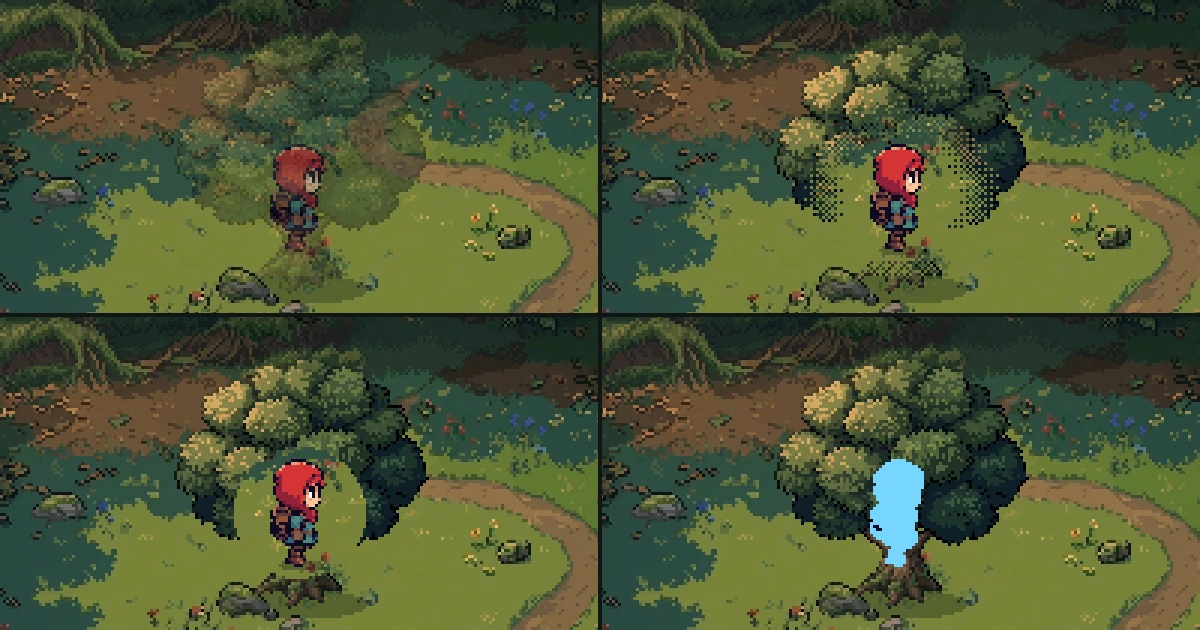 4 ways to keep the player visible behind trees and walls in a 2D gameFade, dither, cutout and silhouette, the four standard ways to show a character who walks behind a tree or a wall. What each one does to pixel art, when to switch it on, the numbers, a tested Godot script with its shader, and the pitfalls.
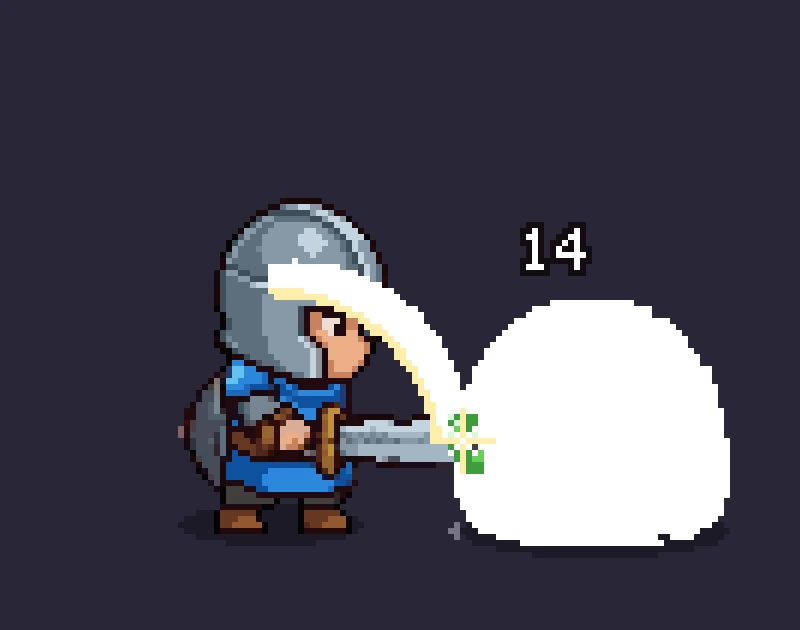
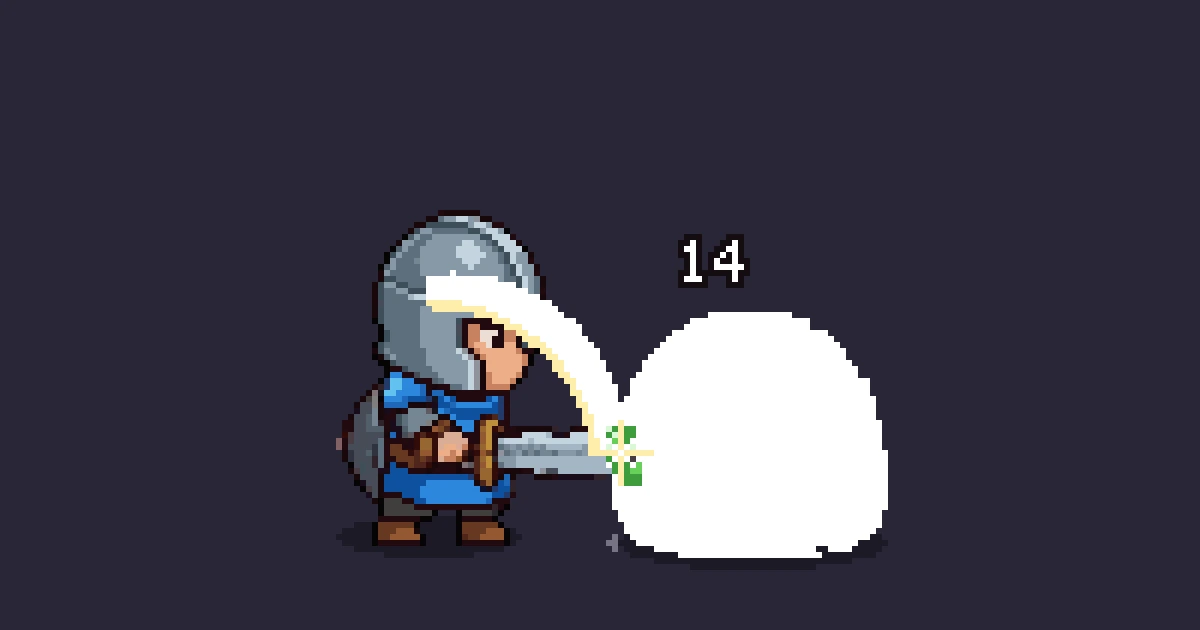 Hit stop, hit flash, knockback and 5 more ways to make hits feel heavyEight small effects that make a sword hit feel heavy in a 2D game, from hit stop to damage numbers, with the frame counts and pixel sizes for each, a tested Godot script and the pitfalls.
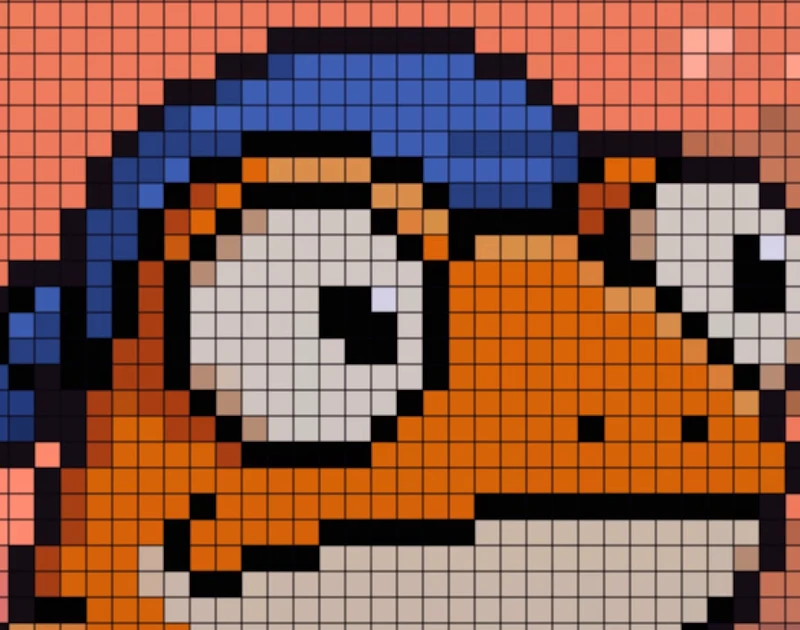
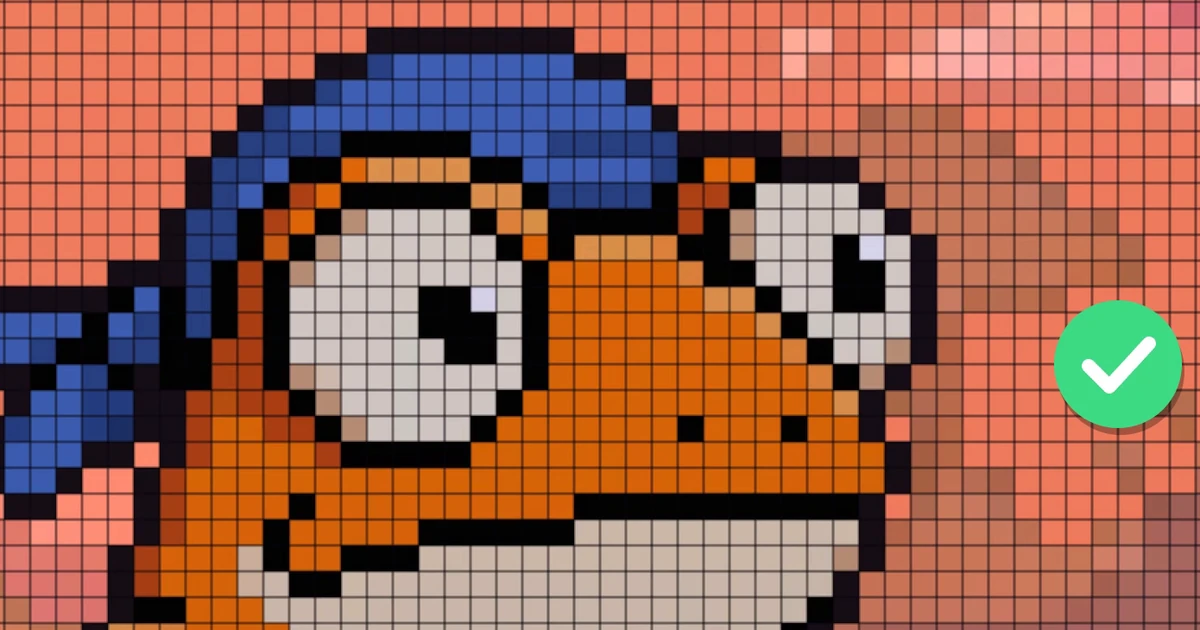 How to set up a pixel art game so it renders pixel perfectWhy pixel art looks blurry, lumpy or pasted together in a game, and the eight rules that fix it. With the Godot and Unity settings, a tested script that audits a scene and the pitfalls.